ZyXEL Communications PLA450 Series User Manual
Page 9
ENGLISH
9
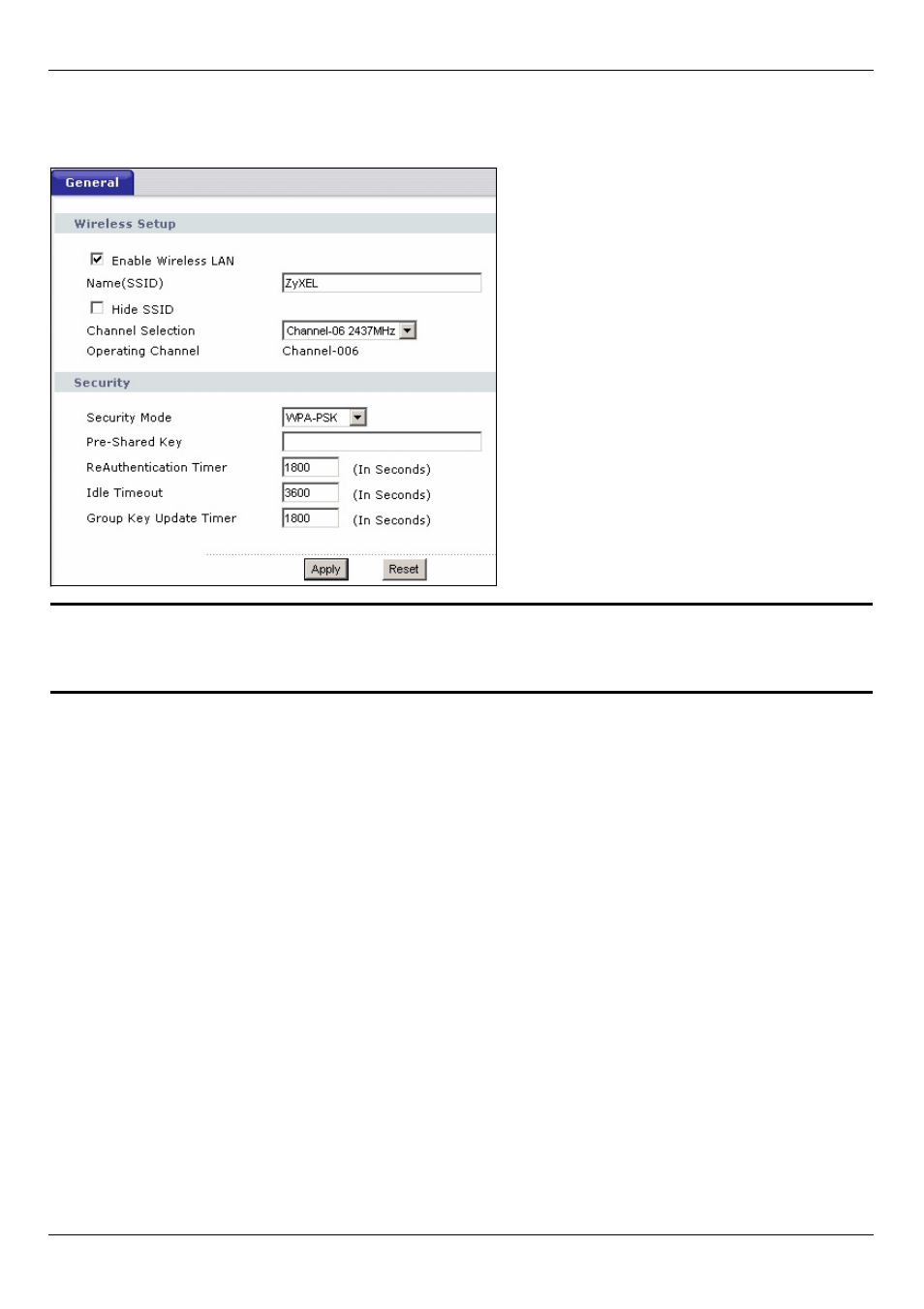
• Pre-Shared Key: Type a pre-shared key. Use 8 to 63 English keyboard characters (includ-
ing spaces and symbols). It is case-sensitive. Write it down to use in your wireless clients
so they can connect to the PLA450.
"
Write down the name and pre-shared key to use in the wireless clients
later.
3 Click Apply. Congratulations! You have configured the PLA450’s wireless settings and
are now ready to connect your other wireless devices to the PLA450.
3.2.2 Set Up a Wireless Network
You can now connect wirelessly to your PLA450 from your computer and access the
Internet. You will need the Network Name (SSID) and also the Pre-Shared Key if you set
up security in the previous section. The connection procedure is shown here using
Windows XP as an example.