Shooting in program ae ([p] mode), Image brightness (exposure), Adjusting image brightness (exposure compensation) – Canon PowerShot ELPH 150 IS User Manual
Page 48
48
Before Use
Basic Guide
Advanced Guide
Camera Basics
Auto Mode
Other Shooting
Modes
P Mode
Playback Mode
Setting Menu
Accessories
Appendix
Index
Before Use
Basic Guide
Advanced Guide
Camera Basics
Auto Mode
Other Shooting
Modes
P Mode
Playback Mode
Setting Menu
Accessories
Appendix
Index
Still Images
Movies
Shooting in Program AE ([P] Mode)
You can customize many function settings to suit your preferred shooting
style.
1
Enter [
G] mode.
z
z
Follow step 1 in “Specific Scenes”
(
) and choose [
G].
2
Customize the settings as
desired (
), and
then shoot.
•
If adequate exposure cannot be obtained when you press the shutter button
halfway, shutter speeds and aperture values are displayed in orange. In this
case, try adjusting the ISO speed (
) or activating the flash (if subjects
are dark,
), which may enable adequate exposure.
•
Movies can be recorded in [
G] mode as well, by pressing the movie button.
However, some FUNC. (
automatically adjusted for movie recording.
•
For details on the shooting range in [
Image Brightness (Exposure)
Still Images
Movies
Adjusting Image Brightness
(Exposure Compensation)
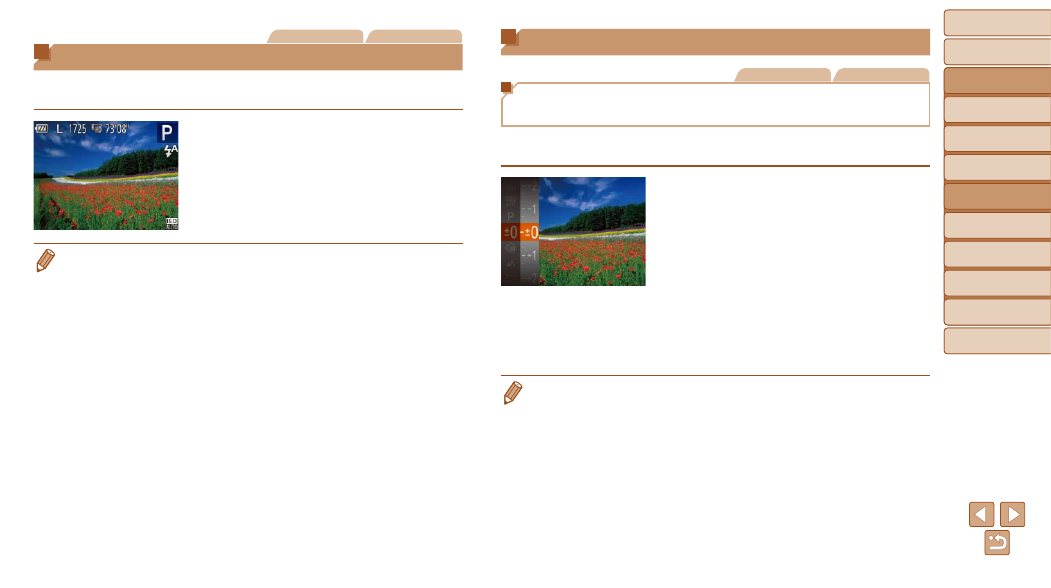
The standard exposure set by the camera can be adjusted in 1/3-stop
increments, in a range of –2 to +2.
z
z
Press the <
m> button and choose [#]
in the menu. As you watch the screen,
press the <
o><p> buttons to adjust
brightness (
z
z
The correction level you specified is now
displayed.
z
z
When shooting movies, shoot with the
exposure compensation bar displayed.
z
z
When shooting still images, press the
<
m> button to display the set exposure
compensation amount, and then shoot.
•
You can also shoot still images with exposure compensation bar displayed.
•
While recording a movie, [
&] is displayed, and the exposure is locked.