Fitting – Blaupunkt IVMS-5802 User Manual
Page 6
18
FITTING
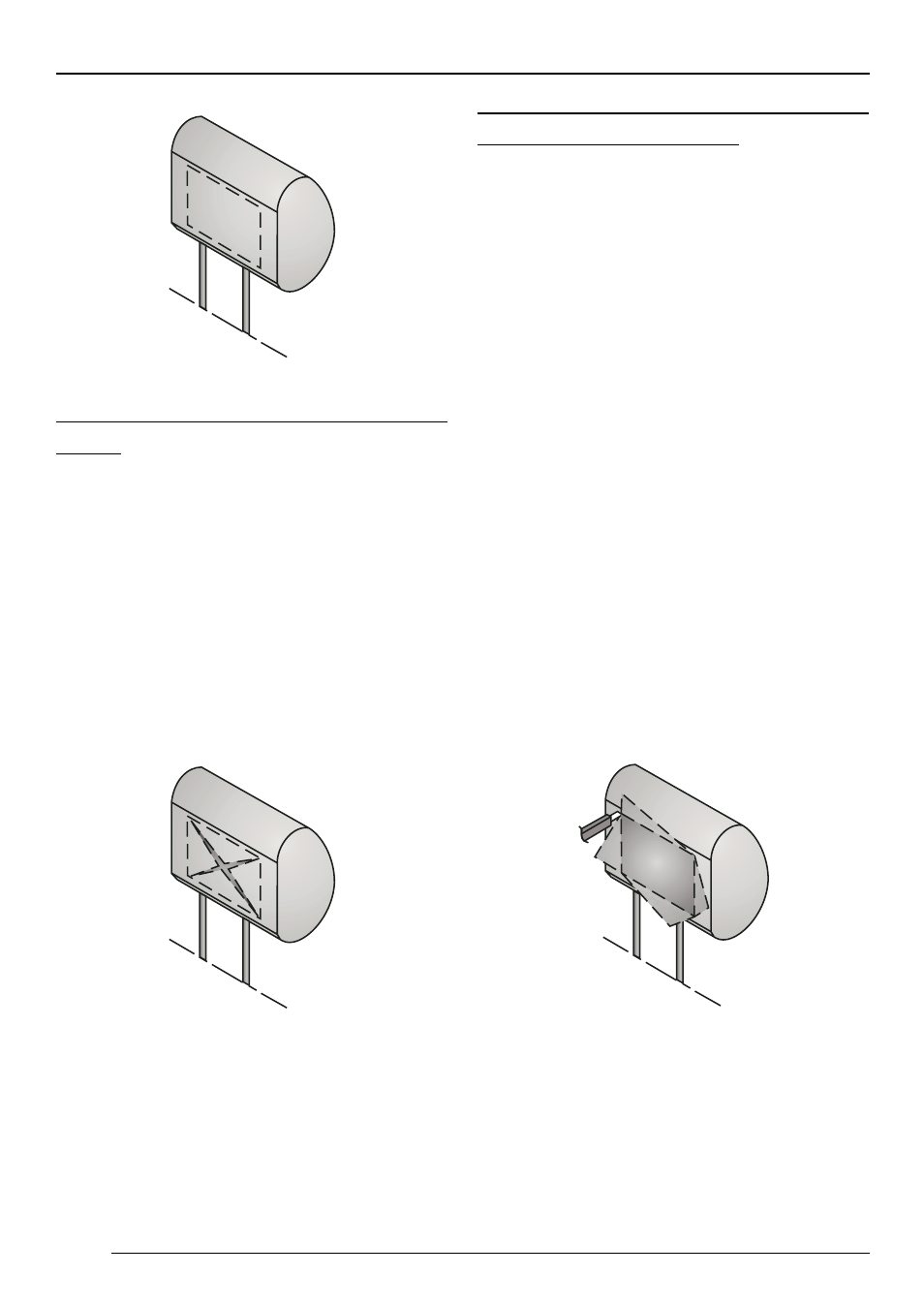
Carefully cut open the headrest
cover
Use a knife with an adjustable cutting
depth to cut out the planned area.
➮
Make the first cut inside the marked
area at a point about 0.5 cm from one
of the corners, then make a diago-
nal cut to a point about 0.5 cm from
the opposite corner.
➮
Make a similar cut between the oth-
er two diagonally opposed corners.
Open the headrest and remove
filling and other items
➮
Carefully lift the covering material
away from the cut area.
➮
Adjust the cutting depth of the knife
to about 2.5 cm, and cut into the he-
adrest following a line about 0.5 cm
inside the marked edge.
➮
Carefully lift the filling material at one
corner, and cut deeper into the ma-
terial with the knife.
➮
Remove the filling material in small
pieces.
➮
As you do this, lift one piece of the
filling material, and ensure that the
cut is being made to an even depth.
To remove other pieces, use a Dremel
saw or another suitable tool.
➮
Insert the monitor to check that it will
fit into the cut area, and make ad-
justments if necessary.