Apotop DW09 Wi-Reader User Manual
Page 17
萬國科技
16
9.
在
Wireless Basic Settings
,你可以更改
Wi-Reader
的
SSID(
無
線網路名稱
)
,若不想要變動名稱,也可以直接點按
Next
。
Wireless Basic Settings for using
different SSID
for your
Wi-Reader. Also,
if you do not want to change it, please
click “Next” directly.
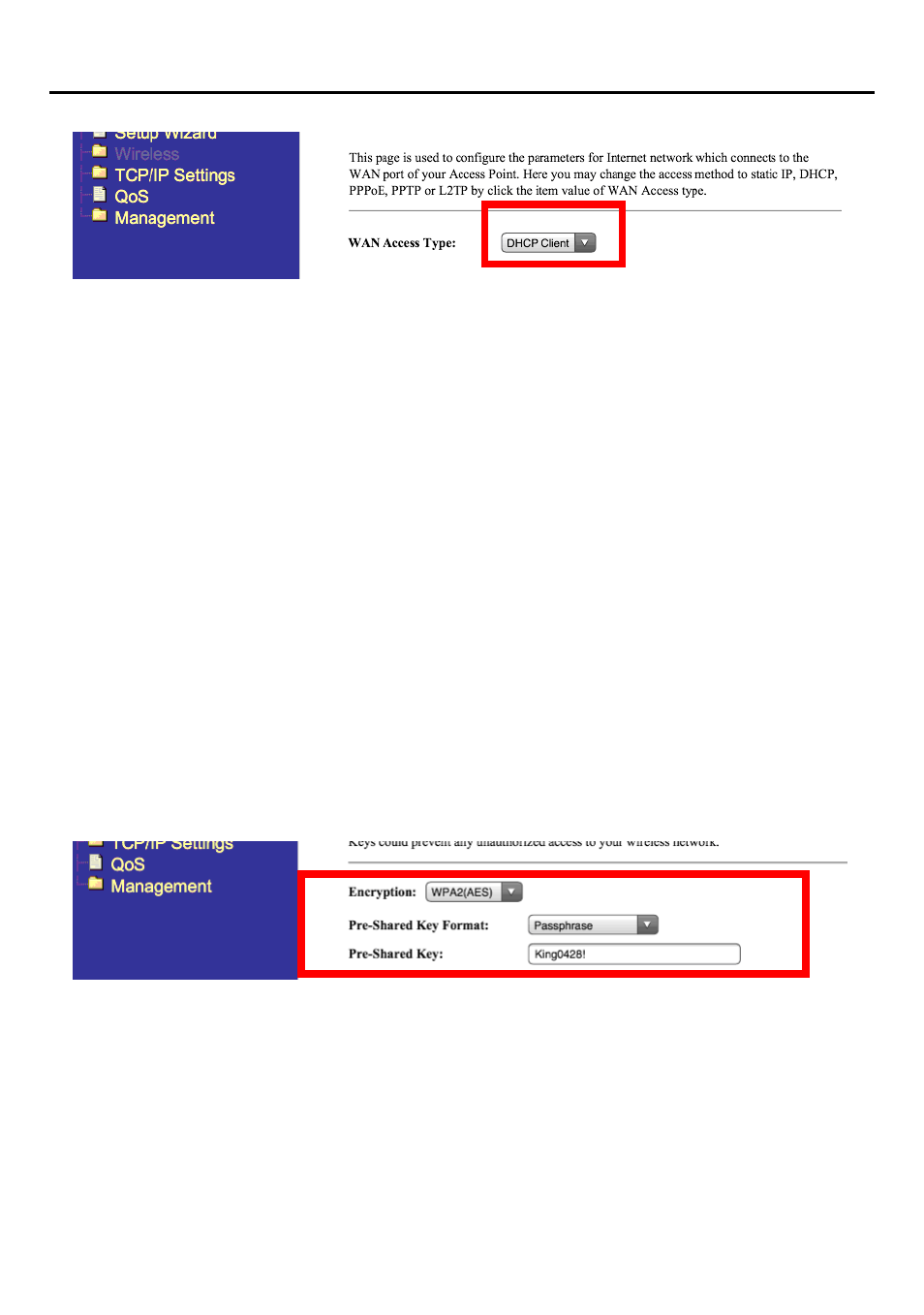
10.
在
Wireless Security
設定中,於
Encryption
中可選擇加密方式。
開啟
Wi-Reader
密碼保護功能將可預防任何未經授權的連結至無
線網路或讀卡功能,請在
Pre-share Key
欄位設定
Wi-Reader
密碼,更新後請點選
Next
。
Wireless Security Setting. The following figure is to show
setting up the security of the Wi-Reader. T
urning on the
Wi-Reader security will prevent any unauthorized access
to the wireless network and storage device.
After
updating it, please click
“Next”
directly.
11.
在
Wireless Site Survey
,請選擇欲連接至現有無線分享器名稱,
並點按
Next
。
Wireless Site Survey. You can select one of the
Wireless
Router w. ISP connection
, then click
“Next”
.