Page 13 – Blizzard Lighting Fab 5 RockLite (Rev A) User Manual
Page 13
Page 13
RockLite™ Fab5 Manual Rev. A
© 2013 Blizzard Lighting, LLC
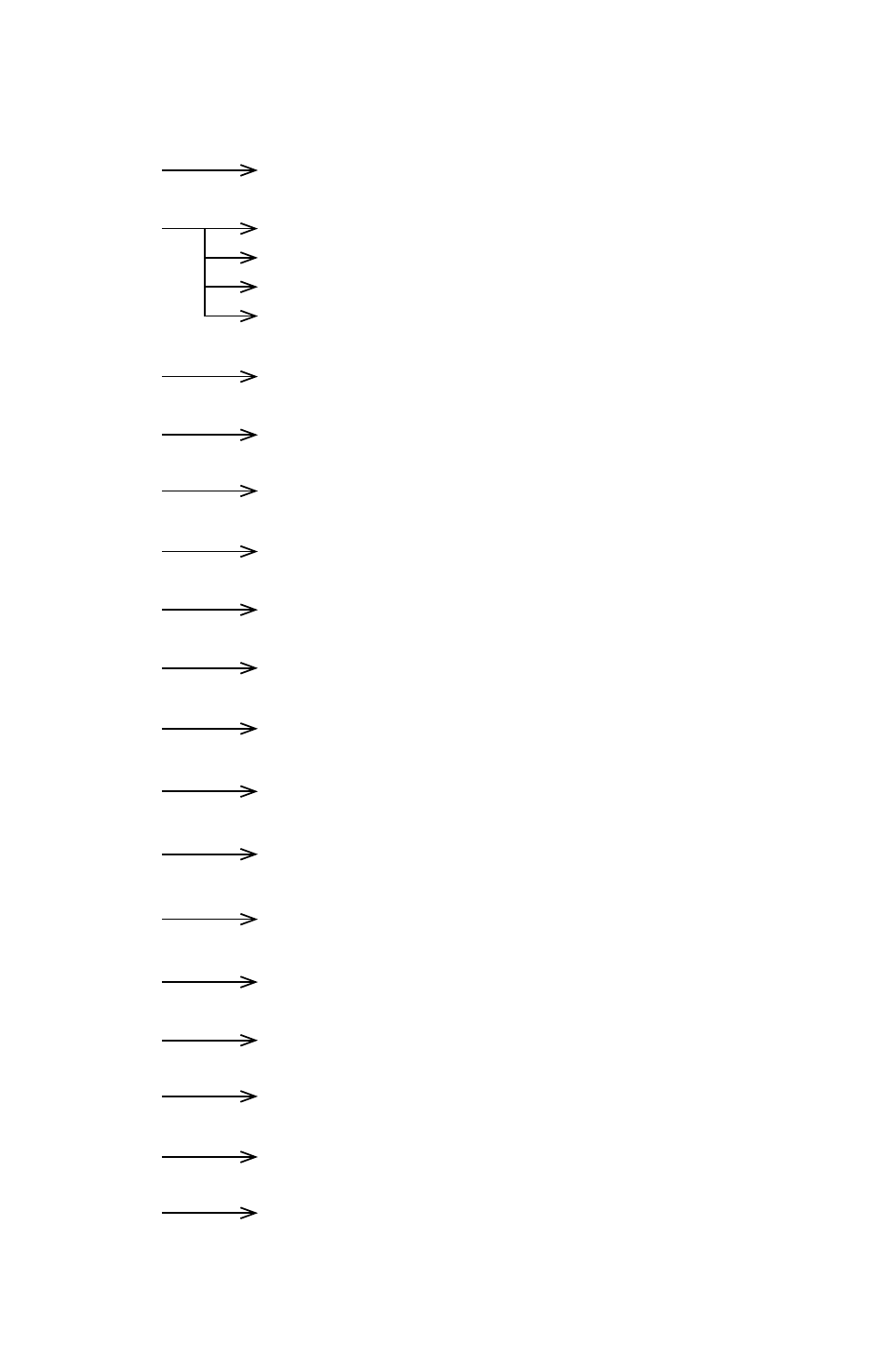
Control Panel Menu Structure
Addr 1 - 512
To choose the DMX address.
CHnd
10CH
Sets the fixture to 10 channel DMX mode.
9CH
Sets the fixture to 9 channel DMX mode.
5CH
Sets the fixture to 5 channel DMX mode.
4CH
Sets the fixture to 4 channel DMX mode.
SLAU
SL.AU
To set the fixture in slave mode.
SP --
SP00 - SP15
Built-in Program Speed (Fast <--> Slow)
Pr --
Pr00 - Pr35
Built-in Programs (1-35)
ASC -
AC00 - AC15
Auto Mode (Fast <--> Slow)
FAdE
FA00 - FA15
Fade Mode (Fast <--> Slow)
FLAS
FL00 - FL15
Flash/Strobe Mode (Fast <--> Slow)
rL --
r000 - r255
Red Intensity (0% <--> 100%)
GL --
G000 - G255
Green Intensity (0% <--> 100%)
bL --
b000 - b255
Blue Intensity (0% <--> 100%)
AL --
A000 - A255
Amber Intensity (0% <--> 100%)
UL --
U000 - U255
White Intensity (0% <--> 100%)
SouA
So.UA
To set the fixture in sound active mode.
LED
ON - OFF
To turn the LED display menu on/off.
nodE
nod0 - nod4
8-Bit + 32-Bit (0-25/50/75/100%) dimming.
UErn
UE2.0
Software Version