Chief Manufacturing CM8 User Manual
Page 11
Advertising
Installation Instructions
11
5
AUTO
MANU
RESET
STOP
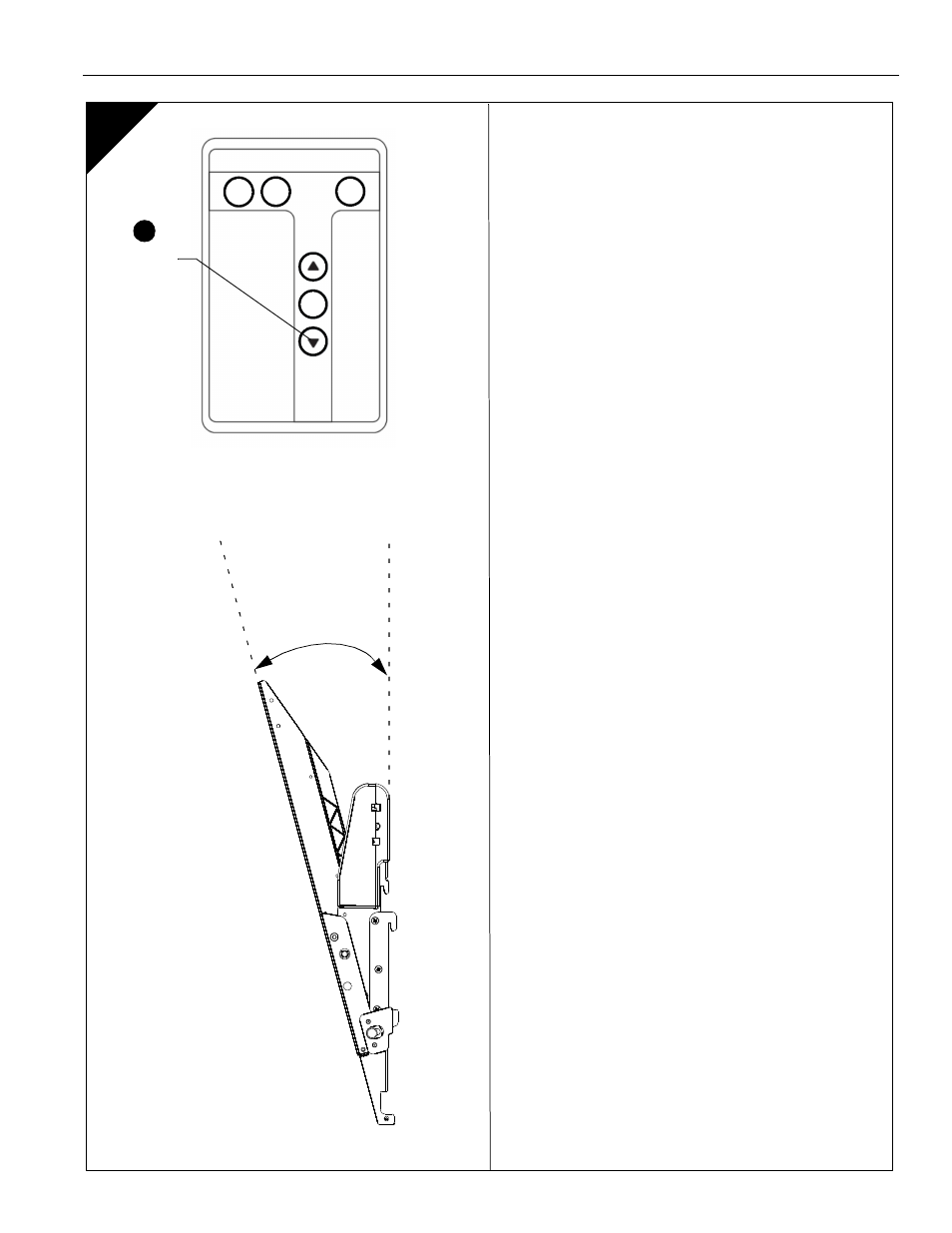
Adjusting Tilt
NOTE:
Remove plastic tab from remote control (J) before use.
1.
Use the down arrow button on the remote control (J) to fully
tilt down the display.
NOTE:
The CM8 is designed to tilt the display down a
maximum of 13°. The maximum tilt angle may vary
depending on the application.
2.
Visually check to see if the display tilts down fully.
•
If the display does NOT tilt down fully, proceed to
Section 6.
•
If the display DOES tilt down fully, proceed to
Section 7.
Tilt Down
1
13°
Advertising