Presetting tv channels, Z1 l=ll, Rm-y113 – Sony KV-27XBR25 User Manual
Page 28: Press menu, Press return, I=i0a
Attention! The text in this document has been recognized automatically. To view the original document, you can use the "Original mode".
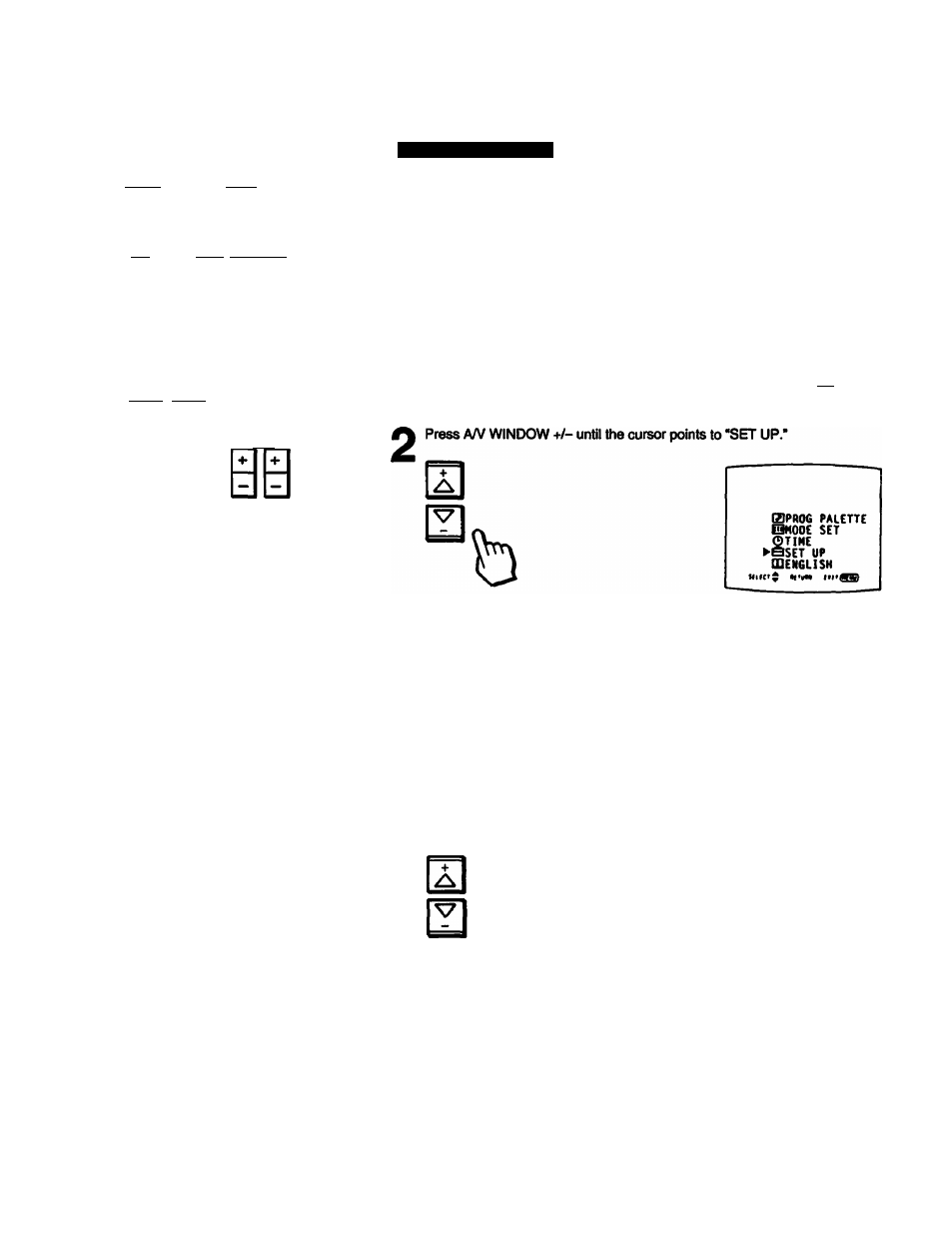
Presetting TV Channels
MUTING
□
SLEEP POWER
CDa
CH» FREEZE TVMOEO SWAP PIP
сна (=l(=ll=l
CH-
Posmoil AUDIO OFF
\Z1
l=ll=|[=]
TV/VIOEO
О
ANT/AUX
О
HEAD
PHONES
o©@
0® ®
HSPLAY ENTER
i=i0a
JUMP
АЛ/WINDOW_________ai_ VOL
S3
RETORN
VTR1-2-3 MOP
.
- ^
TV CABLE BOX
tö
RM-Y113
Adding TV channels
Follow these instructions to add TV channels one by one to the selection
memory, or to replace a TV channel you previously erased (pp. 26 - 27).
1
Press MENU
The
main menu appears.
ъ
►GBPR06 PALETTE
ШИООС SET
©TIME
SSET UP
fflEN6LISH
uu(>$ «•«« MHiina
Press RETURN.
The set up menu appears.
RETURN
к
s
►CABLE: ON
AUTO PROGRAM
CH ERASE/AOO
CH CAPTION
VIDEO LABEL
DIRECT PLAY
FAVORITE CHANNEL
;>NENU
Press A/V WINDOW +i- until the cursor points to *CH ERASE/ADD."
Ъ
Q
CABLE: ON
AUTO PROGRAM
►CH ERASE/AOO
CH CAPTION
VIDEO UBEL
DIRECT PUY
FAVORITE CHANNEL
PMENU
2 8
I ChapterV. Setting Up