TOYOTA 2011 Camry User Manual
Page 262
Advertising
237
3-2. Using the audio system
3
Inte
rior fe
atures
Loading and ejecting MP3 and WMA discs
Selecting MP3 and WMA discs (type B only)
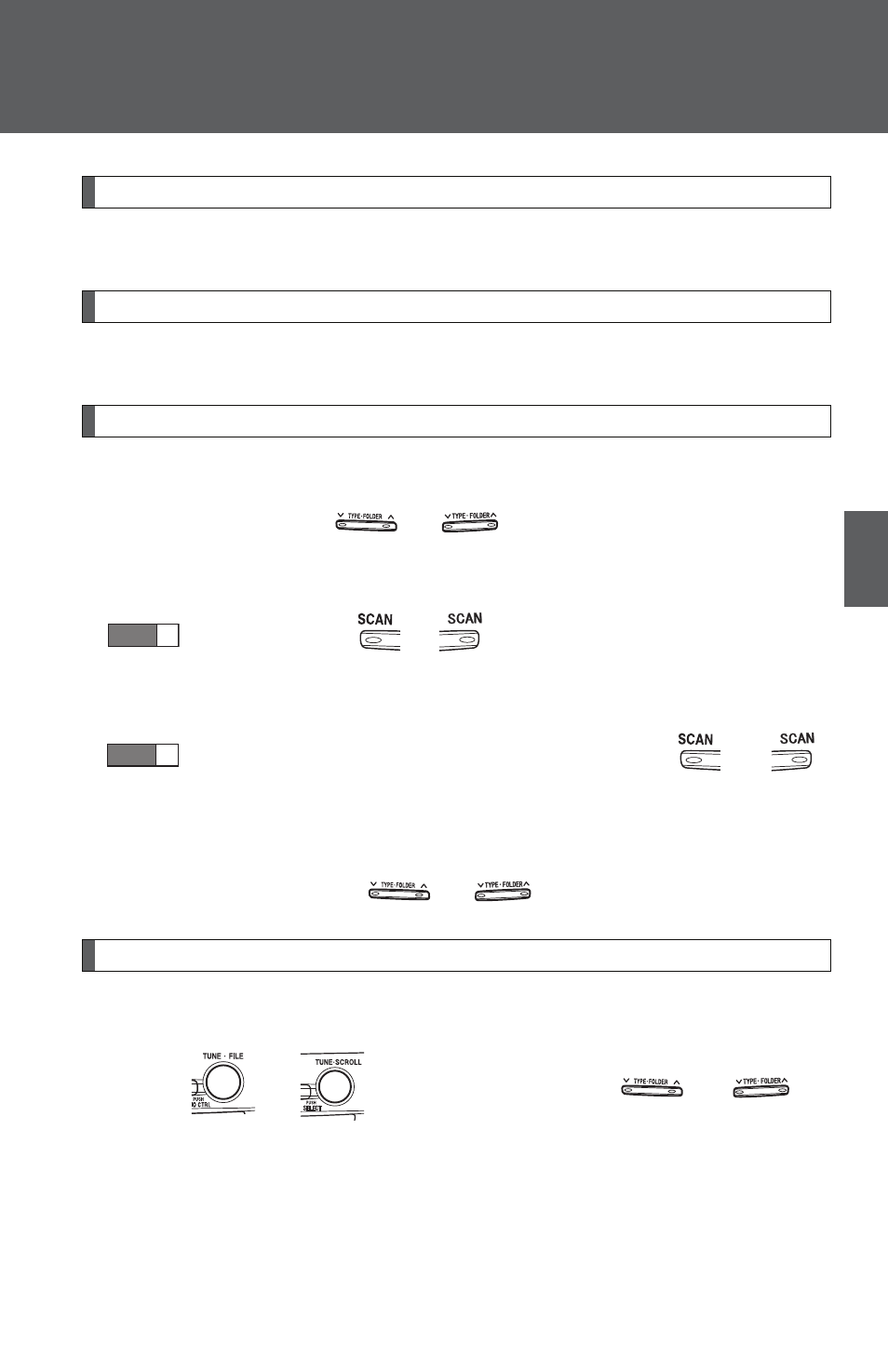
Selecting and scanning a folder
■
Selecting folders one at a time
Press “
∧” or “∨” on
or
to select the desired folder.
■
Scanning the first file of all the folders
Press and hold
or
until you hear a beep.
The first ten seconds of the first file in each folder will be played.
When the desired folder is reached, press
or
again.
■
Returning to the first folder
Press and hold “
∨” on
or
until you hear a beep.
Selecting and scanning files
■
Selecting one file at a time
Turn
or
or press “
∧” or “∨” on
or
to
select the desired file.
STEP
1
STEP
2
Advertising