NISSAN 2010 Maxima User Manual
Page 266
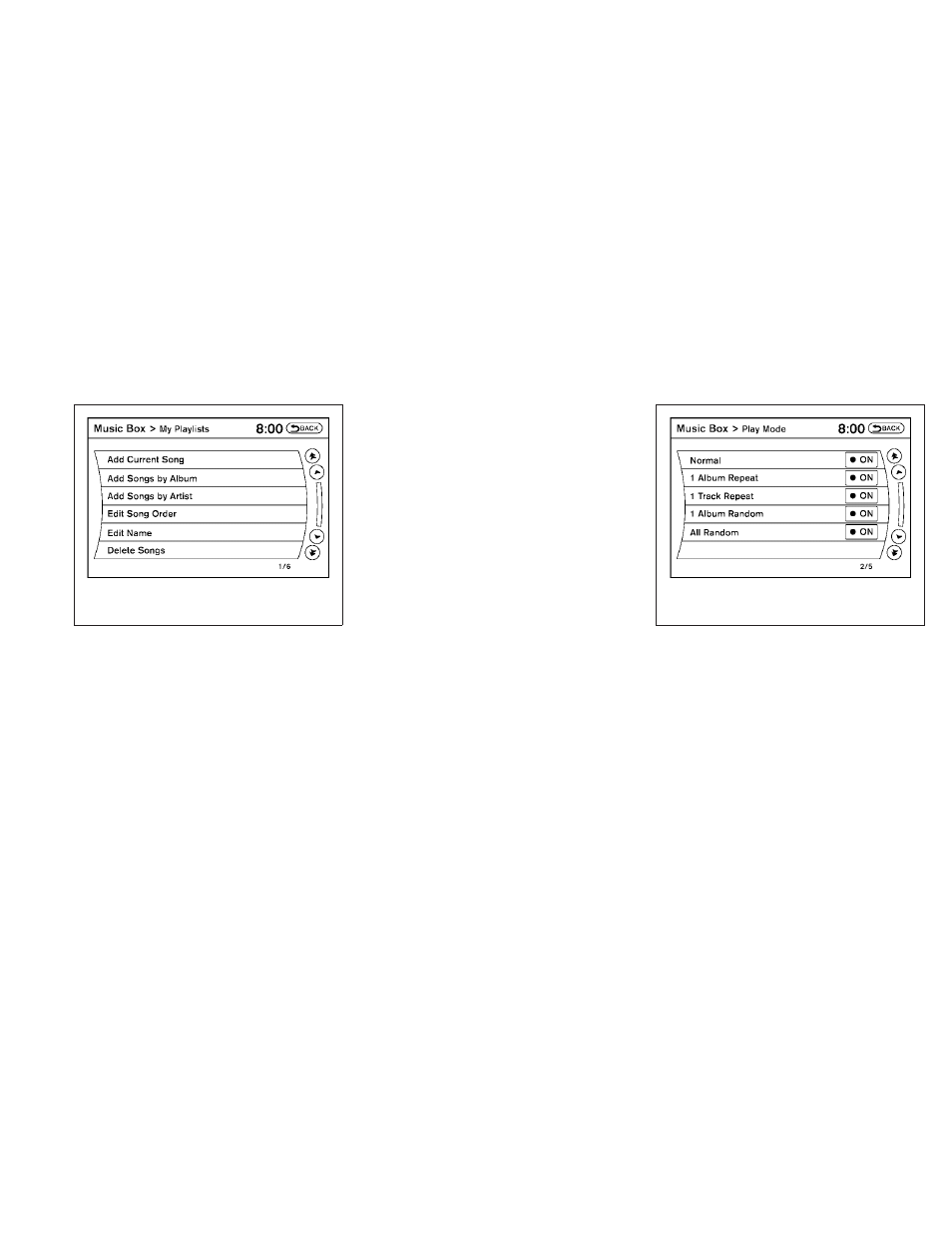
● My Playlists
Displays the playlists stored in the system.
Touch the “Edit” key next to a playlist to
perform the following operations for that
playlist:
– Add Current Song - adds the song cur-
rently playing to the playlist.
– Add Songs by Album - adds songs to the
playlist by album.
– Add Songs by Artist - adds songs to the
playlist by artist.
– Edit Song Order - edits the order of the
songs in the playlist.
– Edit Name - changes the name of the
playlist.
– Delete Songs - deletes songs from the
playlist.
● Play Mode
Alters the play mode of the playlist. Touch
the key of the mode you wish to apply. The
modes change the play pattern as follows:
– Normal - no play pattern is applied.
– 1 Album Repeat - the songs in the current
album are repeated.
– 1 Track Repeat - the current track is re-
peated.
– 1 Album Random - the songs in the cur-
rent album are played randomly.
– All Random - all songs are played ran-
domly.
LHA1287
LHA1288
4-106
Monitor, climate, audio, phone and voice recognition systems