NISSAN 2010 Maxima User Manual
Page 297
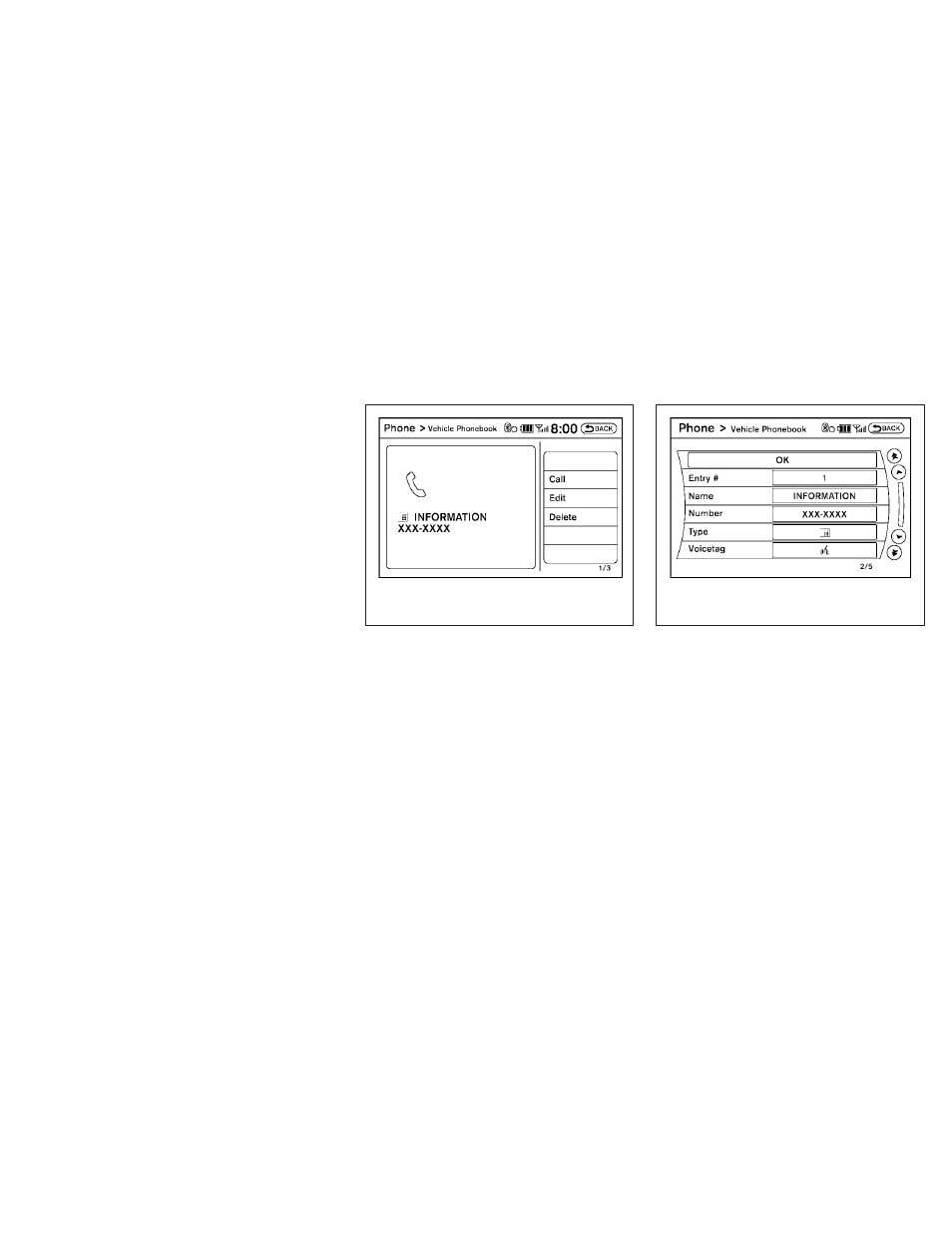
● Copy from Call History
The system will show a list of your incoming,
outgoing or missed calls that were down-
loaded from your cell phone (depending on
your phone’s compatibility). You may select
one of these entries to save in the vehicle
phonebook.
● Copy from the Handset
The system will show your cell phone’s
phonebook that was downloaded (depend-
ing on your phone’s compatibility). You may
select one of these entries to save in the
vehicle phonebook.
● Editing the Vehicle Phonebook
1. Push the PHONE button and select the “Ve-
hicle Phonebook” key.
2. Select the desired entry from the displayed
list.
3. Select the “Edit” key.
4. Select the desired item to change.
The following editing items are available:
● Entry #
Changes the displayed number of the se-
lected entry.
● Name
Edit the name of the entry using the keypad
displayed on the screen.
● Number
Edit the phone number using the keypad
displayed on the screen.
● Type
Select the icon from the icon list.
LHA1382
LHA1383
Monitor, climate, audio, phone and voice recognition systems
4-137