7 starting a previously entered program, 8 deleting a program, Arrow buttons to select the parameter to be set – BINDER MK 53 User Manual
Page 41: Select a program via the arrow keys press button
MK (E2.1) 10/2014
page 41/73
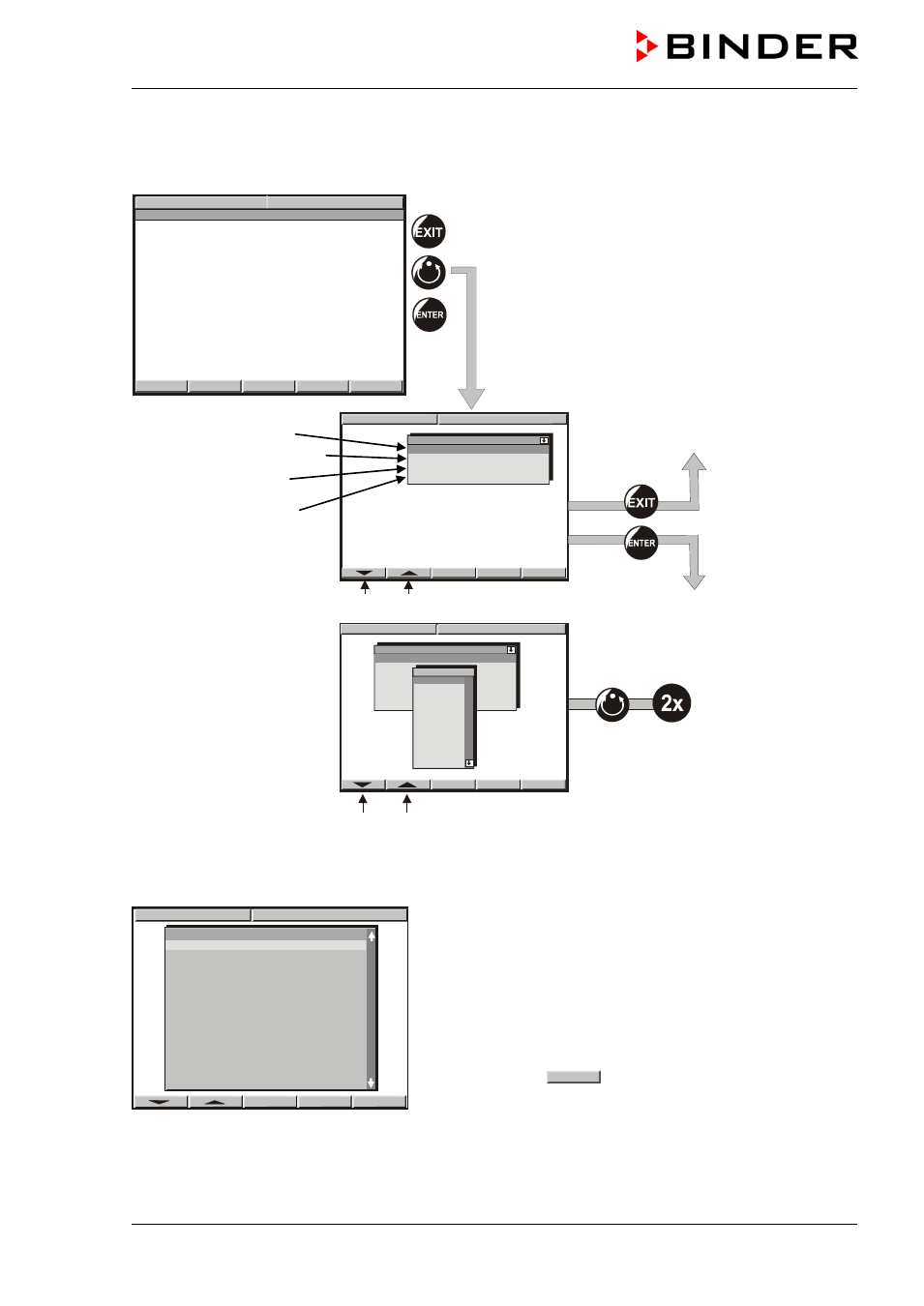
9.7 Starting a previously entered program
The program has to be previously entered via a programming table (chap. 9.3, 9.5).
W
X
09:11:55 15.12.13
CONFIG
VIEW->
PGM
TEMP
0.0
26.8
°C
HAND
Idle mode
No heating or cooling function.
The fan is off (factory setting)
Select a program place
Delayed program start
Start with section …
Remaining time of the
selected start section
09:12:02 15.12.13
Program start
Program Prog 01
Pre start time 00:00:00
Section 1
Rest time 00:00:00
Arrow buttons to select the parameter to be set
089:12:13 15.12.13
Program start
Program Prog 01
Pre start time 00:00:00
Section 1
Res time 00:00:00
Programm
PROG 01
PROG 02
PROG 03
PROG 04
PROG 05
PROG 06
PROG 07
PROG 08
PROG 09
PROG 10
PROG 11
PROG 12
PROG 13
PROG 14
Press the
AUTOMATIC
button twice to start
the program
Arrow buttons to select the program
9.8 Deleting a program
Select a program via the arrow keys
Press button
DEL PGM
to delete the selected program.
To delete individual program sections (table lines) use the inquiry display for adding or deleting program
sections (chap. 9.1).
DEL PGM
09:13:47 15.12.13
Prog. select Fr. Abs. 372
Prog 1 PROG 01
►
Prog 2 PROG 02
►
Prog 3 PROG 03
►
Prog 4 PROG 04
►
Prog 5 PROG 05
►
Prog 6 PROG 06
►
Prog 7 PROG 07
►
Prog 8 PROG 08
►
Prog 9 PROG 09
►
Prog10 PROG 10
►
Prog11 PROG 11
►
Prog12 PROG 12
►
Prog13 PROG 13
►
Prog14 PROG 14
►
Prog15 PROG 15
►
Prog16 PROG 16
►
Prog17 PROG 17
►