Start up – BINDER MK 115 User Manual
Page 41
MKF + MKFT (E3.1) 07/2014
page 41/114
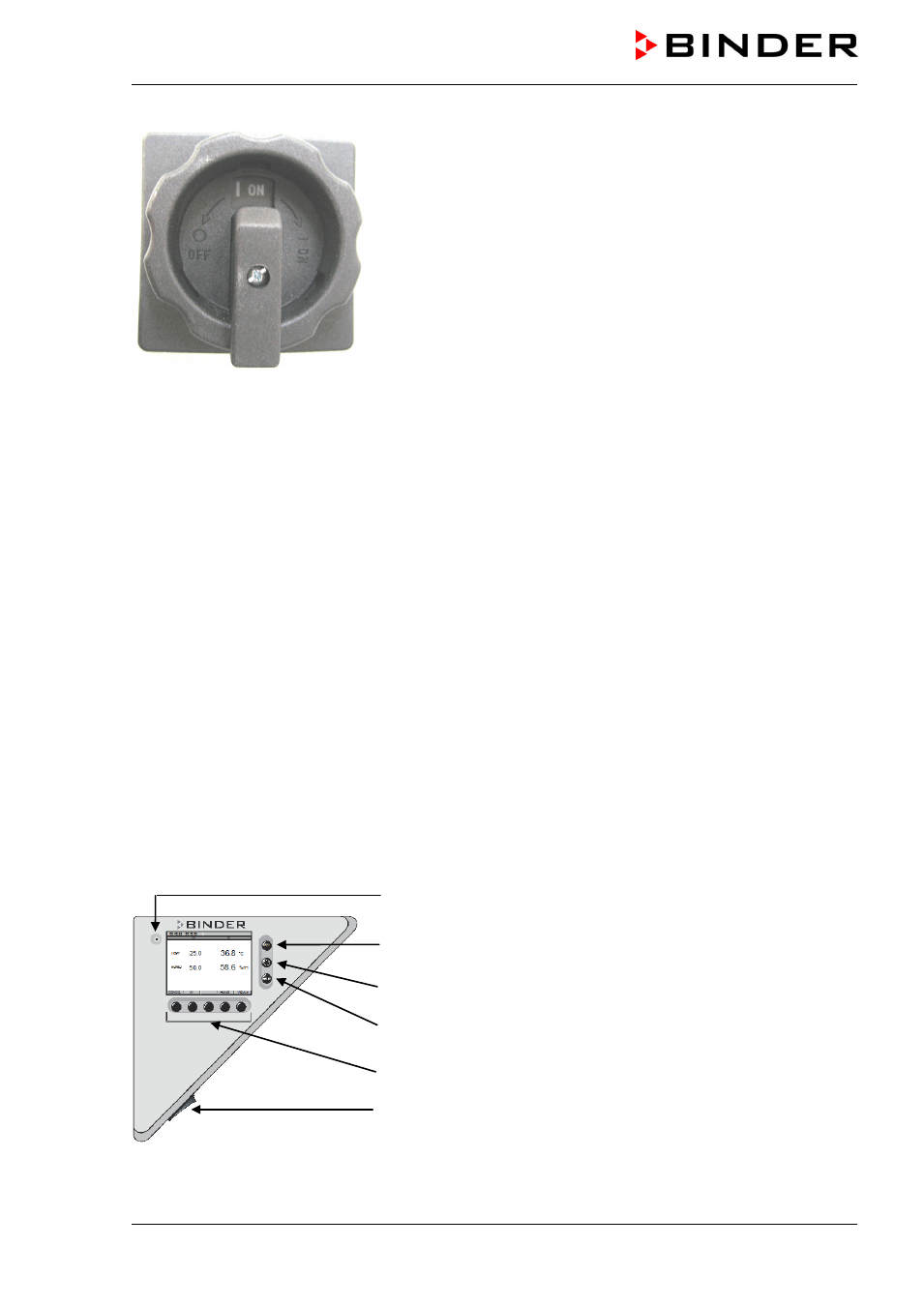
Figure 14: Power switch (H) of the voltage and frequency chang-
er in position “ON”
In position “OFF” the switch can be locked, e.g. with a padlock.
5.
Start up
After connecting the supply lines (chap. 4), you can start up the unit.
•
Turn on the rear power switch (20) at least one hour before operating the unit.
•
Turn on the unit by the main power switch (3) in the lateral control panel.
•
Open the water-tap for supply. Alternatively, fill the freshwater can (chap. 4).
•
Turn on the humidifying and dehumidifying system with switch (4) (humidity switch ON/OFF).
After the first turning on of the humidity or after an interruption of the power supply the relative humidity
will increase after a delay of approx. 20 minutes. During this period, the relative humidity can drop con-
siderably.
The refrigerating and dehumidification functions are available only one hour after turning on the rear pow-
er switch (20). This is indicated by the notification “1H PREHEAT PHASE” in the controller display (chap.
13.1). After 1 minute the message “WATER TANK EMPTY” appears on the controller display. You can
reset this message only after the 1-hour preheating phase.
Warming chambers may release odors in the first few days after commissioning. This is not a quality de-
fect. To reduce odors quickly we recommend heating up the chamber to its nominal temperature for one
day and in a well-ventilated location.
5.1 Function overview of display program controller MB1
Pilot lamp: Ready for operation
EXIT button (to exit a menu point)
AUTOMATIC button (to start a previously entered program)
ENTER button (to confirm a selection)
Navigation buttons (functions are assigned by the menu)
Switch for interior chamber light (2)
Figure 15: Temperature and humidity program controller MB1