Multi-function button (mfb) – Etymotic etyBLU2 Headset User Manual
Page 10
11
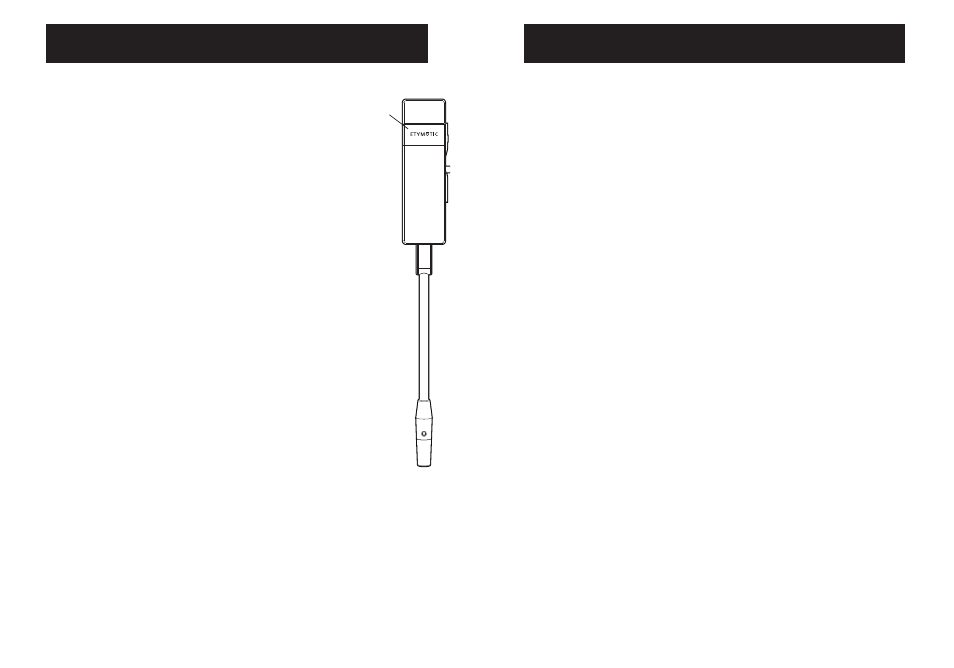
Multi-Function Button (MFB)
The following features depend on phone support:
Redial
PRESS and HOLD the MFB (long press)
for one second.
Voice Call
PRESS the MFB quickly (short press) to
make a voice call. Voice Call works when
the unit is in standby.
Transfer a Call
Double PRESS the MFB (two quick presses
to the Handset
less than one second) during a call
Call Waiting
• PRESS and HOLD the MFB (long press)
for one second to put a call on hold to
answer another
• PRESS and HOLD the MFB (long press) for
one second to switch between calls
• PRESS the MFB quickly (short press) to
end the current active call
• DOUBLE PRESS to reject a call-waiting call
3-Way Calling
Add another caller: Depending on the
call status, double press the MFB to add
the held call to the conference.
10
Multi-Function Button (MFB)
Power ON
PRESS the MFB for 4 seconds to
Power On. Blue LED is solid for
one second while powering ON. Blue
LED blinks when the headset is ON.
Power OFF
PRESS the MFB for 4 seconds
to Power Off. Yellow LED is solid for
one second then powers OFF.
Volume
PRESS the Volume UP (+) and
Volume DOWN (-) buttons on the side
of the headset to increase or decrease
volume. The exact number of volume
levels is set and maintained by the
phone.
Answer a Call
PRESS the MFB once quickly
(short press) to answer a call
when phone rings.
End a Call
PRESS the MFB once quickly
(short press) to disconnect the call.
Reject a Call
PRESS and HOLD the MFB (long press)
for one second to reject an incoming call.
MFB