Ordering information, Vmd series standard ordering information – NEXCOM VMD 1000 User Manual
Page 16
Copyright © 2012 NEXCOM International Co., Ltd. All Rights Reserved.
VMD Series User Manual
8
Chapter 1: Product Introduction
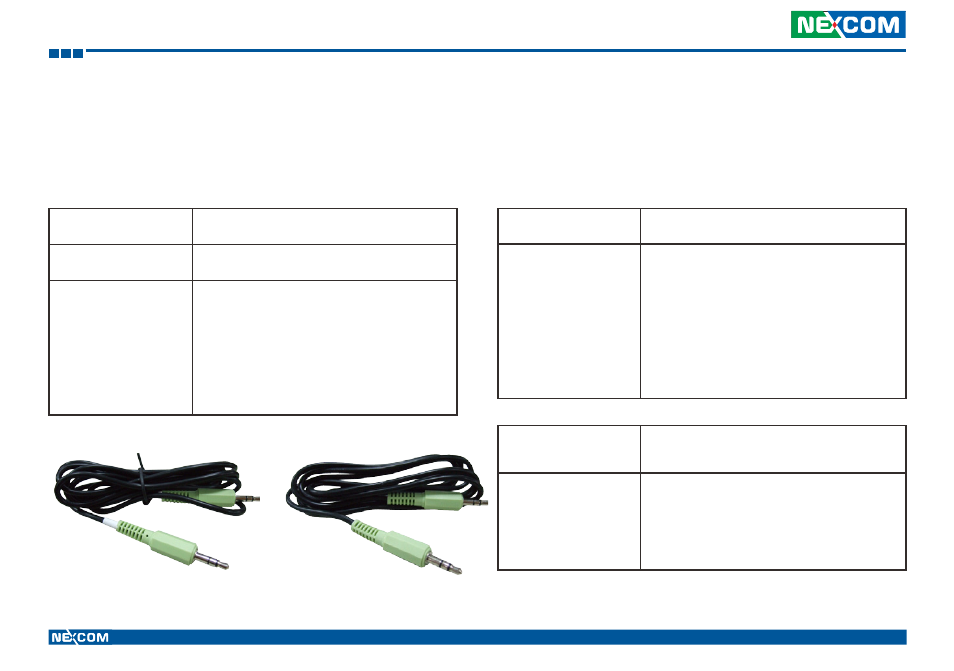
Audio cable for VTC6200 & 2100
Audio cable for VTC61xx Series
Note:
Ordering Information
Refer to the tables below for the appropriate ordering information of
VMD Series.
VMD Series Standard Ordering Information
VMD 1000
(P/N: 10VD0100000X0)
▪
7” WVGA LCD with Touch Screen Vehicle
Displayl
VMD 2000
(P/N: 10VD0200000X0)
▪
8” SVGA vehicle mount display with touch
screen and LVDS interface
Bundle Accessories
▪
LVDS Cable (1.5m)
▪
Metal Mounting Kit
(VMD1000 only)
▪
Audio x 2 / Mic Cable
*Note
▪
CD (User Manual and Touch Screen Driver)
VMD 1001
(P/N: 10VD0100101X0)
▪
7” WVGA vehicle mount display with touch
screen and VGA interface
Bundle Accessories
▪
2pin power connector
▪
VGA Cable (1.5m)
▪
USB Cable (1.5m)
▪
VESA Mount Kit
▪
Audio Cable
▪
Mic Cable
▪
Power Cable
▪
CD (User Manual and Touch Screen Driver)
VMD 2002
(P/N: 10VD0200200X0)
▪
8” SVGA vehicle mount display with touch
screen and USB, VGA and Power cable
integrated
Bundle Accessories
▪
Integrate Cable with PWR, USB and VGA (1.5m)
▪
VESA Mount Kit
▪
Audio Cable
▪
Mic Cable
▪
CD (User Manual and Touch Screen Driver)