Aplex Technology APC-3793P User Manual
Page 27
APC-3x93P_R (SBC-7106A) User Manual
27
Ground
7
8
Ground
NC
9
10
Ground
Note:
Before connection, make sure that pinout of the USB Cable is in accordance with that of
the said tables. Any inconformity may cause system down and even hardware damages.
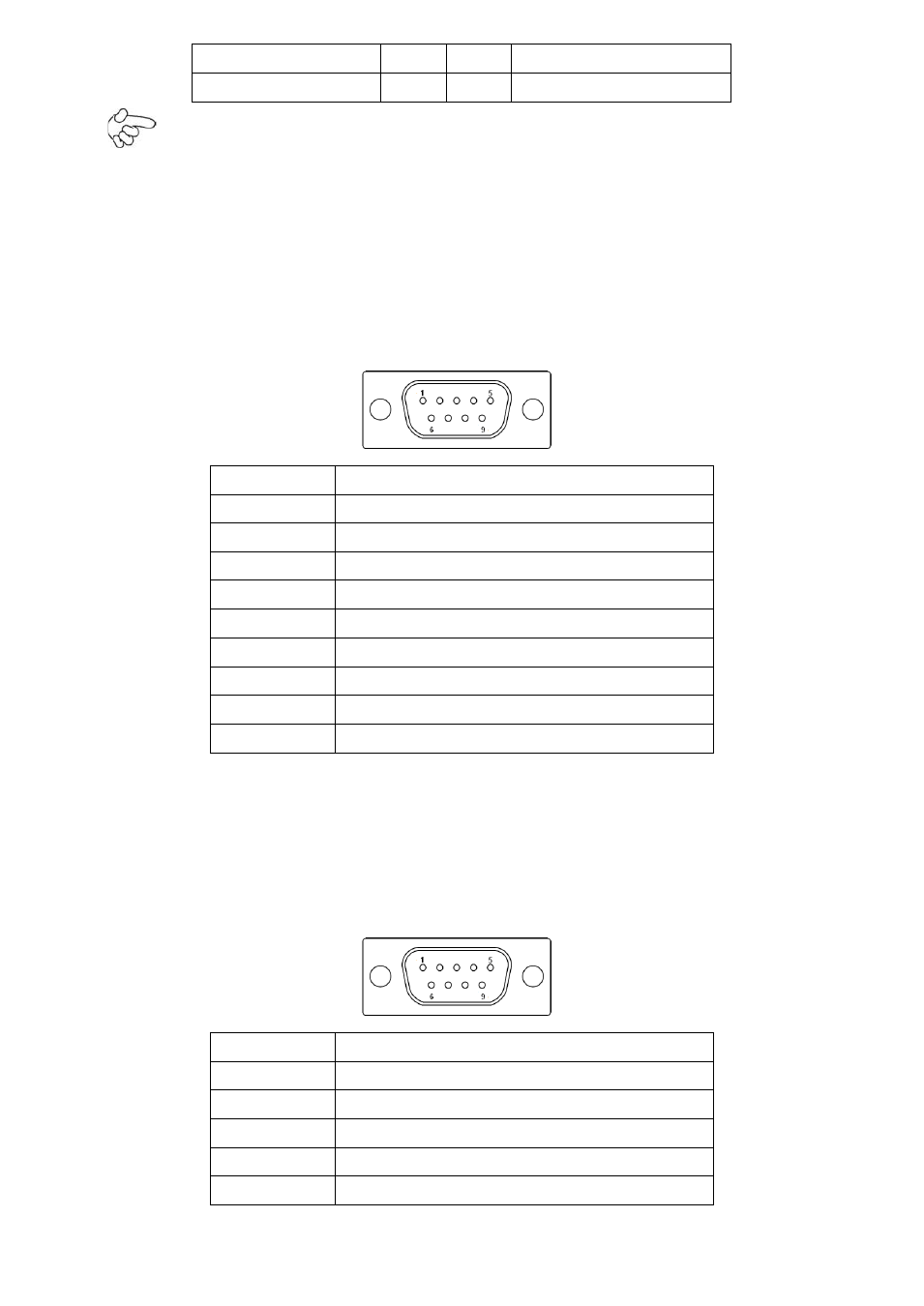
COM5:
(Type DB9),serial port, standard DB9 serial port is provided to make a direct connection
to serial devices. COM5 port is controlled by pins No.1~6 of JP5,select output Signal RI
or 5V or 12v, For details, please refer to description of JP3.
Pin#
Signal Name
1
DCD# (Data Carrier Detect)
2
RXD (Received Data)
3
TXD (Transmit Data)
4
DTR (Data Terminal Ready)
5
Ground
6
DSR (Data Set Ready)
7
RTS (Request To Send)
8
CTS (Clear To Send)
9
NA
COM6:
(Type DB9),serial port, standard DB9 serial port is provided to make a direct connection
to serial devices. COM6 port is controlled by pins No.1~6 of JP6,select output Signal RI
or 5V or 12v, For details, please refer to description of JP6.
Pin#
Signal Name
1
DCD# (Data Carrier Detect)
2
RXD (Received Data)
3
TXD (Transmit Data)
4
DTR (Data Terminal Ready)
5
Ground