Baby Lock Symphony (BLSY) Quick Reference Guide User Manual
Page 13
9
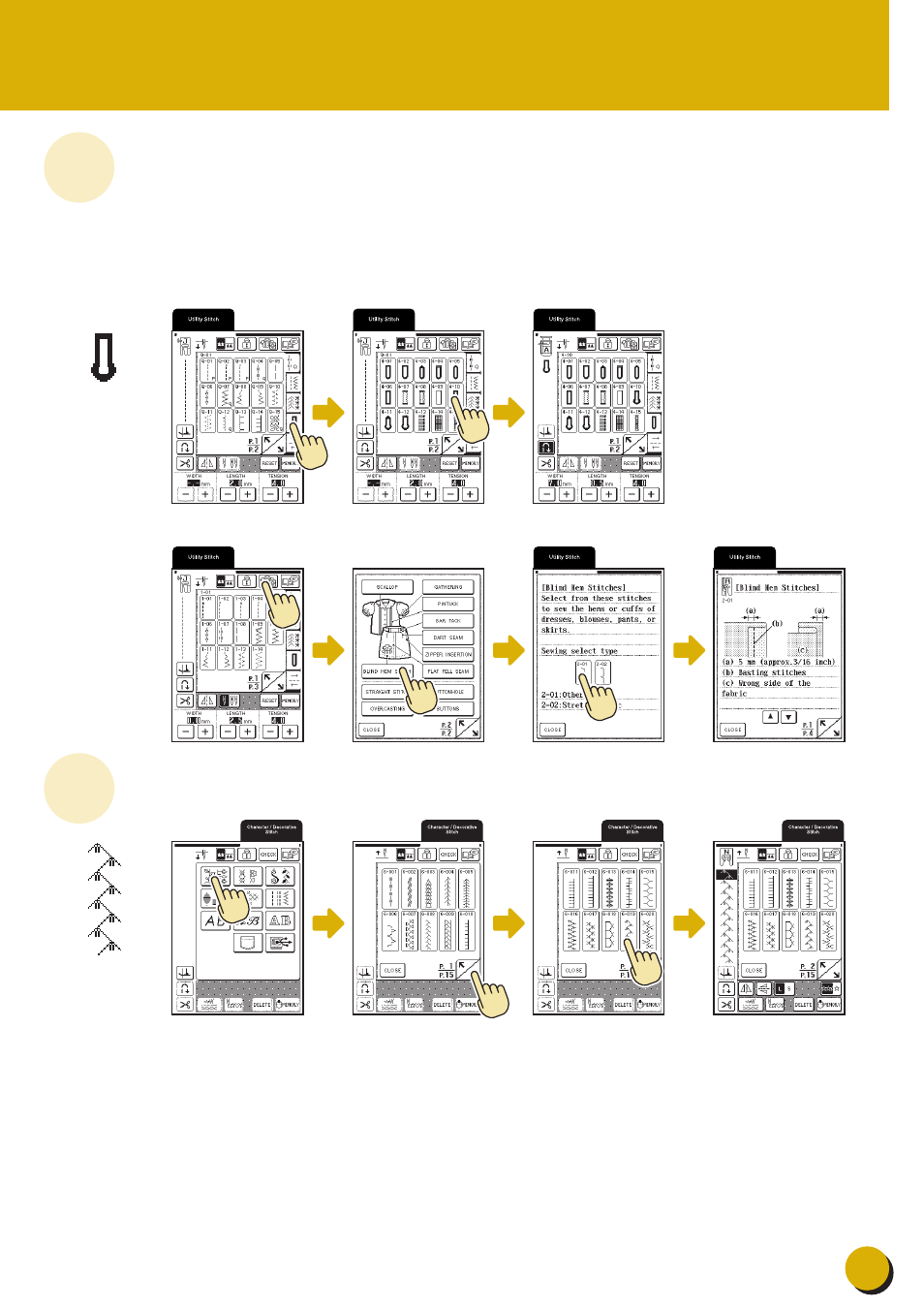
Selecting Stitch Patterns
Sélection des configurations de point
Selección de tipos de puntada
◆ Utility Stitches
When switching on machine, the screen
will display the opening screen. Touch the
screen to display the utility stitch.
Depending on the setting, either “Q-01
Piecing Stitch (Middle)”, “1-01 Straight
stitch (Left)” or “1-03 Straight stitch
(Middle)” is automatically selected.
◆ Points utilitaires
Lorsque vous mettez la machine sous
tension, l'écran d'accueil s'affiche. Touchez
l'écran pour afficher le point de couture
courant. Selon le réglage, “Q-01 Point
d'assemblage (milieu)”, “1-01 Point droit
(gauche)” ou “1-03 Point droit (milieu)” est
automatiquement sélectionné.
◆ Puntadas utiles
Cuando se enciende la máquina, aparece
la pantalla de presentación. Toque la
pantalla para mostrar la puntada de
utilidad. En función del ajuste
seleccionado, se seleccionará
automáticamente “Q-01 Puntada para
remendar (medio)”, “1-01 Puntada recta
(izquierda)” o “1-03 Puntada recta
(medio)”.
Blind Hem Stitch / Points invisibles / Puntada invisible
◆Character/Decorative Stitches
◆Caractères/points décoratifs
◆Puntadas de letras/decorativas