Creating a new route, Editing a route, Navigation mode – Becker MAP PILOT OPERATION GUIDE User Manual
Page 30
30
>>>
NAVIGATION MODE
> D
> GB
> F
> I
> E
> P
> NL
> DK
> S
> N
> FIN
> TR
> GR
> PL
> CZ
> H
> RUS
•
Route list
Displays a list of the individual stages.
•
Options
Calls up further options. You can then
simulate the route, optimise the route
(order of the destinations to be travelled
to) and call up the route options.
•
and
Scrolls through the individual stages in
the route.
Creating a new route
> Select
Create new route
from the route
menu.
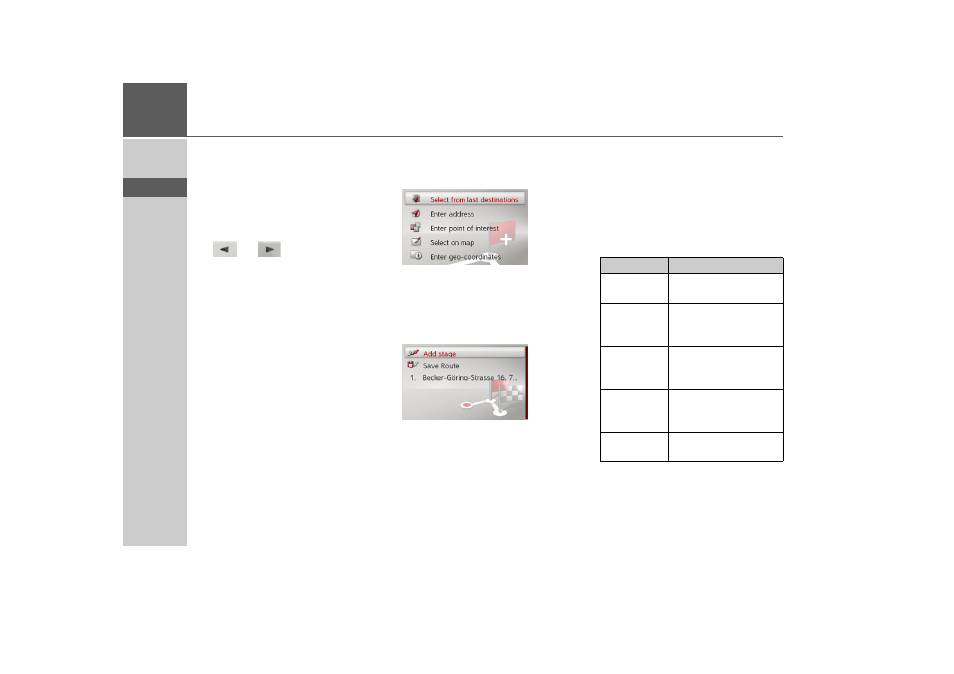
You can now enter a stage destination as
described under “Destination input” on
page 19. You also have the option of se-
lecting a destination in the last destina-
tions using
Select from last destinations
.
> Select
Add stage
to enter further stage
destinations as described above.
> When you have entered all stage desti-
nations, select
Save route
. Assign the
route a name.
Editing a route
> Select the route you wish to edit.
> Highlight the stage that you wish to ed-
it.
> Push the rotary control/push button to
the right.
The edit menu will be displayed. The fol-
lowing options are available:
Option
Meaning
Start
guidance
Start route guidance
from the selected stage.
Show details
The data relating to the
stage destination is dis-
played.
Move up
/
Move down
The stage is moved for-
wards/backwards by one
position.
Replace
stage
You can replace the se-
lected stage with another
stage destination.
Delete stage
The stage is deleted from
the route.