3 admin | working mode – Comtech EF Data CDD-562AL User Manual
Page 176
CDD-562AL/564A/L Multi-Channel Demodulator
Revision 0
HTTP (Web Server) Interface
MN-CDD562AL564AL
10–10
• Read Community String
public
• Write Community String
private
• Trap Communty String
comtech
SNMP System Contact, SNMP System Name, SNMP System Location
Enter the SNMP System contact data.
Authentication Trap
Click Enabled or Disabled.
Trap IP 1, Trap IP 2
Enter these SNMP addresses.
Trap Version
Use the drop-down list to select SNMPv1 or SNMPv2.
When finished, click Submit SNMP to save and activate these changes.
10.4.3 Admin | Working Mode
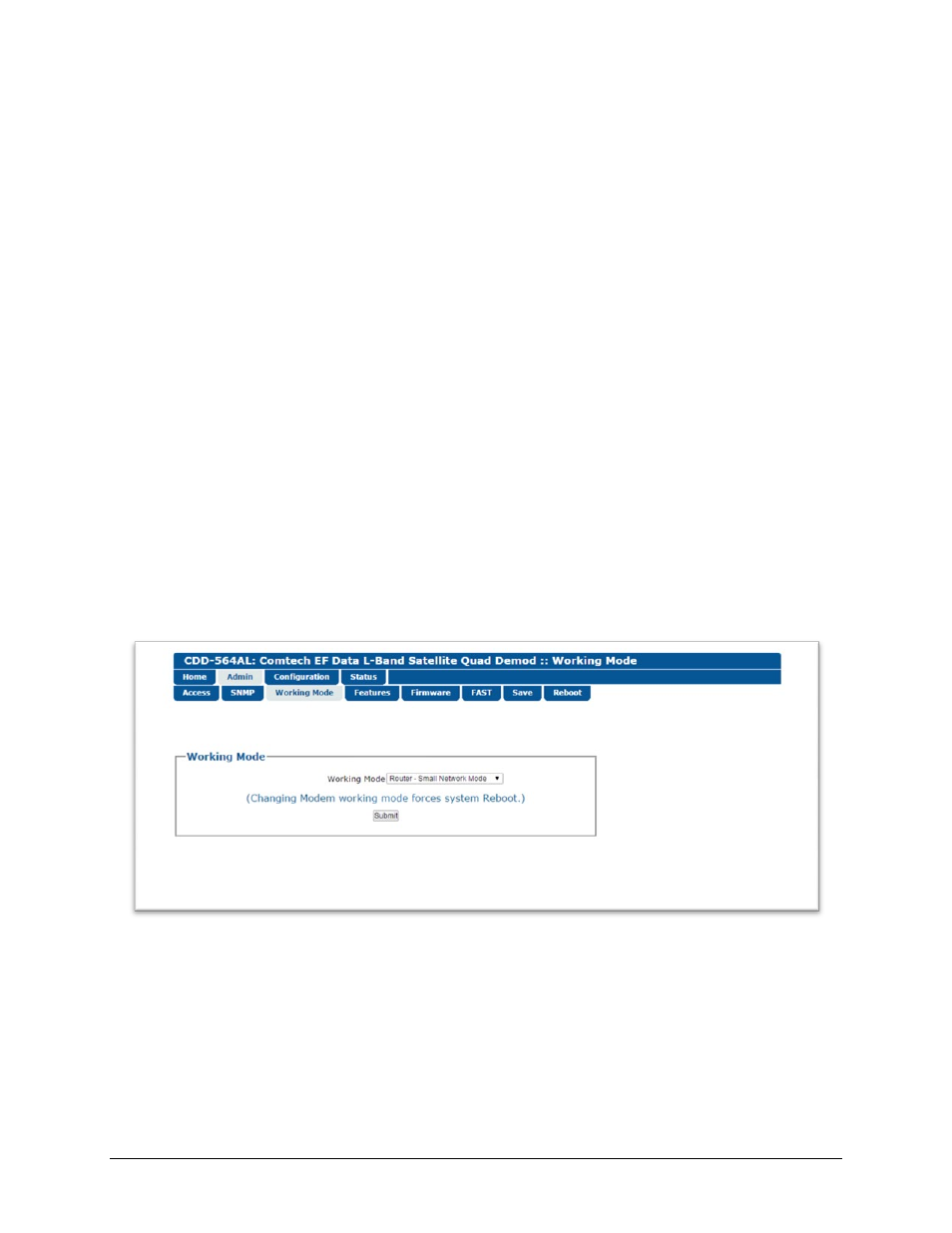
Use this page to set the Working Mode for the active demodulator.
Figure 10-5. Admin | Working Mode page
Working Mode
Select an available Working Mode, and then click Submit.
• Router – Small Network Mode: Small Network Mode supports up to 255 remotes, as allowed
using HDLC addressing. Select this mode to set the demodulator to be on independent IP subnets;
this mode requires adding static routes to pass traffic between them.