5 annual inspection xe "annual inspection, Annual inspection, 5 annual inspection – Daktronics GPR-12EV-RGB User Manual
Page 33
Maintenance
27
6.5 Annual Inspection
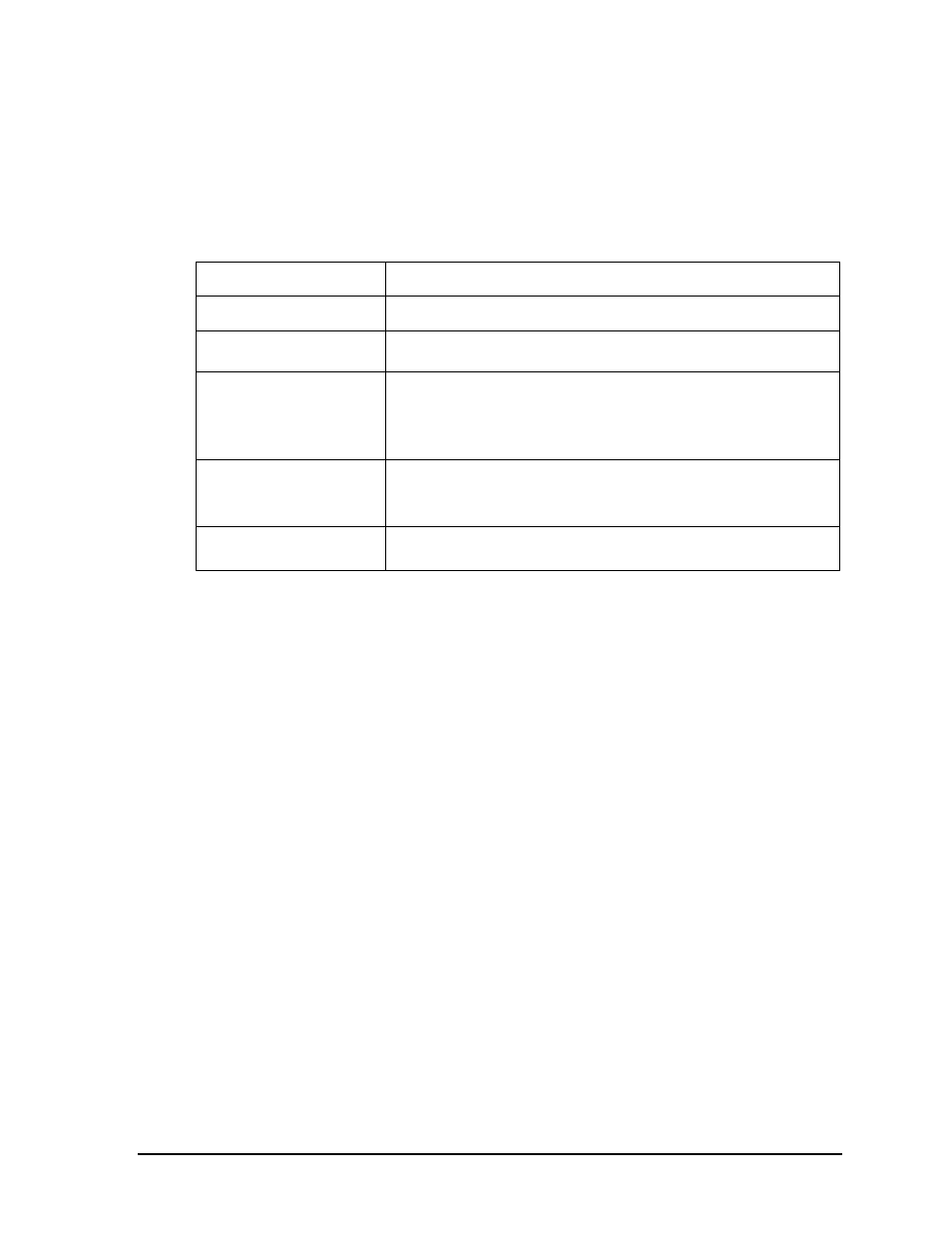
Complete a yearly inspection to maintain safe and dependable display operation. Open the
display to visually inspect the cabinet interior and the components. Refer to Section 6: for
directions to access the interior. The inspection should address the following issues:
Inspection item
Possible corrective measures
Loose bolts, screws, rivets
•
Tighten or replace, as required.
Dust around fans, on
cabinet bottom
•
Vacuum or carefully wipe away.
Water intrusion or stains
•
Replace weather stripping.
•
Tighten module latches.
•
Place silicon sealant around all locations where water might enter.
•
Replace damaged electronic components.
Paint corrosion by footings,
tie points, ground rods
•
Check the metal footings for structural integrity.
•
Replace and/or repaint as necessary.
•
Check ground wire connections at ground rod and ground lug.
Filters
•
At any inspection, check filters.
•
Clean or replace filters as necessary.