Epiphan VGA2USB Pro User Manual
Page 52
Advertising
12. Windows video capture application
Page 52
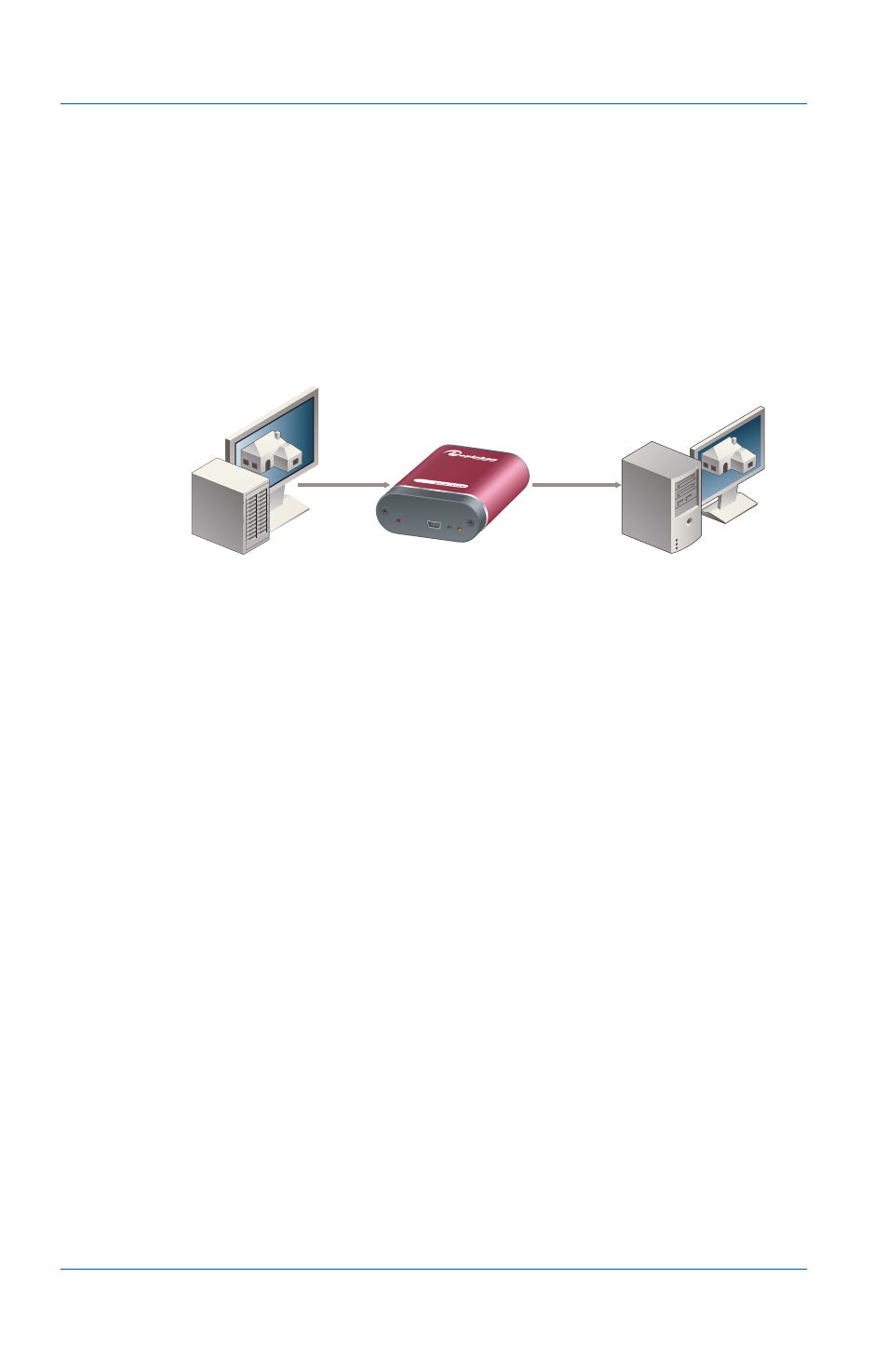
Epiphan Frame Grabber
• Connected your Frame Grabber to a VGA, DVI or dual-DVI
source.
• Connected your Frame Grabber to a USB port on your video
capture workstation.
• If required you should have also connected power to the
Frame Grabber.
Figure 12:Connecting Epiphan Frame Grabbers
This chapter describes:
•
Upgrading to the latest software version
•
Starting the video capture application
•
•
•
•
•
•
Recording, display, KVM and sharing options
•
Windows Epiphan USB device driver
Video Capture
Workstation
(Display, Record, and Broadcast
Captured images)
Video Source
(Equipment with VGA, DVI, or
Dual-DVI Output)
Epiphan
Frame Grabber
USB Cable
VGA, DVI or
Dual-DVI
Cable
Advertising
This manual is related to the following products: