Fronius IG 15 User Manual
Page 21
13
ENEN
Startup phase
(continued)
(4) Startup test
- Before the FRONIUS IG unit starts supplying power into the mains,
the conditions of the mains network are tested in detail in accor-
dance with the regulations of your country.
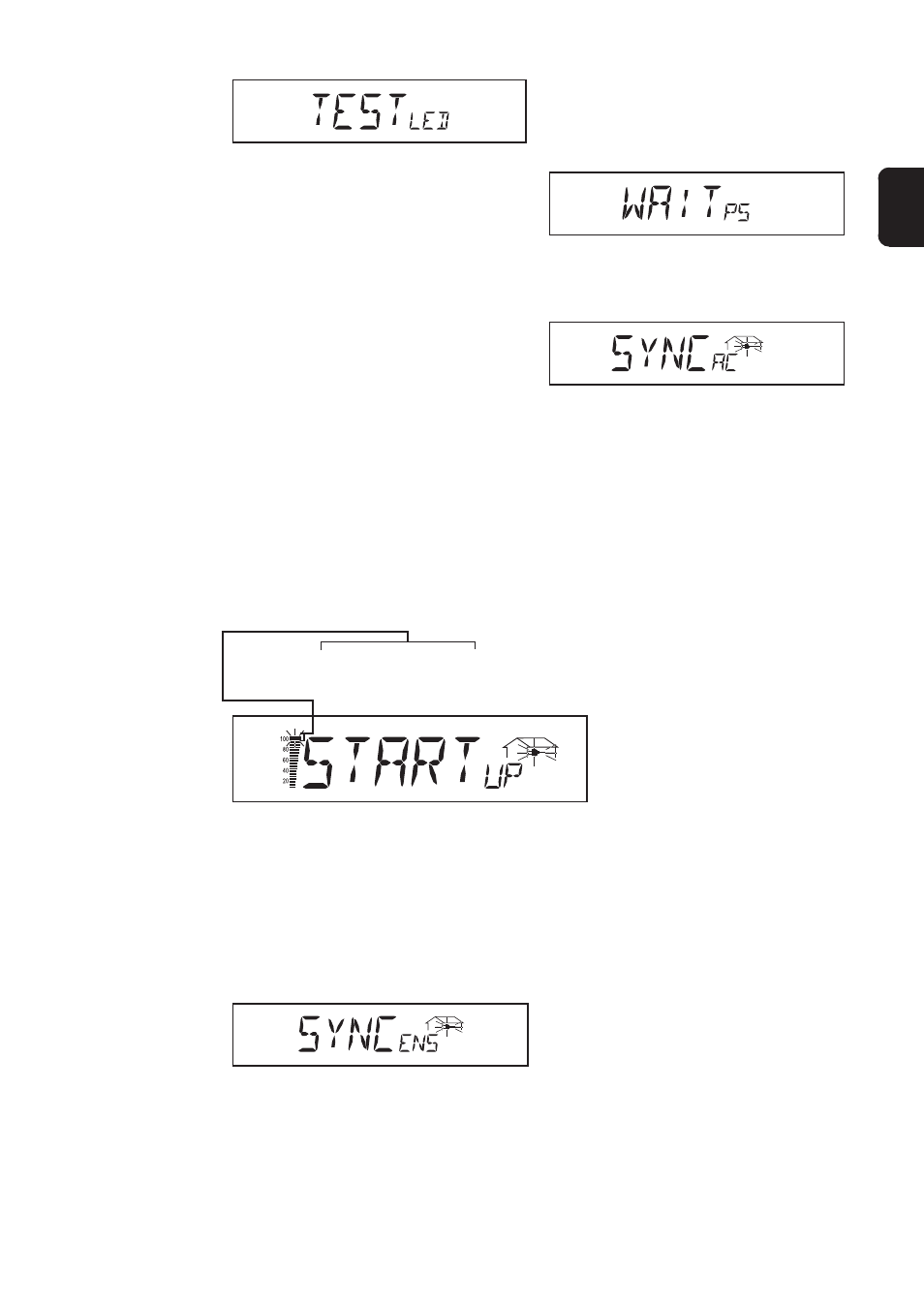
- the screen displays „START
UP
“
Depending on the regulations of each country, the startup test can take
between just a few seconds up to several minutes. The time elapsed is
indicated by a bar shrinking from top down.
(5) Synchronisation ENS (option)
- if the FRONIUS IG unit is equipped with the ENS option, every
detail of the ENS will be tested and synchronized
- the screen displays „SYNC
ENS
“
Depending on the operating status of the ENS, test and synchronization
may take up to several seconds.
(6) Operation of feeding power supply into the mains network
- After termination of the tests, the FRONIUS IG unit starts feeding
power into the mains network.
- The LED lights up green, and the FRONIUS IG unit starts operating
Whenever two scale divisions stop flashing and disap-
pear, 1/10 of the total duration of the test is over
(3) Synchronisation with mains
- The screen displays „SYN-
C
AC
“
- „WAIT
PS
“ is displayed: The
FRONIUS IG is waiting for all
power supplies in the network
to be on stand-by. This proce-
dure takes place dependent
on the DC-voltage.
- „SYNC
AC
“ is displayed subse-
quently.