Backlight function – Icom IC-M73 Plus User Manual
Page 32
Advertising
New2001
24
7
FUNCTION MODE OPERATION
New2001
■
Backlight function
This function is convenient for nighttime operation. The
backlighting can also be turned OFF in the SET mode. (p.
27)
➥
Push any key other than [PTT] to turn ON the backlight-
ing.
• The backlighting is automatical-
ly turned OFF after 5 seconds of
inactivity.
q
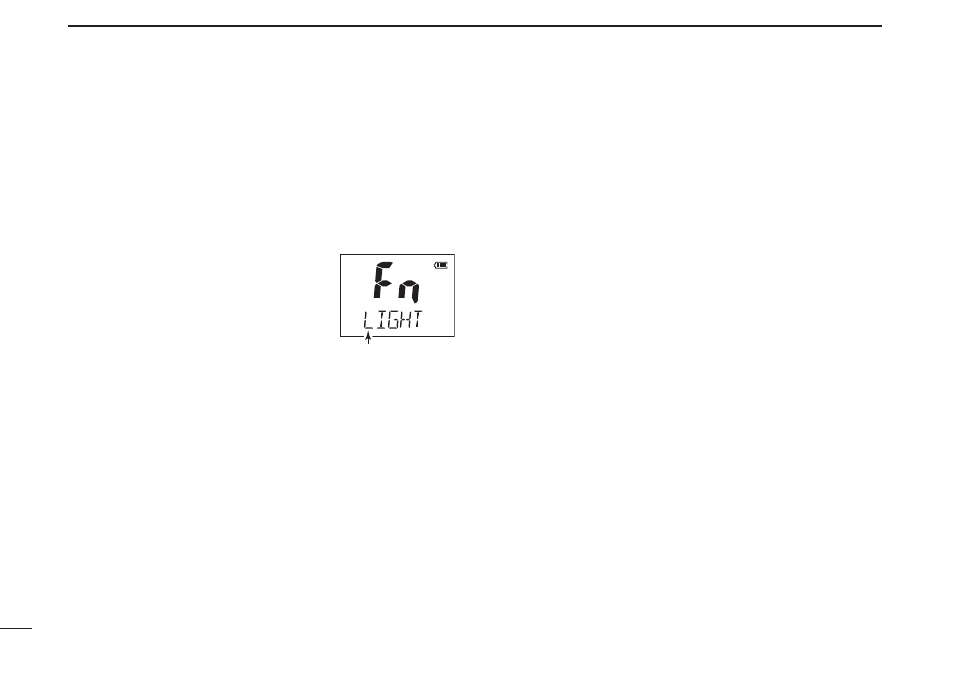
Push [F] to enter the function mode,
and then push [Y]/[Z] to select the
backlighting function.
• “LIGHT” appears.
e
w e
Push [H/L•LOCK] to turn the func-
tion ON or OFF.
• After pushing [H/L•LOCK], exits from the function mode.
Backlight mode
appears.
Advertising