Kip multi-touch user guide – KIP Multi-Touch User Manual
Page 57
Advertising
KIP Multi-Touch User Guide
No part of this publication may be copied, reproduced or distributed in any form without express written permission
from KIP. 2015 KIP. v1
- 57 -
Component
Function
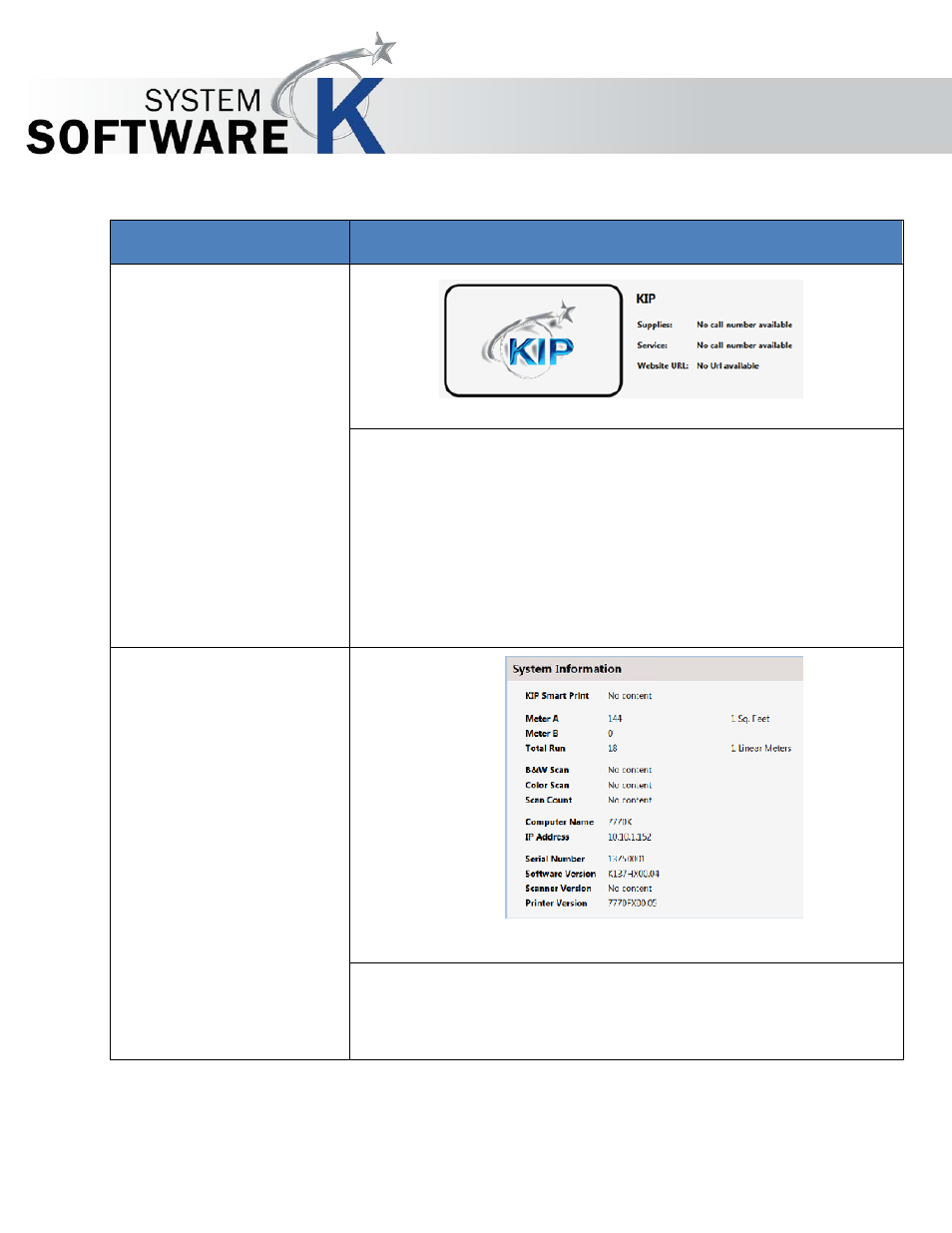
1. Dealer Information
This section can be set up by the Dealer to provide helpful information
including:
•
Dealer Name
•
Supplies Number
•
Service Number
•
Website URL
2. System Information
The System Information section displays all of the pertinent information
regarding the KIP Printer. This information can also be printed (see Print
Information Button).
Advertising