MBM Corporation TRIUMPH 6660 User Manual
Page 25
- 25 -
T
Adapting a program when the printer’s
imprint deviates
•
Press RUN "Load program no."
appears
•
Enter program number 01 ... 99, and with
2 x Enter proceed to Step 1
•
Correct the cutting position of the
backgauge with the hand-wheel
•
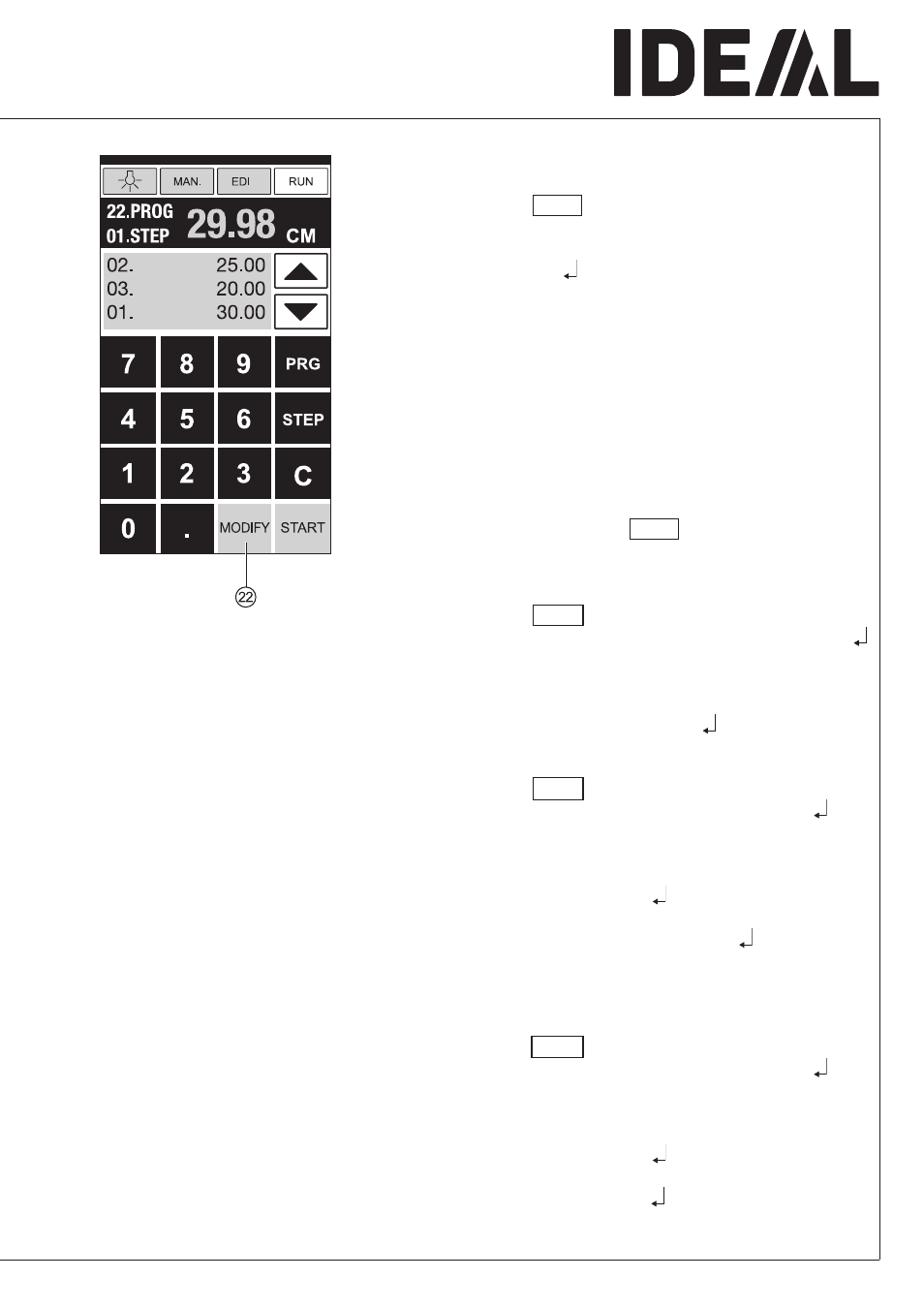
MODIFY
V
appears on the screen and the
measurement flashes
•
To store press MODIFY
•
Release a cut and turn the paper
•
If the printer’s imprint deviates it can be
corrected during the first two cuts via the
hand-wheel – see above
•
Correction is only possible during the first
two cuts
•
After leaving the RUN mode the original
data is stored again.
Delete a step
•
Press EDIT
•
Enter program number, confirm with Enter
•
Select program step with the arrow keys
b
and
j
•
Scroll with STEP until "Delete step no."
appears, Press 2 x Enter .
Insert a step
•
Press EDIT
•
Select a program, confirm with Enter
•
Scroll with STEP until "Insert step no."
appears
•
Enter insert position e.g. 02
•
Confirm with Enter
•
Enter a measurement
•
Store the measurement with
•
The cutting position can be shown on the
screen with the arrow keys
b
and
j
.
Changing a program step
•
Press EDIT
•
Select a program, confirm with Enter
•
Scroll with STEP until "Load step no."
appears
•
Enter step position e.g. 03
•
Confirm with Enter
•
Enter a new measurement, Store the
measurement with .
•
Operation
•