Microcom 814M Operators Manual User Manual
Page 29
25
− Paper roll loading space. Make sure to reserve enough space to load the paper roll.
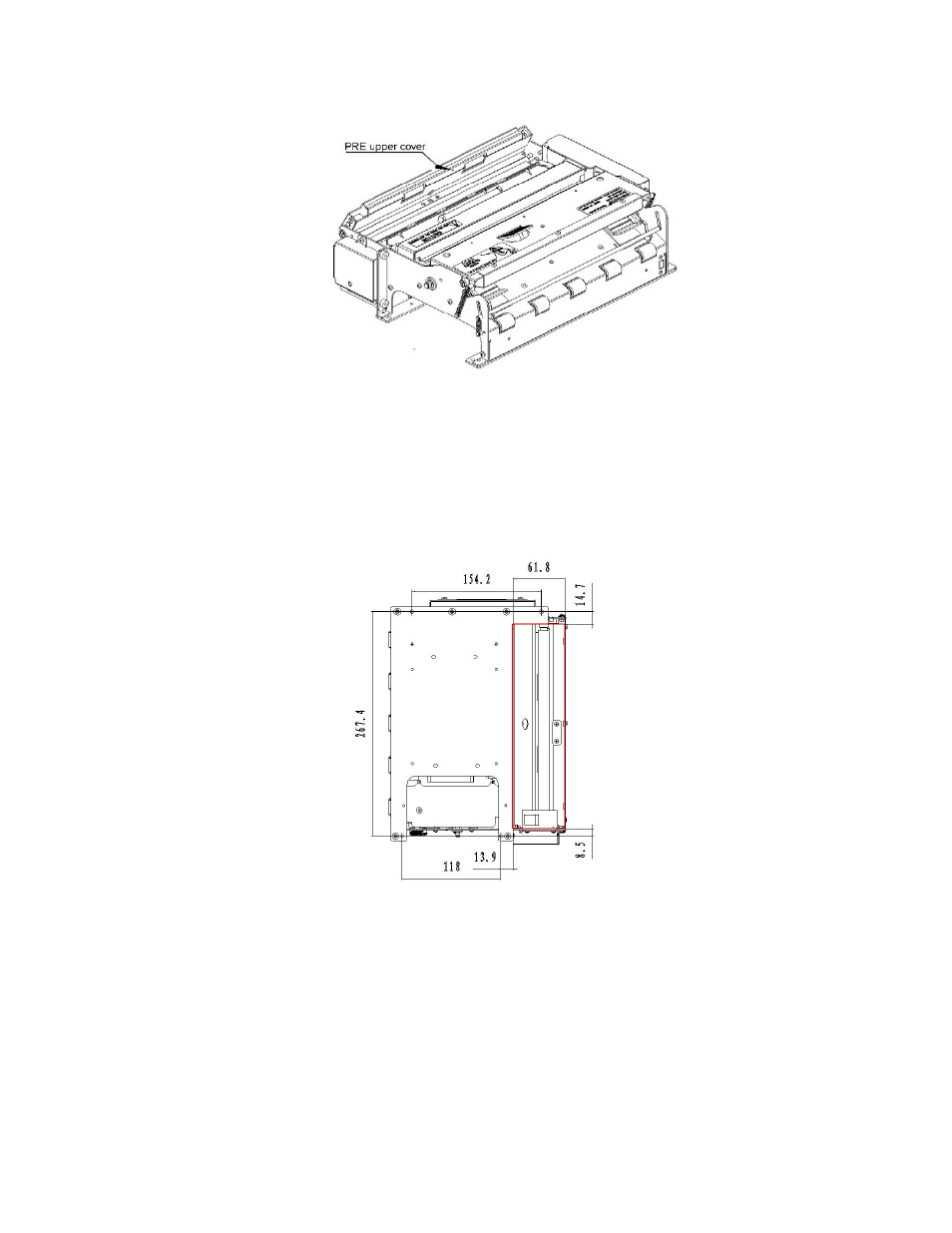
− Paper retraction space. The presenter module waits for the user to take the paper away. If the
user does not take the paper, the paper backs into a collection bin. A paper retraction outlet
should be added to your design if the printer will utilize paper retraction. (Disregard if your printer
doesn’t have the paper retraction function.)
− Connection wire space. Make sure there is enough space to connect and disconnect power and
communication cables.
− Button space. Make sure there is enough space to operate the CUT button, FEED button and
the power switch.
− Cutter maintenance space. Make sure there is enough space to remove the protective cover and
reset the cutter.
Figure 4-21 PRE Upper Cover
Figure 4-22 Paper Retraction Outlet