Preset settings – Omnia Audio Omnia F/XE User Manual
Page 37
Advertising
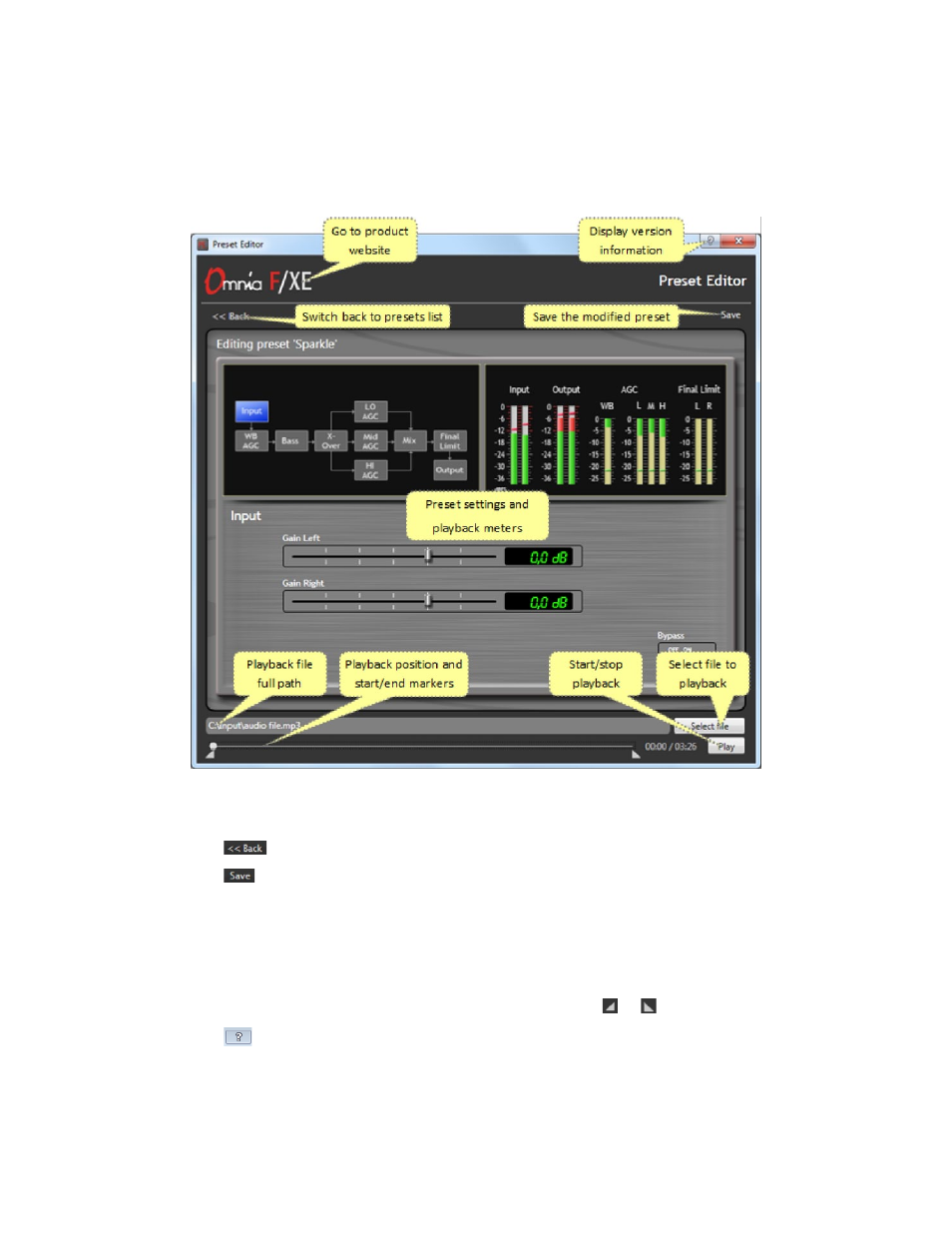
OmniA F/XE PrESEt EditOr |
35
Preset Settings
The
Preset settings
window is where a particular processing preset can be created and/or edited. The Preset
settings panel contains the following controls in the navigation bar:
♦
Switch back to preset list
♦
Save the modified preset
The Preset Editor allows a source file to be loaded into the encoder so that processing presets can be heard
while processing adjustments are made.
♦
Select playback file with “Select File”
♦
Start or stop playback with “Play” or “Stop”
♦
Set start and end markers for playing only a part of file loop with or button
♦
The software version and license status are available with the main window help button
Advertising