Operation instruction – Osoto PH-9000 User Manual
Page 16
Advertising
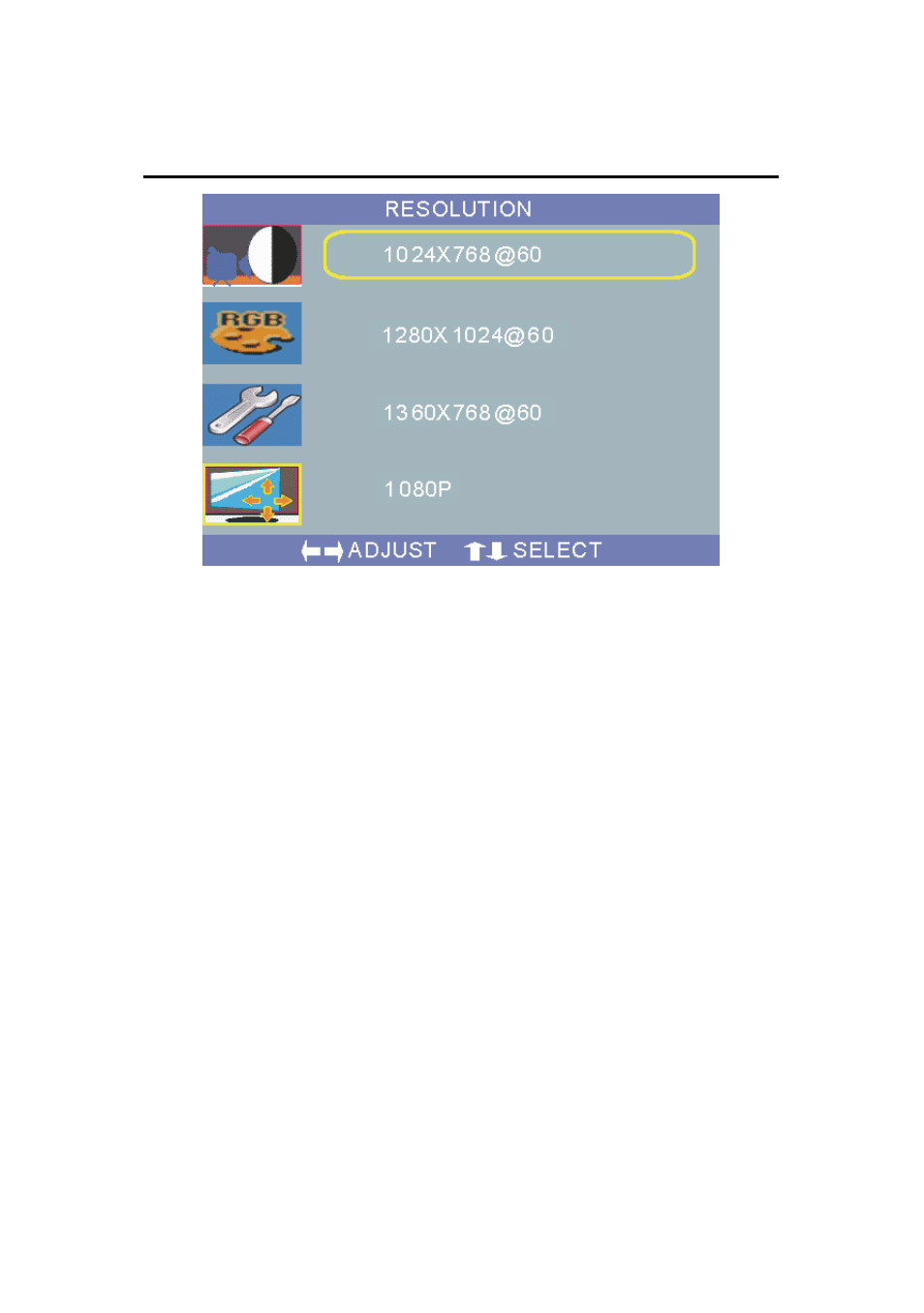
☆Operation Instruction:
After entering into the RESOLUTION page, you can set up the
resolution.
3. Software
Please connect this visual presenter with computer with
the attached RS-232 cable.
Please insert the attached disk into the computer driver
under Windows 9X/2K/XP. Follow the instructions to complete
the installation. Then run “C:\ Program Files\Video presenter
software\PRESENTER.EXE” or click the “PRESENTER” icon
on the desktop, you will enter the “Software interface “as
shown.
15
Advertising