Operation – Osoto PH-9000 User Manual
Page 8
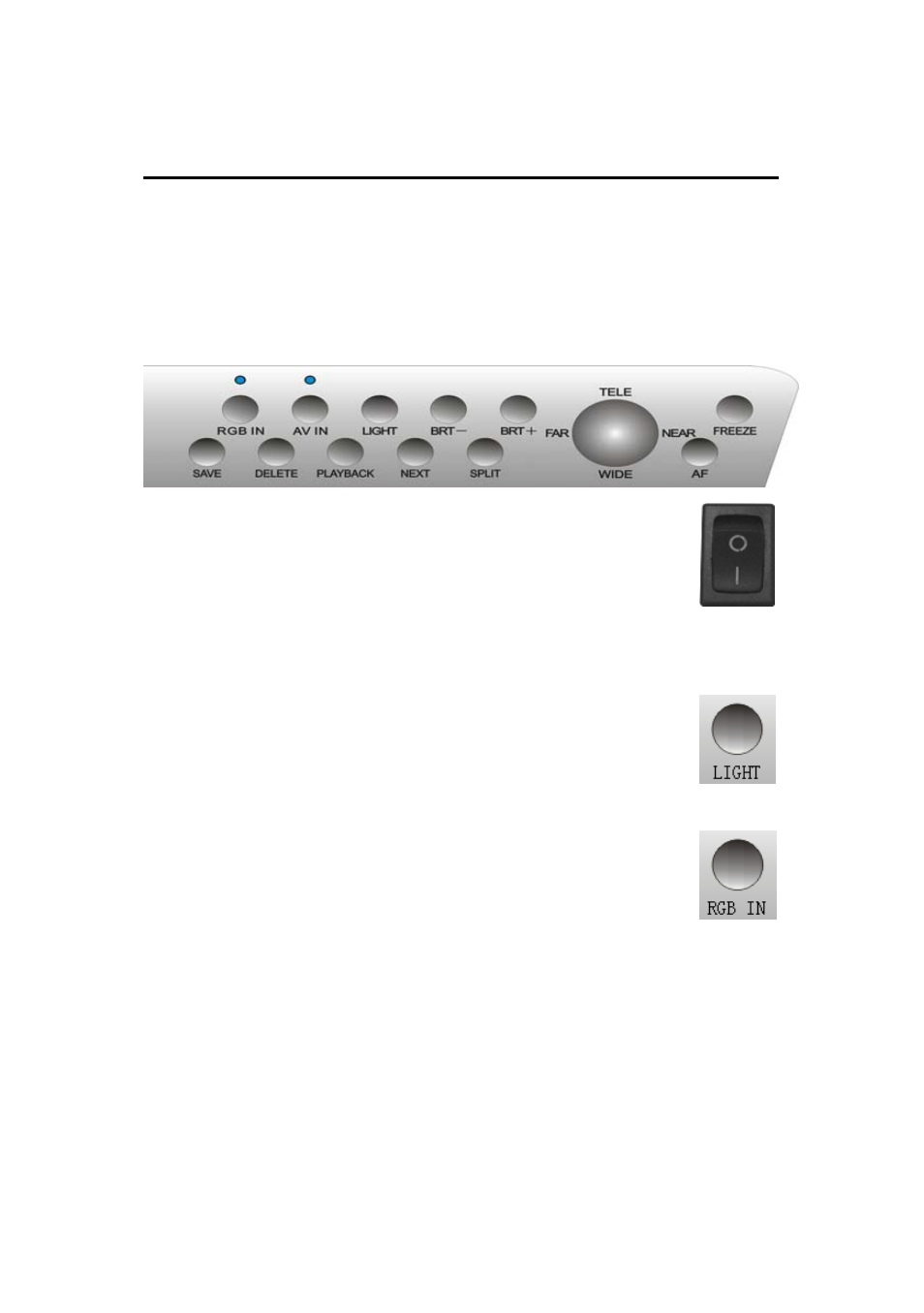
☆ OPERATION:
Control mode : 1. Control panel ; 2. Infrared remote
controller;3. Computer. Each of them can be carried out
separately or combined.
1. CONTROL PANEL:
POWER:
Switch the button to “
┃
”, the indicator lights of
“RGB” and “AV” will twinkle to green. It means
“Power on”.
Switch the button to ”○” to shut off.
7
LIGHT:
Press “Light” to on/off the upperlight or
baselight.
RGB IN:
Repeatedly pressing “RGB switch” to select
machine signal and external PC RGB signal input.
When choosing machine RGB signal, ”RGB switch” indicator
light would comes green continually, when choosing external
PC RGB1 signal, ”RGB switch” indicator light would comes
orange continually, when choosing PC RGB2 signal, ”RGB
switch” indicator light would comes red continually. Note: If
current state was VGA signal output, there is no AV signal
outputed .