Osoto Voting System User Manual
Page 35
Advertising
TopA interactive teaching system user
’s manual
35
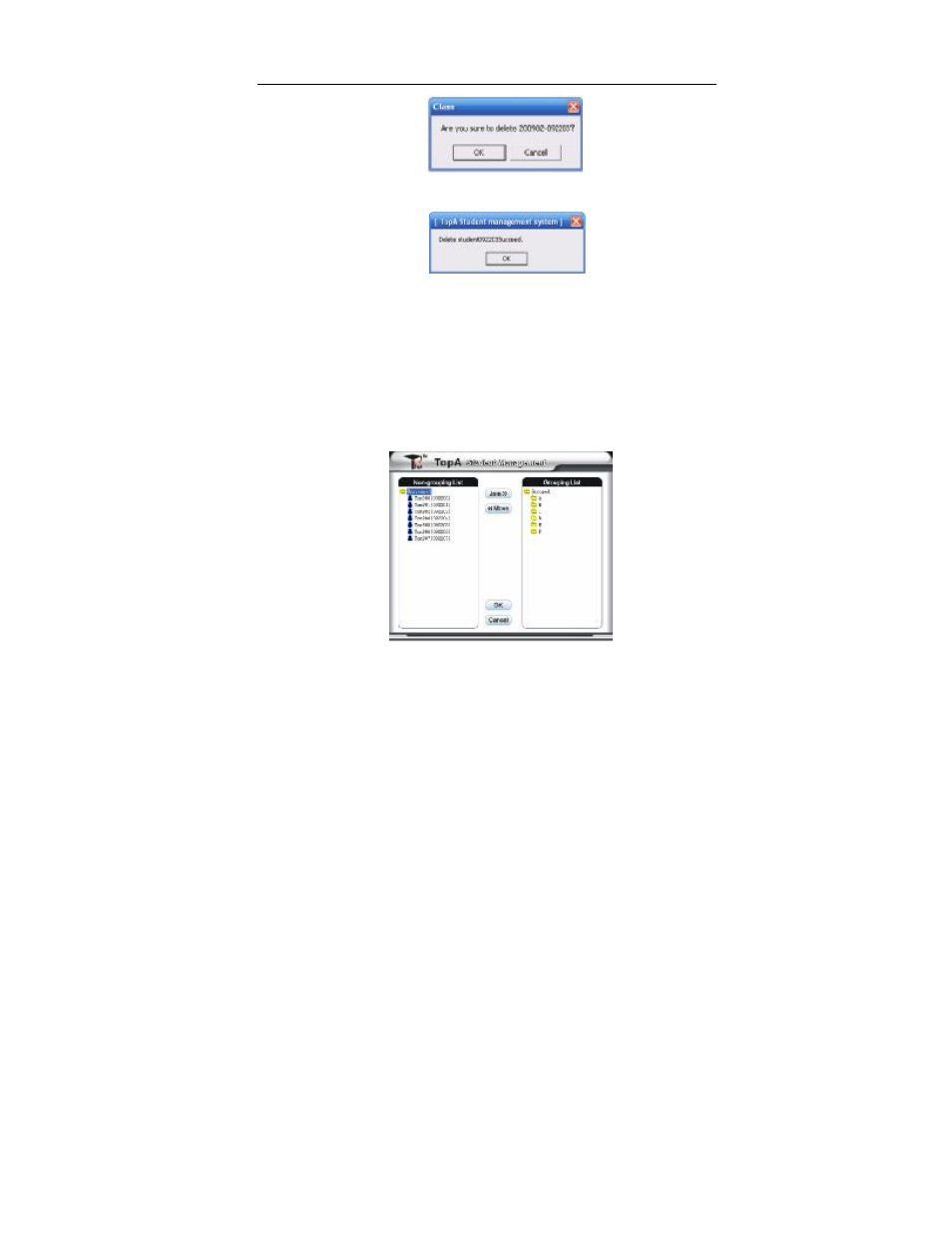
Pop up prompt box, click
④
[ok] button to remove the student from class.
Repeat the above steps, continue to remove student from class.
⑤
4. Group management
In practice, in order to enhance the learning atmosphere, the class students
will be divided into several groups to carry out activities.
① In class management window, firstly select the class on the class list to
divide into groups, then click [Group management] button. Pop up group
management window.
② Select the student on ungrouped list and select the group on grouped list,
click [join] button. The student will display on grouped list.
Advertising