Chapter Ⅵ interactive teaching – Osoto Voting System User Manual
Page 49
TopA interactive teaching system user
’s manual
49
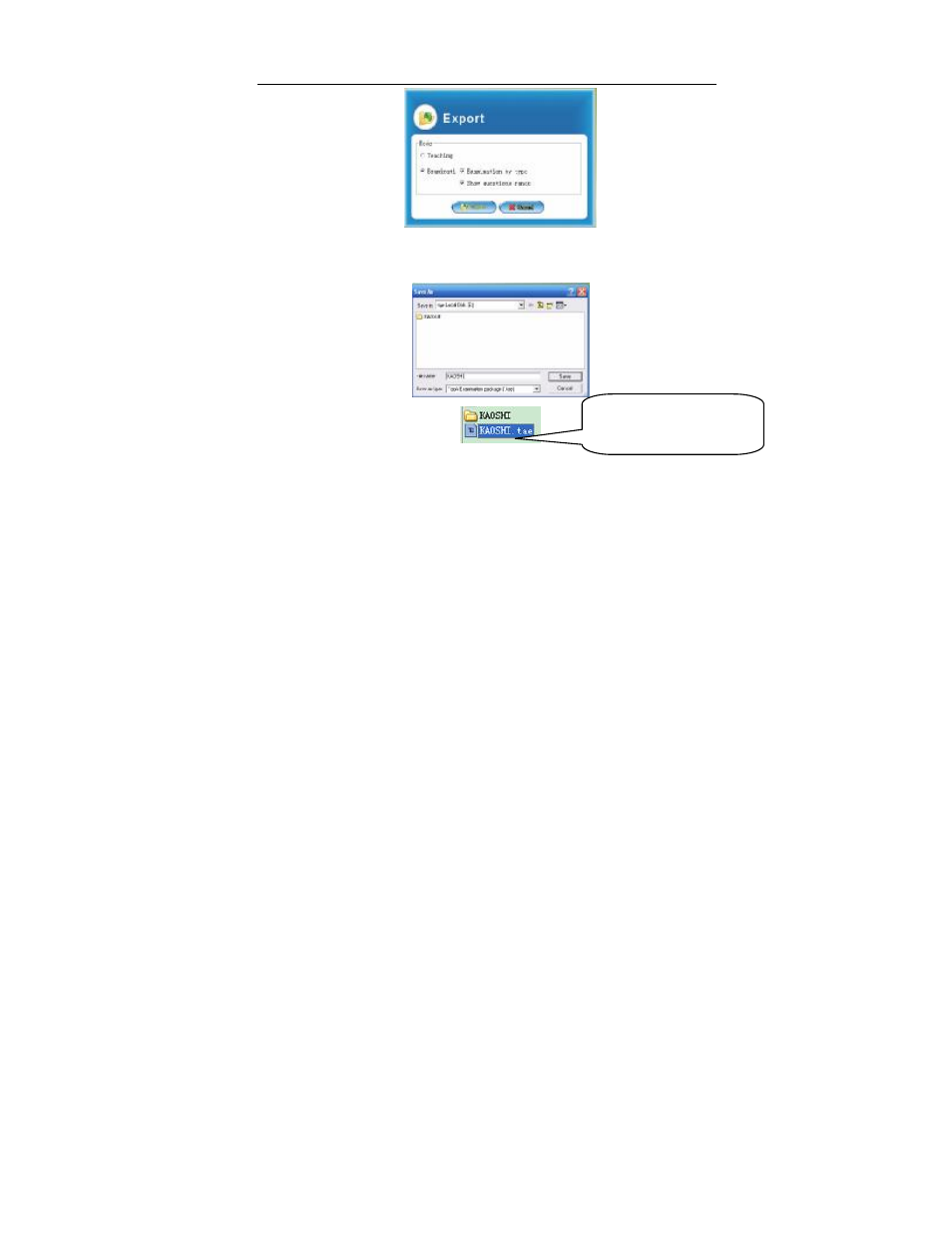
Open the dialog box, input the exported project’s name and select the
⑥
store location, then click [Save] button.
Chapter Ⅵ Interactive teaching
Our interactive teaching system ,powerful interactive mode, combined with
multimedia teaching tools, real-time teacher-student interaction makes teacher
know students’ learning status clearly and can adjust teaching schedule
accordingly, makes classroom teaching more lively and interesting.
Interactive teaching has two main modules: the interactive teaching module
and presentation teaching module. Many function icons on main window can be
matched directly on the teacher remote and the mini-whiteboard for remote
The
project
file
of
examination package.