Printer hardware issues – HP DeskJet GT 5820 User Manual
Page 112
Advertising
Printer hardware issues
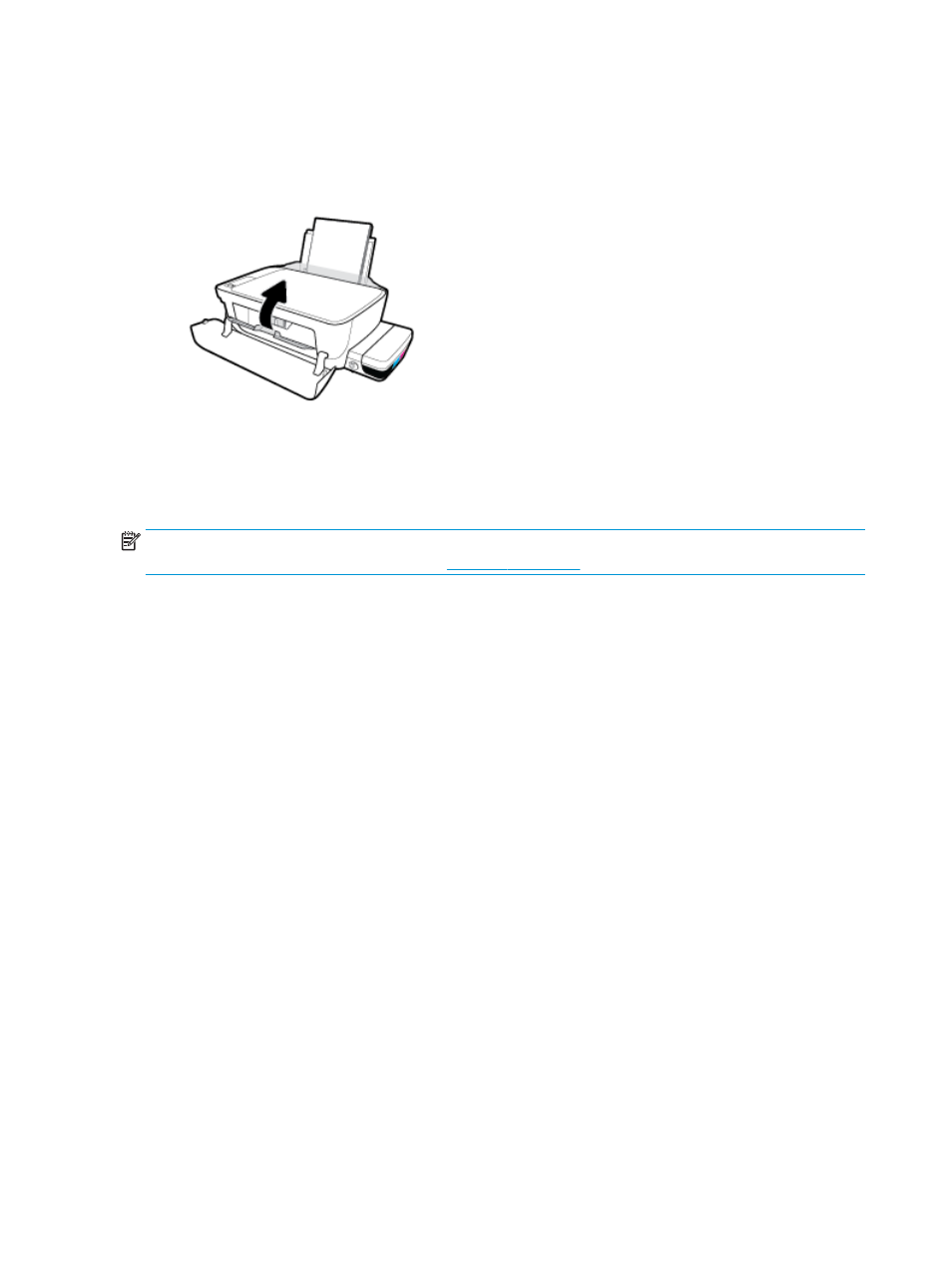
Close printhead access door
●
Printhead door must be closed to begin printing.
The printer shuts down unexpectedly
●
Check the power and power connections.
●
Make sure the printer's power cord is connected firmly to a functioning power outlet.
NOTE:
When Auto-Off is enabled, the printer will automatically turn off after 2 hours of inactivity to help
reduce energy use. For more information, see
.
Resolve printer failure
●
Turn the printer off, then on. If that does not resolve the problem, contact HP.
106 Chapter 8 Solve a problem
ENWW
Advertising
This manual is related to the following products: