Table 3.1, Front panel controls and displays, Ft m μ a – RLE 10K V.2.5.a User Manual
Page 26
26
SeaHawk 10K User Guide
800.518.1519
3
Operation
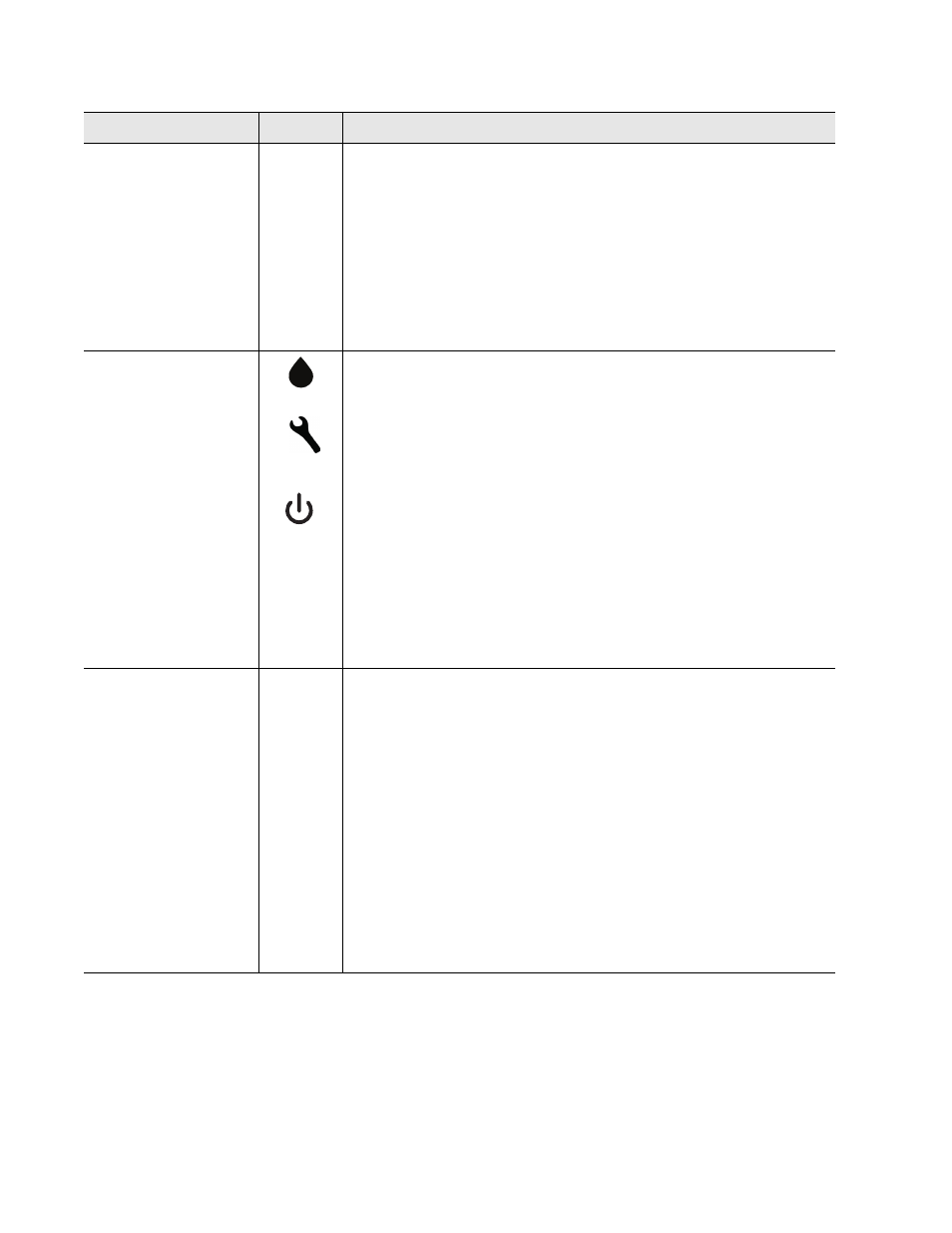
Front Panel Indicator Symbol
Description
4-character LED
SH10
675
(e.g.)
cbr
•
System is running in its normal operating state.
•
A leak, fault, or contamination has been detected. The numerical
distance to the leak displays on the LED. A green LED lights next
to the appropriate distance measurement, and either the LED
next to the water drop glows red to indicate a leak, or the LED
next to the wrench glows yellow to indicate cable contamination. If
the distance is measured in meters, a tenths place decimal value
will appear in measurements from 0.0 - 999.9. All meter values
over 1000 will display as whole meter measurements.
•
A cable break or fault has been detected. A yellow LED flashes
next to the wrench symbol.
LED
•
Red LED - leak is detected - distance is displayed on 4-
character LED
•
Yellow LED - Cable fault - 4-character LED displays
cbr
•
Yellow LED - Cable contamination - 4-character LED displays the
distance to the contamination
•
Green LED - Power on
•
Green LED - Measurements are made in feet
•
Green LED - Measurements are made in meters
•
Green LED - Microamps of current on cable - amperage is
displayed on 4-character LED
Test/Reset/Alarm
Silence Button
Blue
Push
Button
In normal operating conditions, the button functions include:
•
Press once: Displays cable current in ohms/foot and the green
LED lights next to the microamp symbol
•
Press twice: Displays the length of installed cable components
and the green LED lights next to the appropriate Ft or m symbol
•
Press three times: Return to the default display (
SH10
)
•
Press and hold: Self-test is initiated and the character display
reads
cal 8060
, which indicates the value of the test resistor.
If an alarm sounds, briefly press the button to turn off the audible
alarm. The Status LED remains red, and the 4-character LED
continues to show the alarm condition.
In an alarm condition, whether the audible alarm is sounding or
not, press and hold this button for 3 seconds to clear the alarm.
Table 3.1
Front Panel Controls and Displays
Ft
m
μA