Recording and playing back movies, Recording movies – SIGMA DP3 Merrill User Manual
Page 109
Advertising
108
RECORDING AND
PLAYING BACK MOVIES
RECORDING MOVIES
It is possible to record movies with sound.
●
The image size is VGA (640X480) (Image area is 640X426, black
stripes is recorded down).
●
The number of shooting frames per second (frame rate) is 30 frames.
●
The movie will be stored as an AVI file. (For instance, file number
0023 will be SDIM0023.AVI.)
1
Set the Mode Dial to the
position.
2
Press the shutter button to start recording the movie. (During recording,
the
icon and the busy lamp will blink.)
3
To terminate recording, press the shutter button again.
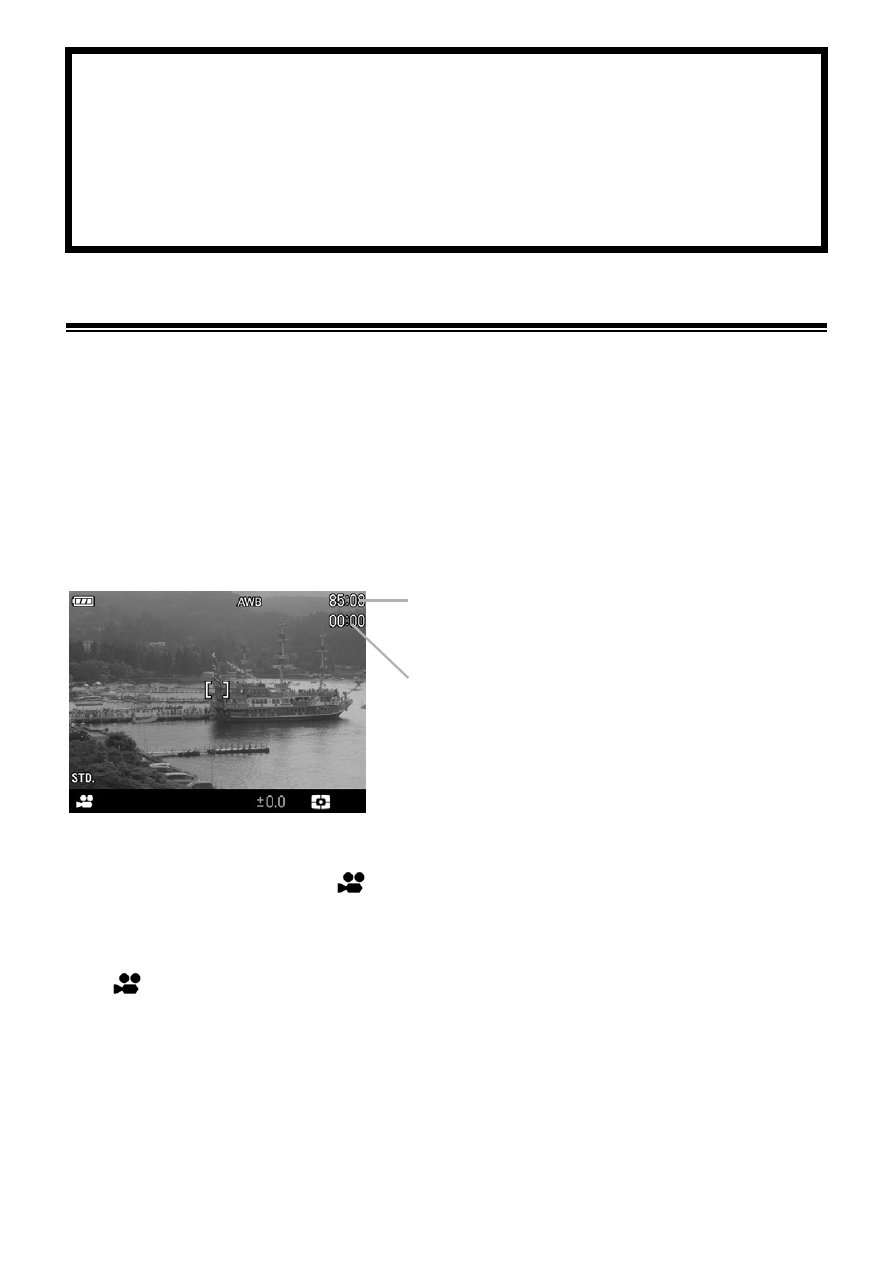
Available recording time counter
Elapsed time counter
Advertising
This manual is related to the following products: