Setting the flash mode – SIGMA DP3 Merrill User Manual
Page 82
81
3
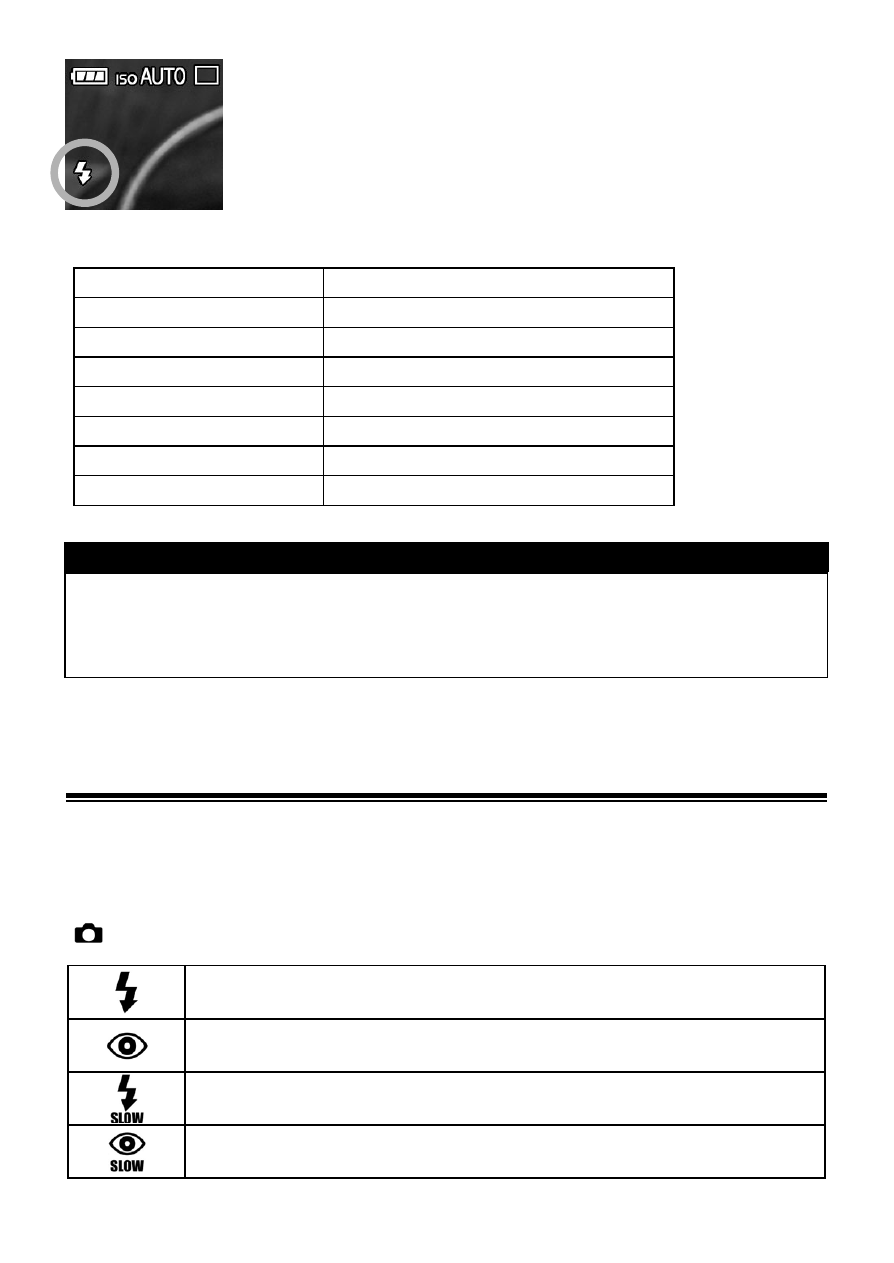
Make sure that the Flash Mode icon is displayed on
the LCD monitor.
■
Flash photography can be used in the following range. (P Mode)
ISO
Flash Exposure Range
ISO100
Approx.
1m ~ 5m
ISO200
Approx.
1m ~ 7m
ISO400
Approx.
1m ~ 10m
ISO800
Approx.
1m ~ 14m
ISO1600
Approx.
1m ~ 20m
ISO3200
Approx.
1m ~ 28m
ISO6400
Approx.
1m ~ 40m
TIP
If the ISO sensitivity setting is set to [ISO AUTO] and the external flash
is used, the value set in [Lower limit] of [ISO Auto Range] will be
applied.
SETTING THE FLASH MODE
It is possible to select other flash modes such as Exposure
Compensation mode or Red-Eye Reduction mode.
The Flash Mode can be set in the Quick Set Menu (P.35) or
[
Capture Settings] (P.28) → [Flash] → [Flash Mode].
Normal Flash
(Default)
Redeye
Slow Sync.
Redeye + Slow