Teletronics TBC-800 User Manual
Page 8
Static IP Address:
Manually setup an IP for this device
•
IP Address
•
Subnet Mask
•
Default Gateway
•
Preferred DNS Server
•
Alternate DNS Server
DHCP Client:
Set up the device as a DHCP client which will pick up an IP from a DHCP server
Click Save to store the setting
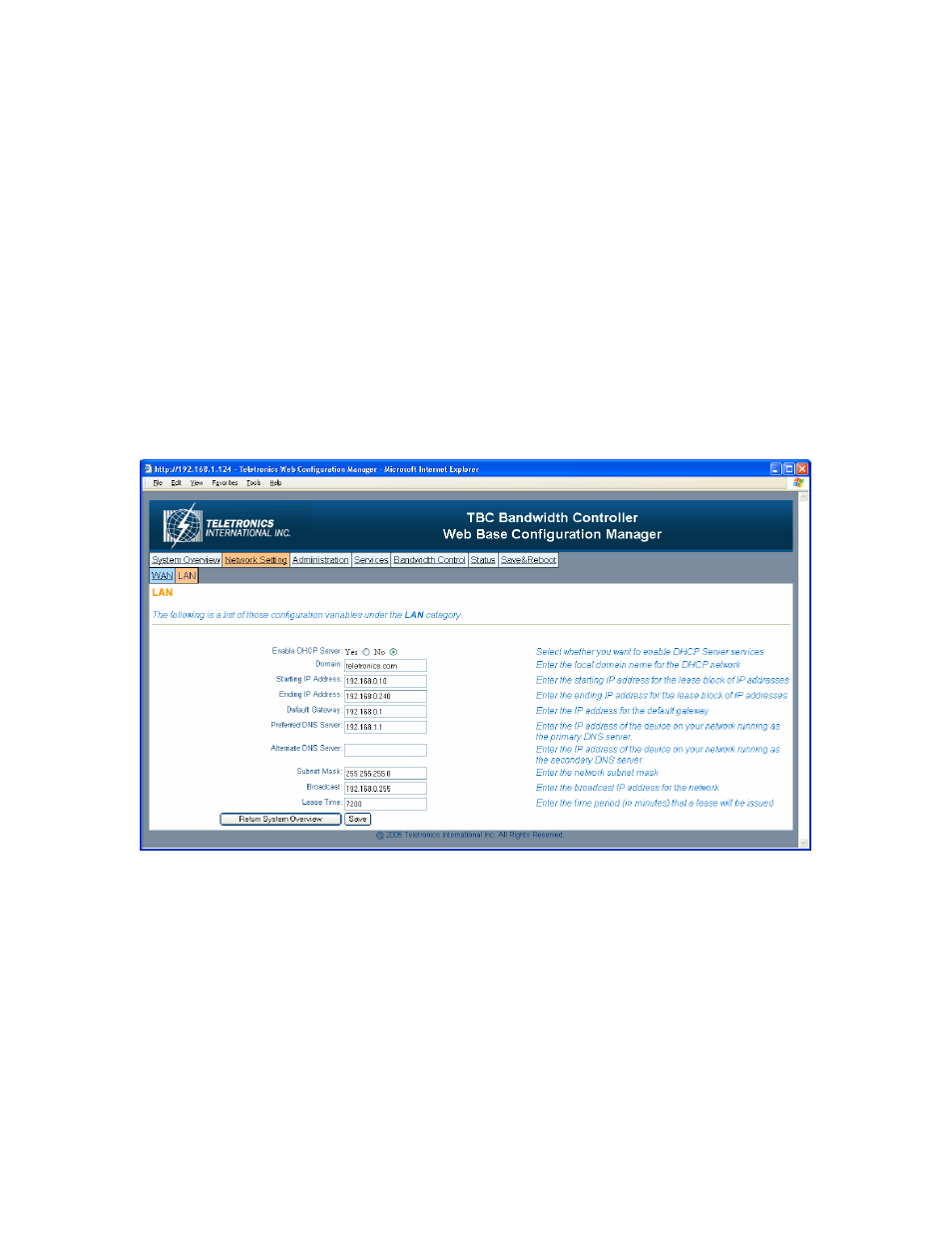
- LAN
TBC can be setup as a DHCP server for the LAN network.
Enable DHCP Server:
•
Enable DHCP Server: select Yes
•
Domain: Enter the name of the LAN network domain
•
Starting & Ending IP Address: Enter the starting and the ending IP address
dynamically assigning to DHCP clients.
•
Default Gateway: Enter the LAN network gateway IP address
•
Preferred & Alternate DNS Server: Enter the preferred & alternate Domain Name
Server’s IP address
•
Subnet Mask: Enter the LAN network subnet
8