2 back panel, Back panel – Welltech LP-388 Oct-12-2007 User Manual
Page 13
Advertising
LAN Phone 388 User’s Manual
12
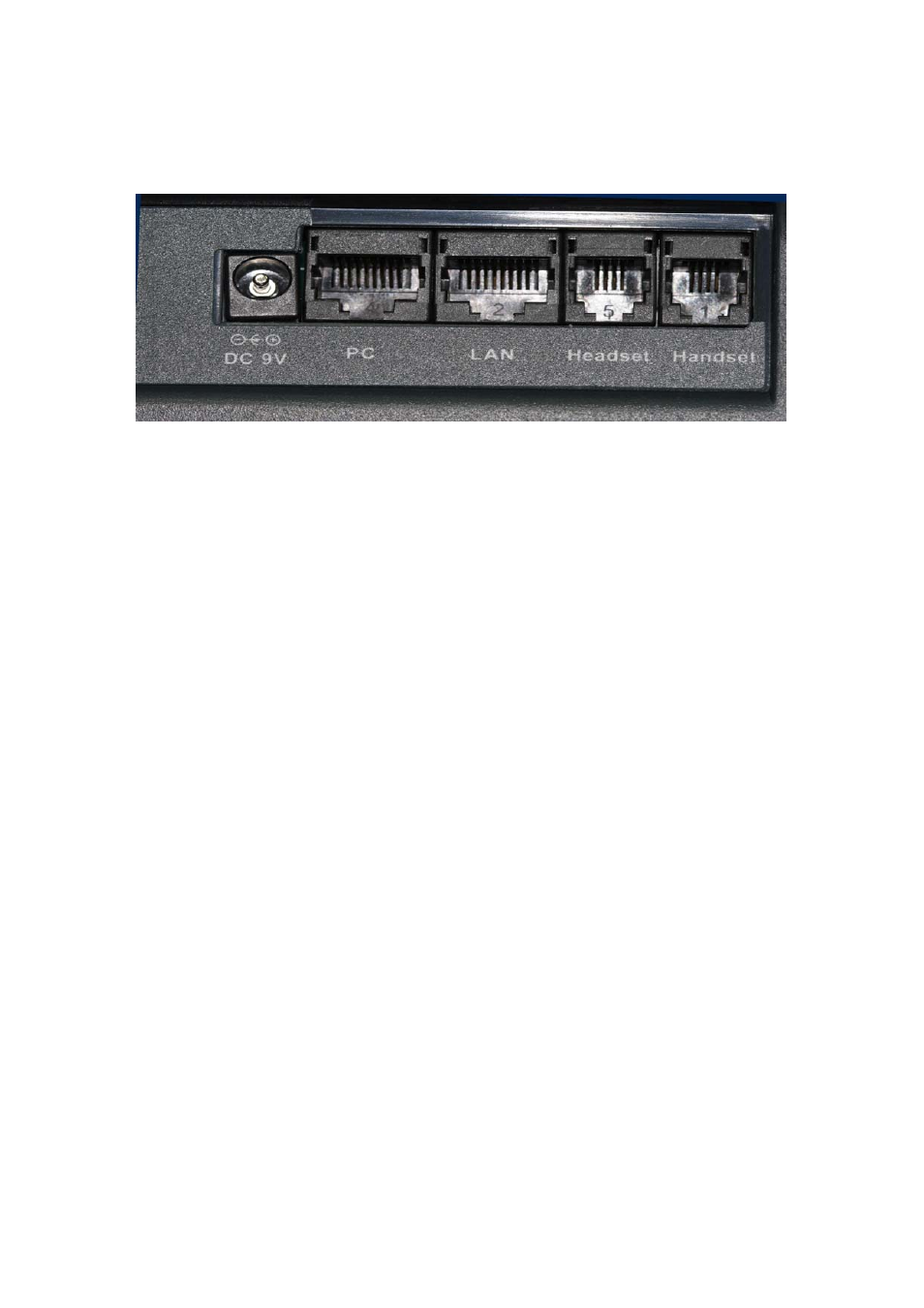
2 Back
Panel
♦ DC 9V: DC 9V power input outlet
♦ PC: RJ-45 connector, connected directly to the PC through the straight CAT-5 cable
♦ LAN: RJ-45 connector, connected directly to the Hub through the straight CAT-5
cable.
(Support PoE feature for LP388A)
♦ Headset: headset jack to connect with headset. Please contact with your distributor
for optional headset.
♦ Handset: handset jack to connect with handset.
Advertising
This manual is related to the following products: