Alinco DJ-X2 User Manual
Page 40
Advertising
3
Operatingi
nE
xpertM
ode
40
■
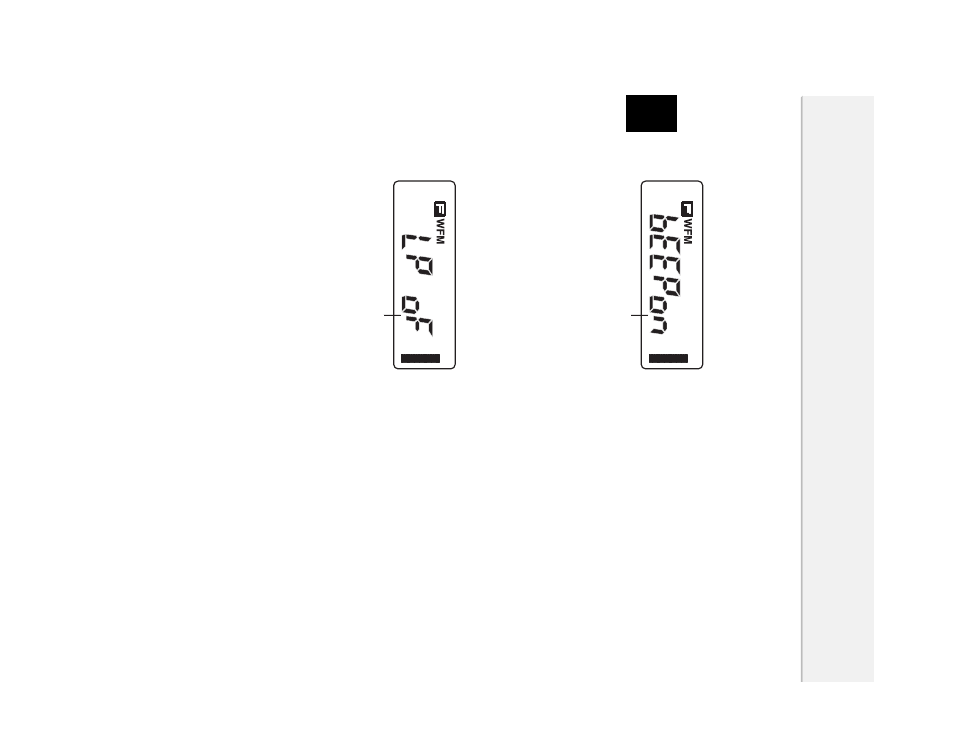
Beep function
The beep sound which sounds when operating keys on the DJ-X2 can be
turned OFF.
Select "bEEP" in the setting mode.
· Select ON/OFF by pressing the [
▲
/
▼
] keys.
· The default setting is ON.
■
Lamp function
This function sets the display backlight ON or OFF.
When ON is selected, an operation of any key turns ON the backlight, and it
automatically turns OFF after 5 seconds.
Select "LP" in the setting mode.
· Select ON/OFF by pressing the [
▲
/
▼
] keys.
· The default setting is OFF.
· Batter life may decrease when set to ON.
Select ON/OFF
.
Select ON/OFF
.
Advertising