Installing and deploying uam – H3C Technologies H3C Intelligent Management Center User Manual
Page 46
Advertising
39
Installing and deploying UAM
UAM includes the following subcomponents:
•
Intelligent Strategy Proxy
•
User Access Management
•
Portal Server
•
EIP Server
•
EIP Sub Server
•
Policy Server
•
Policy Proxy Server
•
User SelfService
•
User Access Management Sub Server
•
Third-Party Page Publish Server
To install and deploy UAM:
1.
Install UAM in the same way NTA is installed. (Details not shown.)
For information about the installation procedures, see "
."
2.
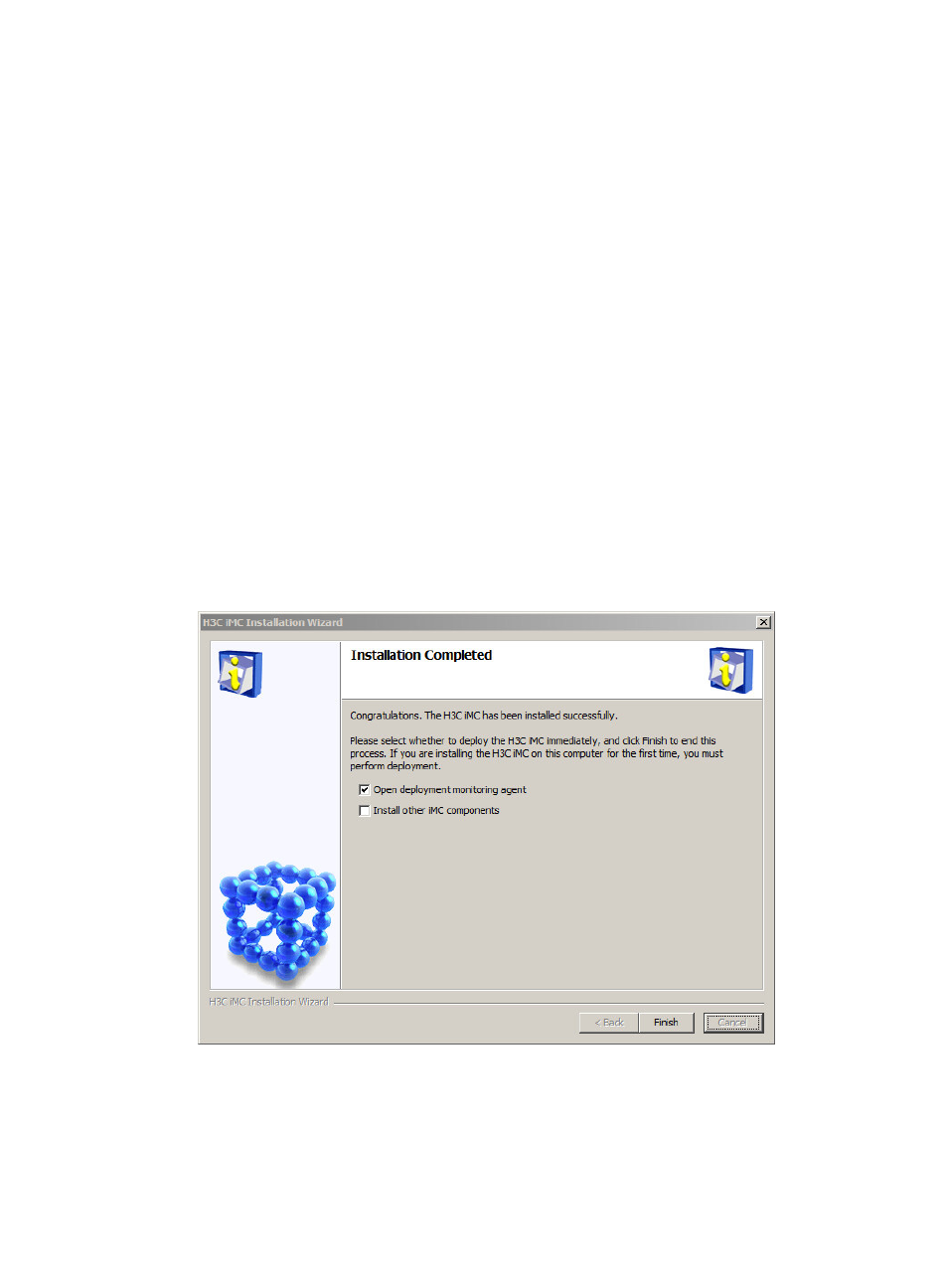
In the Installation Completed window (see
), select Open deployment monitoring agent.
Figure 33 Installation Completed
3.
Click Finish.
The system automatically starts the Intelligent Deployment Monitoring Agent and displays the
Batch deploy window, as shown in
.
Advertising