Viewing and modifying metadata of placeholders – Grass Valley Aurora Playout v.8.1 User Manual
Page 103
Advertising
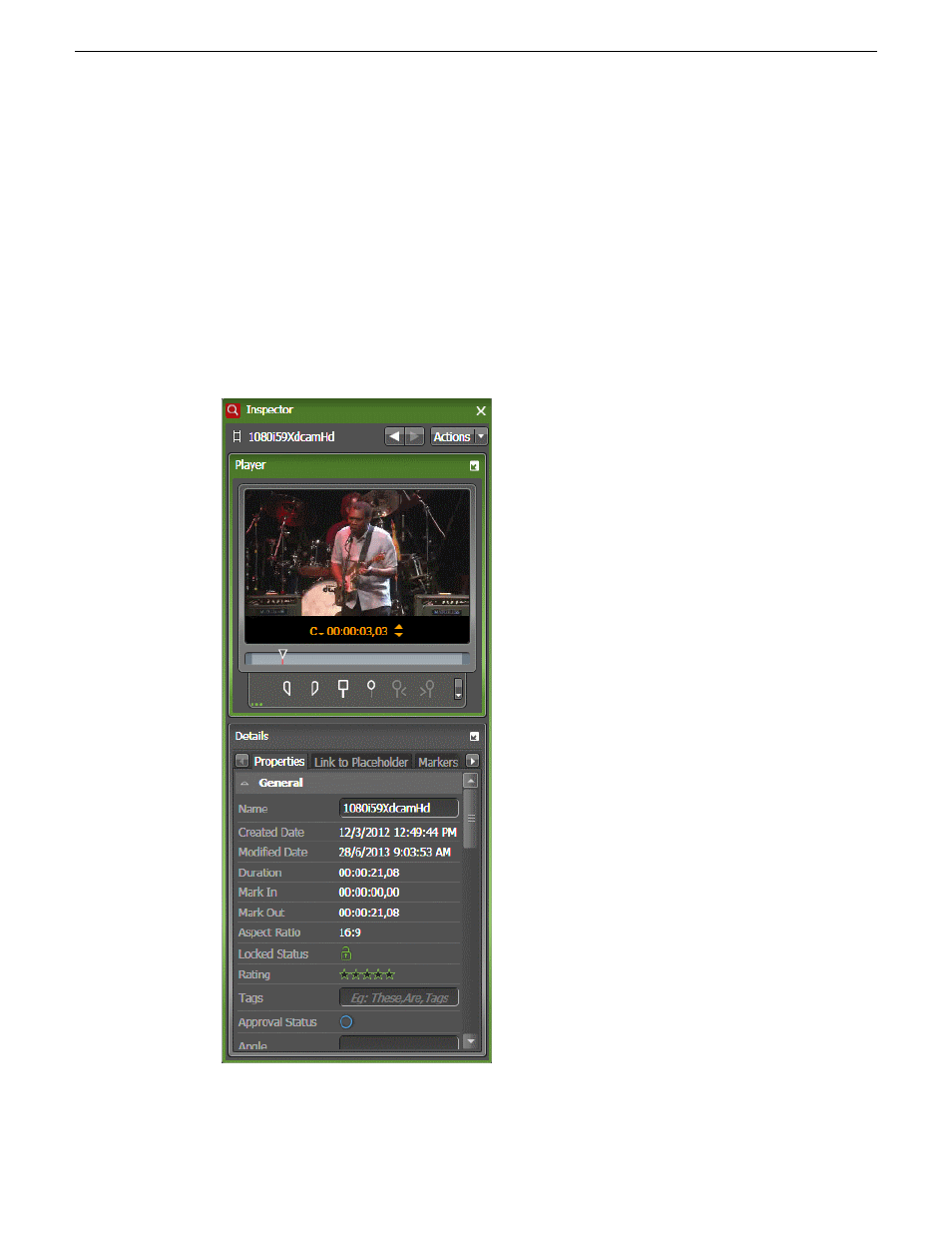
Viewing and modifying metadata of placeholders
You can view and modify metadata of placeholders with
Ready
status. When you modify the metadata,
you are actually modifying the metadata of the asset that is already associated with the placeholder.
The inserted metadata can then be used as the search criteria to easily search assets in the Asset List
panel.
1. To view or modify the metadata, do one of the following below:
•
Drag and drop the placeholder into the Inspector panel.
•
Double-click the placeholder.
The metadata loads into the Inspector panel.
20131223
Aurora Playout User Manual
103
Using NCS rundowns and Aurora Playout
Advertising