Intuition xg product description, Intuition xg product description -2 – Grass Valley Intuition XG Installation v.5.0 User Manual
Page 21
1-2
Intuition XG Installation & Quick Start Guide
Introduction
Intuition XG product description
The Intuition XG graphics co-processor significantly extends the graphics and clip playout
capabilities of master control switcher systems, like the Imagestore 750 or NV51000MC, by
feeding the HD/SD fill/key inputs. It’s ideal for playout of the most advanced data-driven,
channel branding and promotional graphics, including: “Coming up next” and episodic
promos. The Intuition XG provides multi-level character generation plus animation/still and
clip playout with multi-channel audio.
The Intuition XG is available in three (3) standard models:
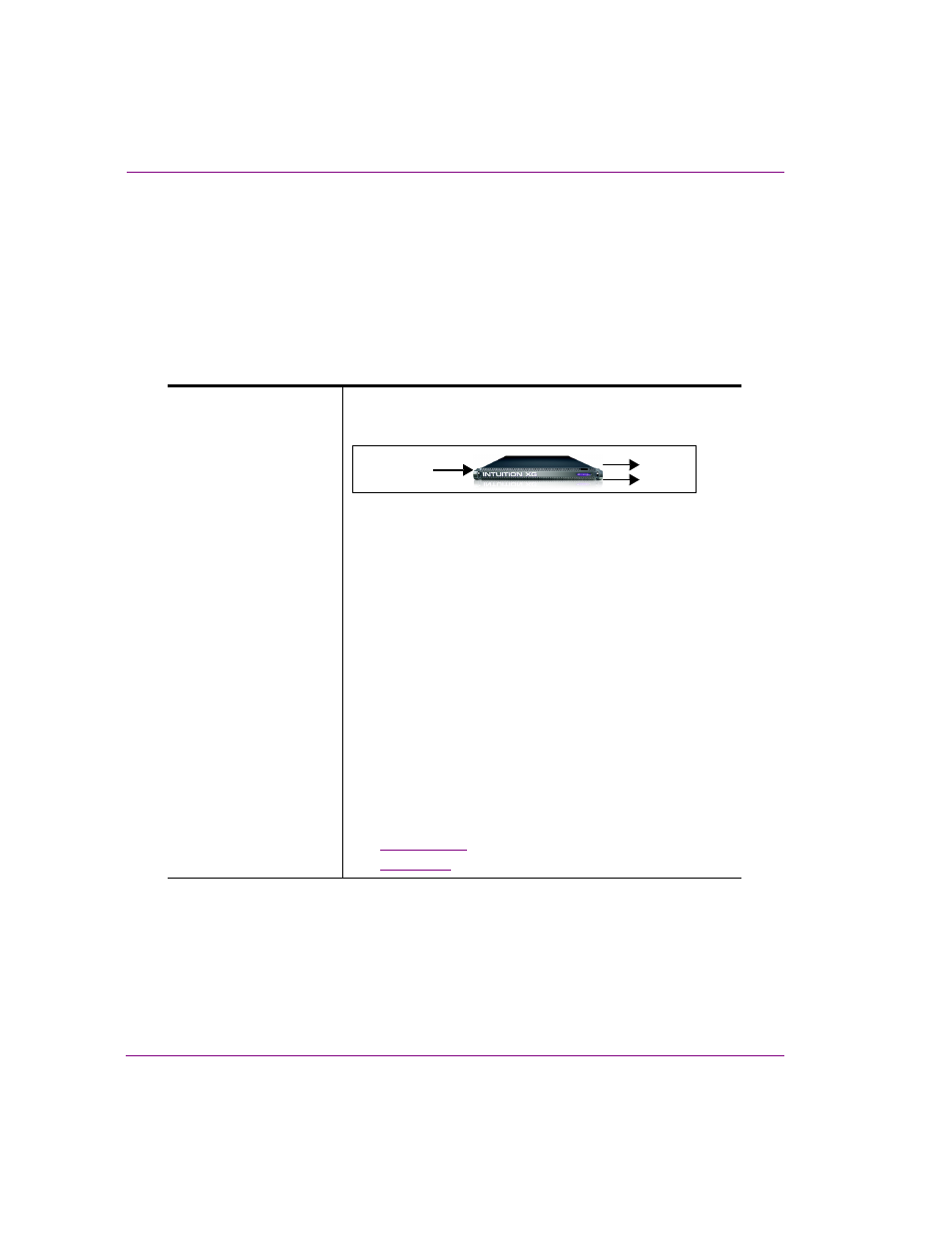
Intuition-XG-e
A single channel graphics co-processor, generally used
upstream of a master control switcher like the Imagestore 750
or NV5100MC.
•
1RU chassis with a single power supply unit.
•
1 HD/SD video input, 1 HD/SD (Fill & Key) output
•
A powerful, HD/SD character generator which allows the
playout of virtually unlimited layers of animated text and
dynamically updated text.
•
1 TB RAID1 storage for up to 200 hours of video/audio
clips and simultaneous playout of multiple clips
•
Playout of up to eight (8) layers of animated and still
graphics templates for the most advanced branding and
promotional effects.
•
SD output as NTSC or PAL
•
HD output as 1080i, 720p or 480p
•
VANC + VBI extraction processing and insertion or
VAnc/VBI pass through.
•
Full automation control by serial, Ethernet and/or GPI
commands.
Options
•
VX-ClipPlayer
•
VX-Audio-e
Video In A
Out A
Fill
Key