Xg-3u/d, Nstallation, Instructions – Grass Valley Intuition XG Installation v.5.0 User Manual
Page 40: Ntuition
Intuition XG Installation & Quick Start Guide
3-1
3 I
NSTALLATION
INSTRUCTIONS
FOR
THE
I
NTUITION
XG-3U/D
UAL
This chapter provides you with instructions for performing a first-time installation of a
factory-configured Intuition XG-3U-e or Intuition XG-Dual-e devices.
CAUTION
Intuition XG devices should only be installed by trained personnel in a restricted access
locations only. All health and safety regulations and precautions must be observed.
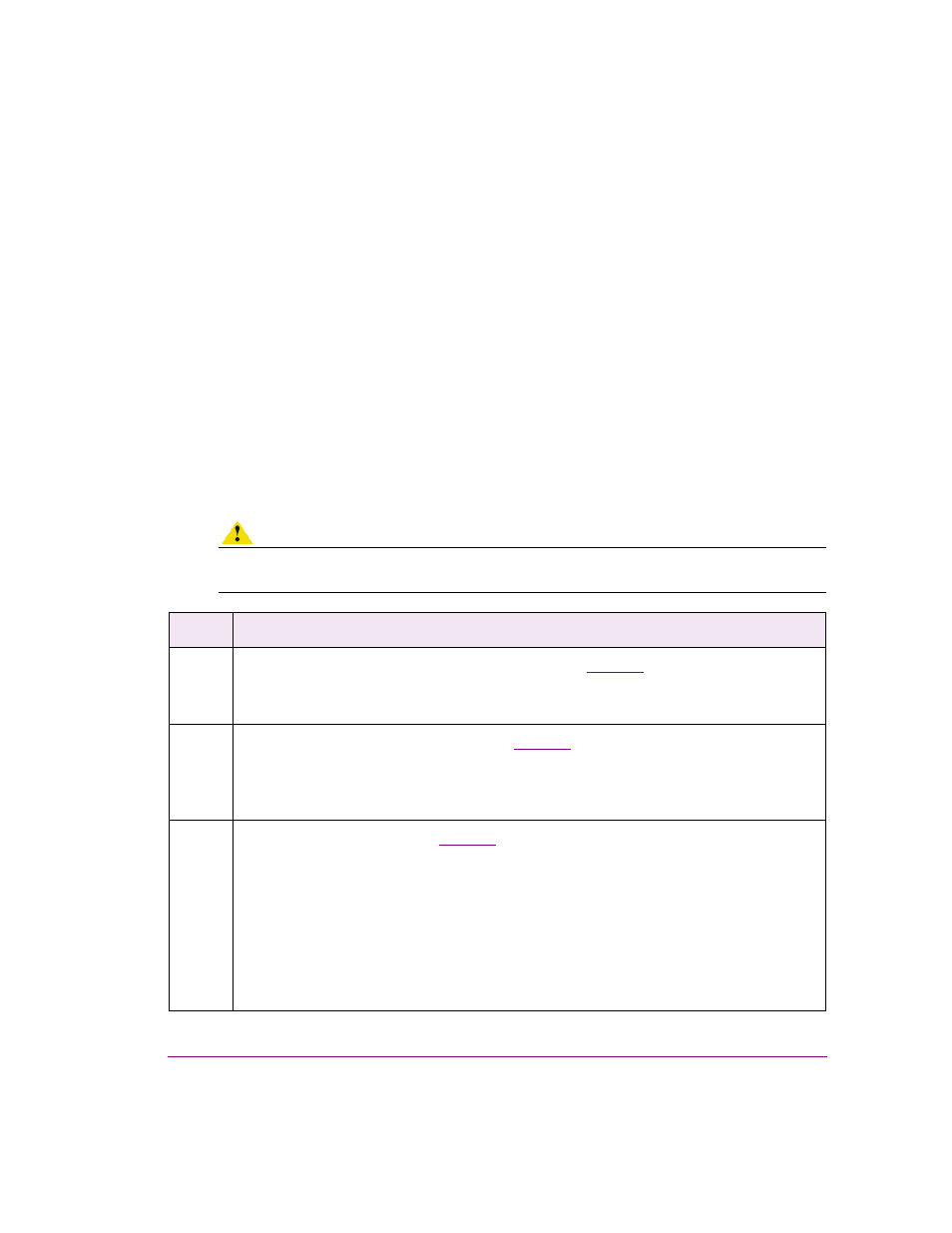
Step #
Task description
1
Unpack the parts included in the shipping package (
•
Verify the completeness and condition of all of the items included in the shipping package
•
Familiarize yourself with each of the items related to the Intuition XG
2
Install the Intuition XG chassis in a rack (
•
Remove the faceplate from the Intuition XG unit
•
Install the rails on the side of the Intuition XG unit and in the rack slot
•
Mount the Intuition XG unit in the rack and re-attach the faceplate
3
Cabling the Intuition XG unit (
•
Connect the power supply cables
•
Connect the keyboard and mouse
•
Connect the DVI monitor
•
Connect the ethernet network cable(s)
•
Connect the SDI video I/O cable
•
Connect the discrete AES audio cable(s)
•
Connect the automation system cable to the RS-232 / RS-422 ports
•
Connect cable to time code card
•
Connect cable to GPI card