Understanding field dominance, Locking an asset, Understanding field dominance locking an asset – Grass Valley K2 AppCenter v.9.0 User Manual
Page 132
After consolidating media, the following is true:
•
Media outside the clip marks is erased except that portion referenced by a subclip, playlist event,
or program.
•
All subclips and events generated from the source clip retain 1 second of media before the mark-in
and after the mark-out.
•
Event-in becomes the first video frame of the file.
•
Event-out becomes the last video frame of the file.
•
Clip length becomes the total file length.
Understanding field dominance
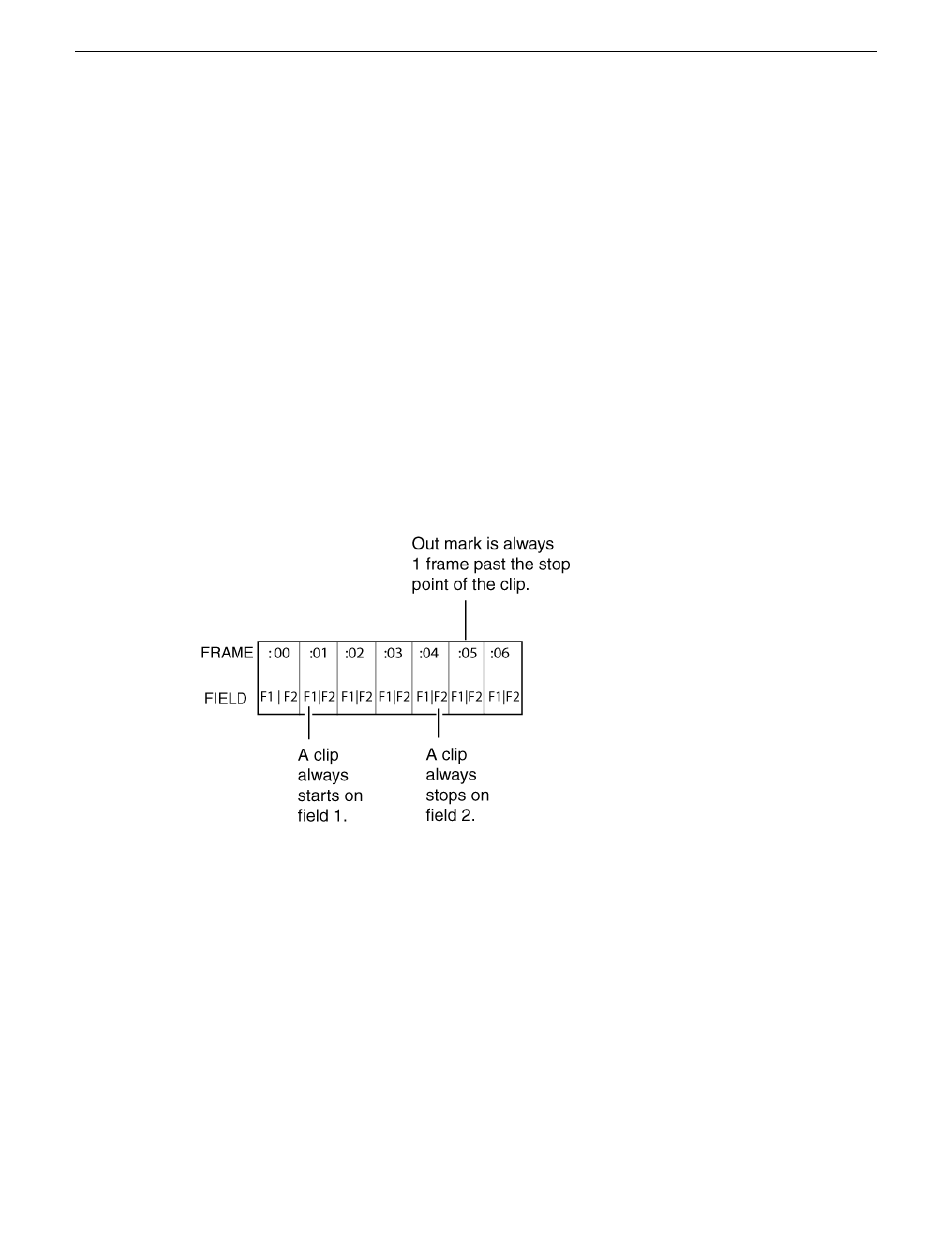
In interlaced video, each frame is composed of two fields. In Grass Valley systems such as a K2
Summit/Solo system, video is field-1 dominant; each frame consists of field 1 followed by field 2.
For example, when you navigate through the clip to the beginning, the K2 Summit/Solo system
system goes to field 1. When you navigate through a clip to the end, the K2 Summit/Solo system
goes to field 2.
The in point of any trimmed clip always starts at field 1 of a frame. The out point of a trimmed clip
is always one frame past the stop point of the clip. For example, if the last playable frame is
01:15:00,04 then the out-point mark is 01:15:00;05.
Locking an asset
Locked assets cannot be renamed, deleted, or modified in any way.
To lock an asset:
1. Select the asset in the Asset List.
132
K2 AppCenter User Manual
29 October 2012
Managing clip media