Grass Valley Kaleido-Modular-X v.7.70 User Manual
Page 15
11
Kaleido-Modular-X
Quick Start Guide
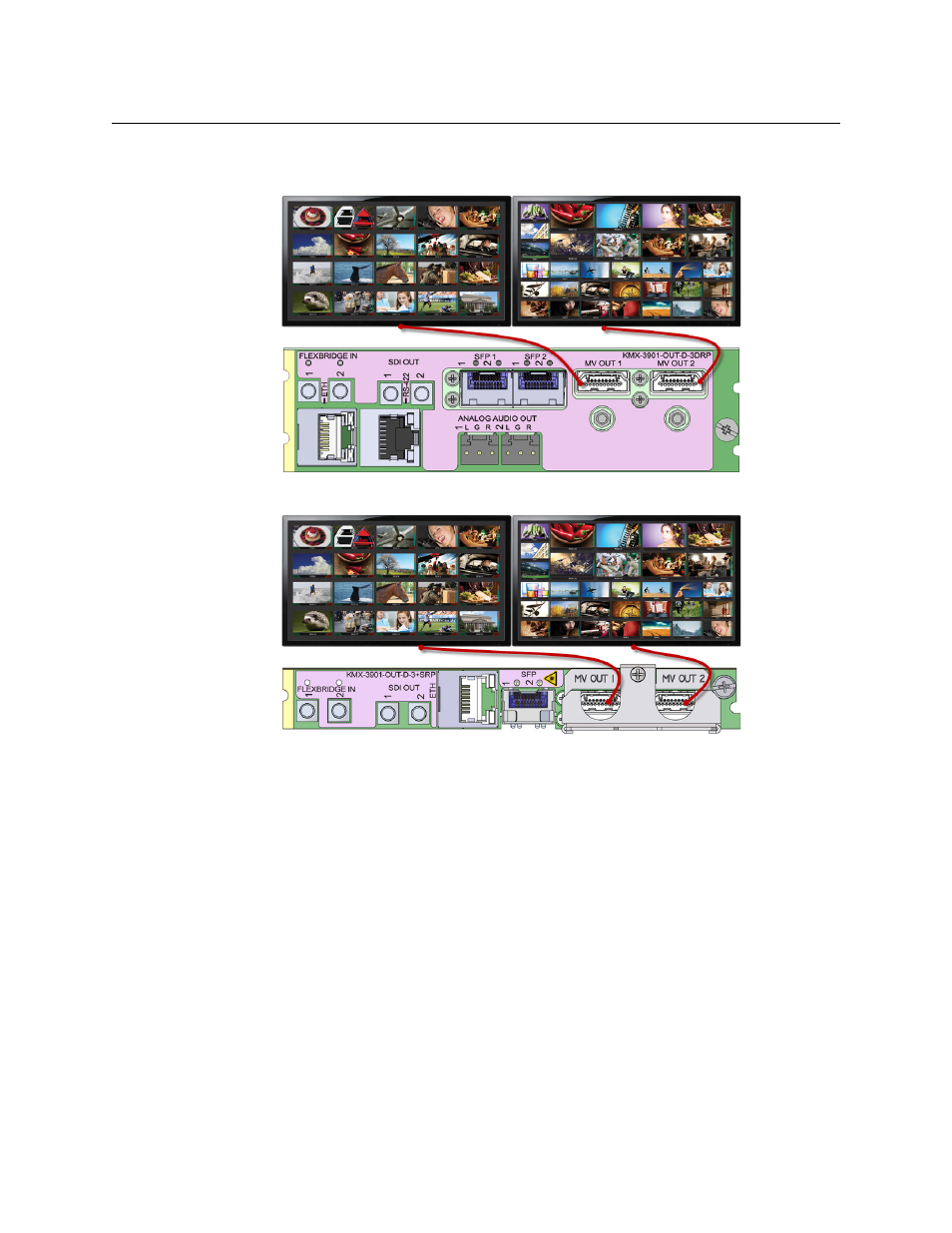
11 Connect your Kaleido-Modular-X output cards to displays that support this resolution.
• Monitor wall displays: Connect the output cards’ MV OUT outputs to the displays.
HDMI outputs on double rear module, connected to displays
HDMI outputs on single rear module, connected to displays
• Quad-link 4K UHD output:
• Four 1080p displays—In the case of a quad-head system meant to output a 4K
UHD signal to four 1080p displays, connect the output cards’ SDI monitoring
outputs to the displays, referring to the table below for proper mapping.
• One 4K UHD display—If your system is meant to output to a single 4K UHD
display, connect the output cards’ SDI monitoring outputs to the display, using
an SDI-to-HDMI converter, if needed. Refer to the table below for proper
mapping.
The SDI outputs are mapped as follows. This configuration does not support
rotated displays. Refer to Creating a 4K UHD Room
, and to 4K UHD Spanning, in the
- Kaleido-Modular-X Jun 11 2014 Kaleido-MX 4K (1RU) Quick Start v.7.80 Kaleido-MX 4K (3RU) Quick Start v.7.80 Kaleido-MX (1RU) Quick Start v.7.80 Kaleido-MX (1RU) Quick Start v.7.70 Kaleido-MX (1RU) Quick Start Jul 16 2014 Kaleido-MX (3RU) Quick Start v.7.80 Kaleido-MX (1RU) Quick Start Dec 17 2014 Kaleido-MX (3RU) Quick Start v.7.70 Kaleido-MX (3RU) Quick Start Jul 16 2014 Kaleido-MX (3RU) Quick Start Dec 17 2014