The 486 system cpu board, Installing the parallel port, Sw1 sw2 – Grass Valley Profile CD-ROM Drive User Manual
Page 35: Cd-rom instructions 35
Advertising
Installing the Parallel Port
CD-ROM Instructions
35
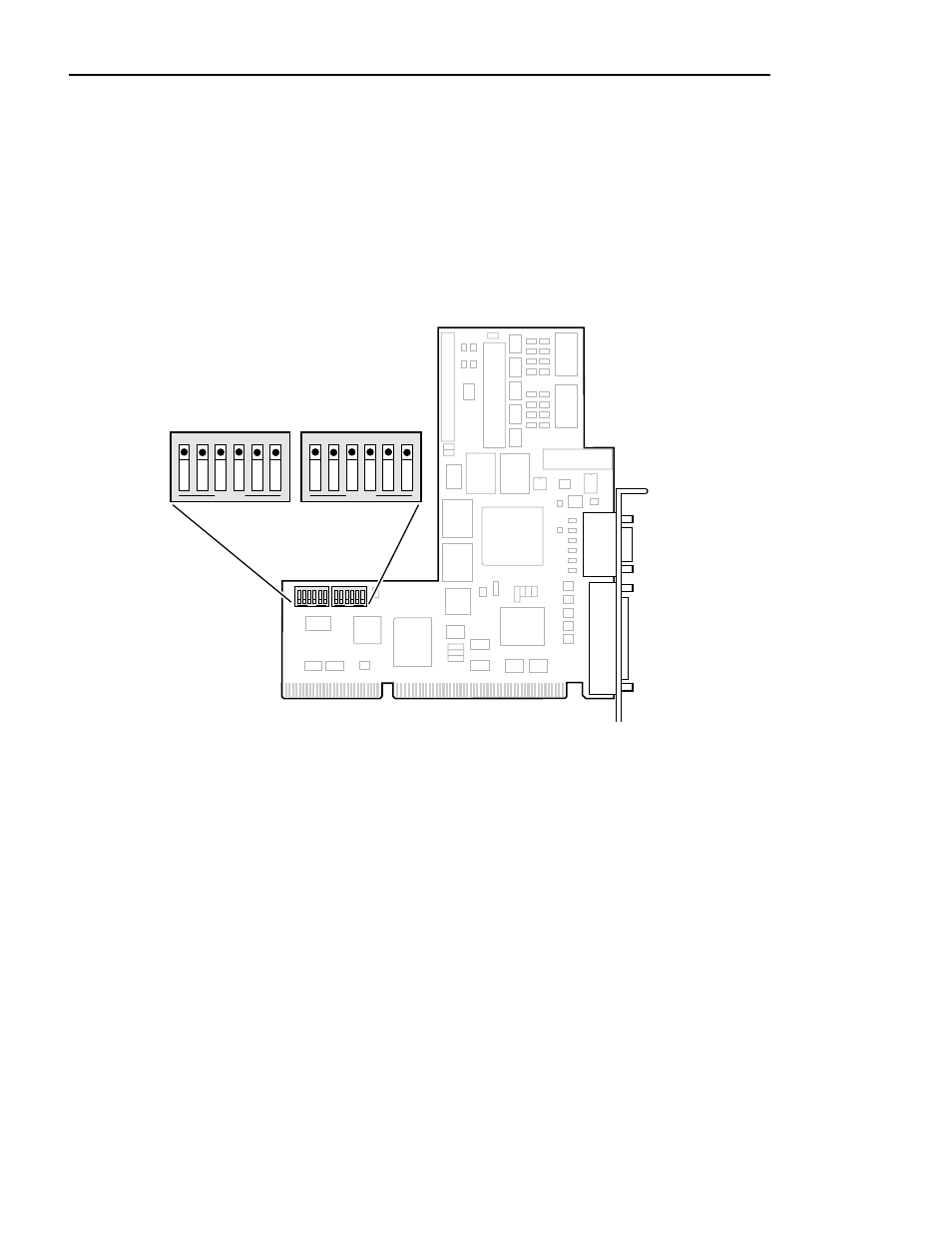
2. Verify that your VGA-I/O board switch settings match Figure 8 for the
CEX595 or Figure 9 for the CEX585, then proceed to “Installing the Parallel
Port L-bracket” on page 39.
NOTE: In some cases, you may have to remove the VGA-I/O board
to gain access to configuration switches. Continue with step 3 on
page 37 of this procedure to remove the VGA-I/O board.
Figure 8. CEX595 VGA-I/O board switch settings when used with the 486 System CPU board
9897-12
1
2
3
4
5
6
OPEN
1
2
3
4
5
6
OPEN
1
2
3
4
5
6
OPEN
1
2
3
4
5
6
OPEN
SW1
SW2
C E X 5 9 5
Advertising