Moving the axes with distance-to-go, 51 x – HEIDENHAIN ND 730 v.1 User Manual
Page 17
Advertising
17
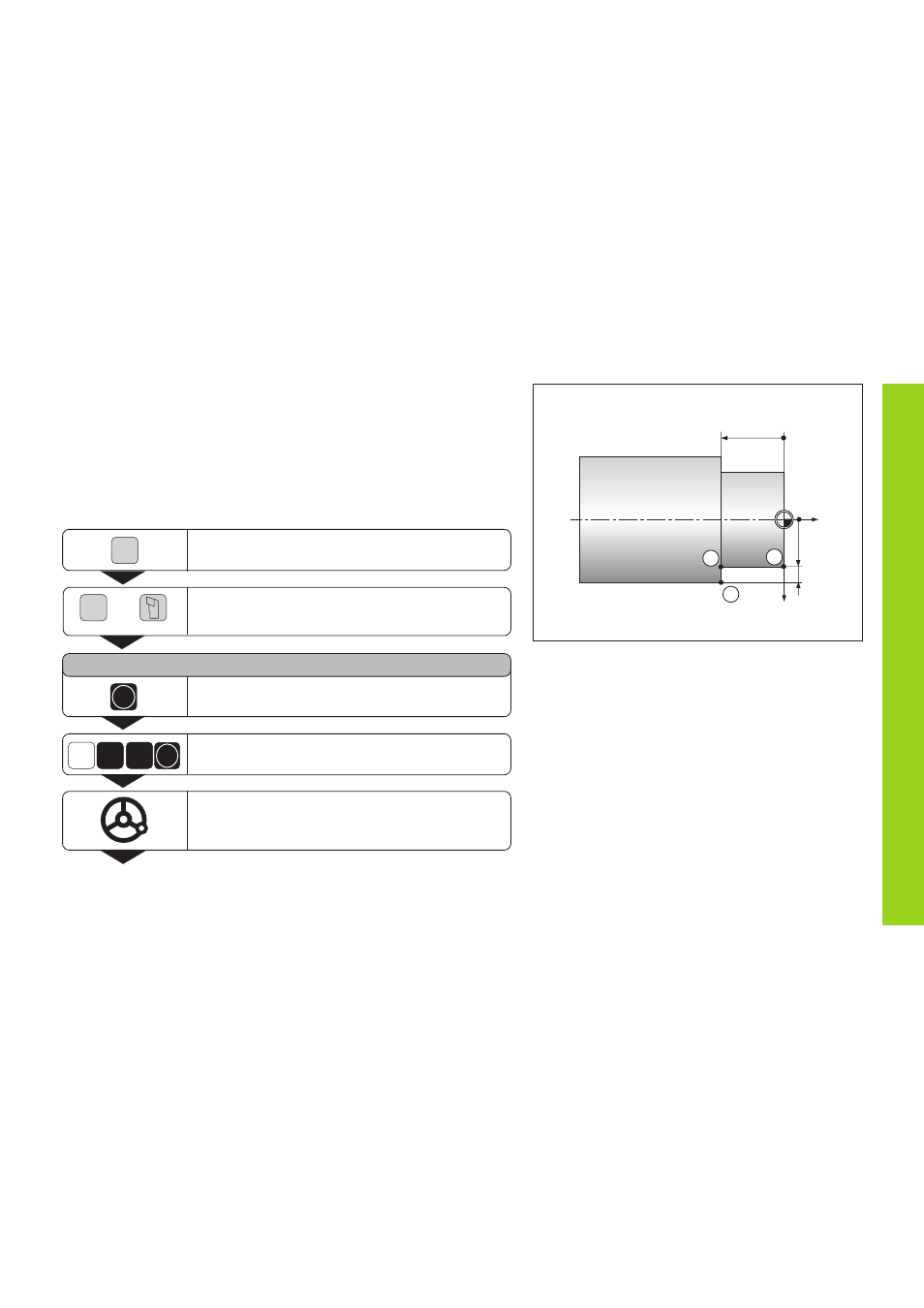
Moving the Axes with the Distance-To-Go Display
Normally, the display shows the actual position of the tool. However, it
is often more helpful to display the remaining distance to the nominal
position (distance-to-go). You can then position simply by moving the
axis until the display value is zero.
Application example: Finish turning a shoulder by traversing to zero
Moving the Axes with Distance-To-Go
Z
1
X
15
2
3
20
0
5
Select Special Functions.
DELTA MODE
Confirm the distance-to-go,
∆
lights up.
Move the X axis until the display value is zero.
The tool is at position
1.
ENT
5
1
X
Select the axis, e.g. X, enter the nominal
coordinate, e.g. 15 mm (radius), confirm with ENT.
SPEC
FCT
ENT
SPEC
FCT
Select Delta Mode.
•
•
•
or
Advertising
This manual is related to the following products: