Opening a dxf file, 1 pr ocessing dxf files (sof tw ar e option) – HEIDENHAIN iTNC 530 (606 42x-01) ISO programming User Manual
Page 219
Advertising
HEIDENHAIN iTNC 530
219
7.
1 Pr
ocessing DXF Files (Sof
tw
ar
e Option)
Opening a DXF file
U
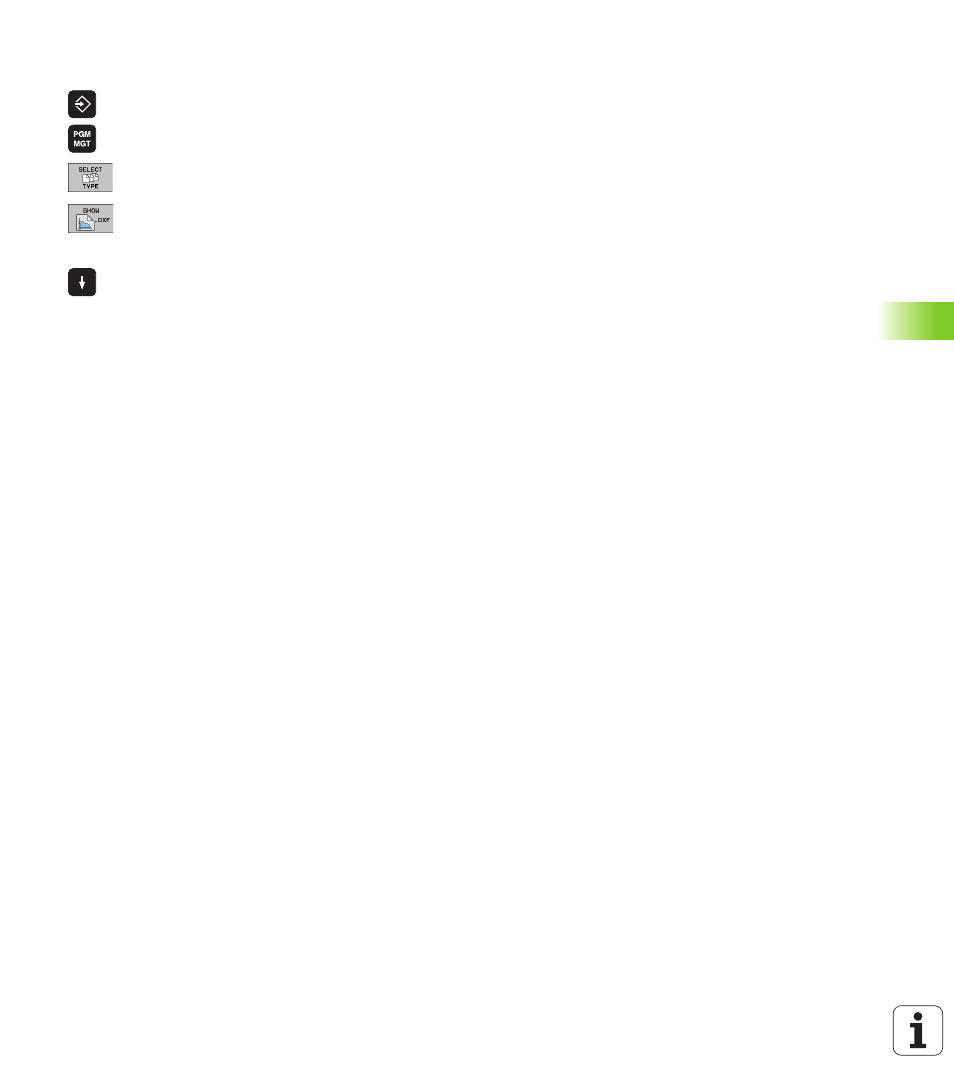
Select the Programming and Editing operating mode
U
Call the file manager
U
In order to see the soft-key menu for selecting the file
type to be displayed, press the SELECT TYPE soft key
U
In order to show all DXF files, press the SHOW DXF
soft key
U
Select the directory in which the DXF file is saved
U
Select the desired DXF file, and load it with the ENT
key. The TNC starts the DXF converter and shows the
contents of the DXF file on the screen. The TNC
shows the layers in the left window, and the drawing
in the right window.
Advertising