Operating panel, 2 v isual displa y unit and k e yboar d – HEIDENHAIN TNC 620 (340 56x-03) ISO programming User Manual
Page 59
Advertising
HEIDENHAIN TNC 620
59
2.2 V
isual Displa
y Unit and K
e
yboar
d
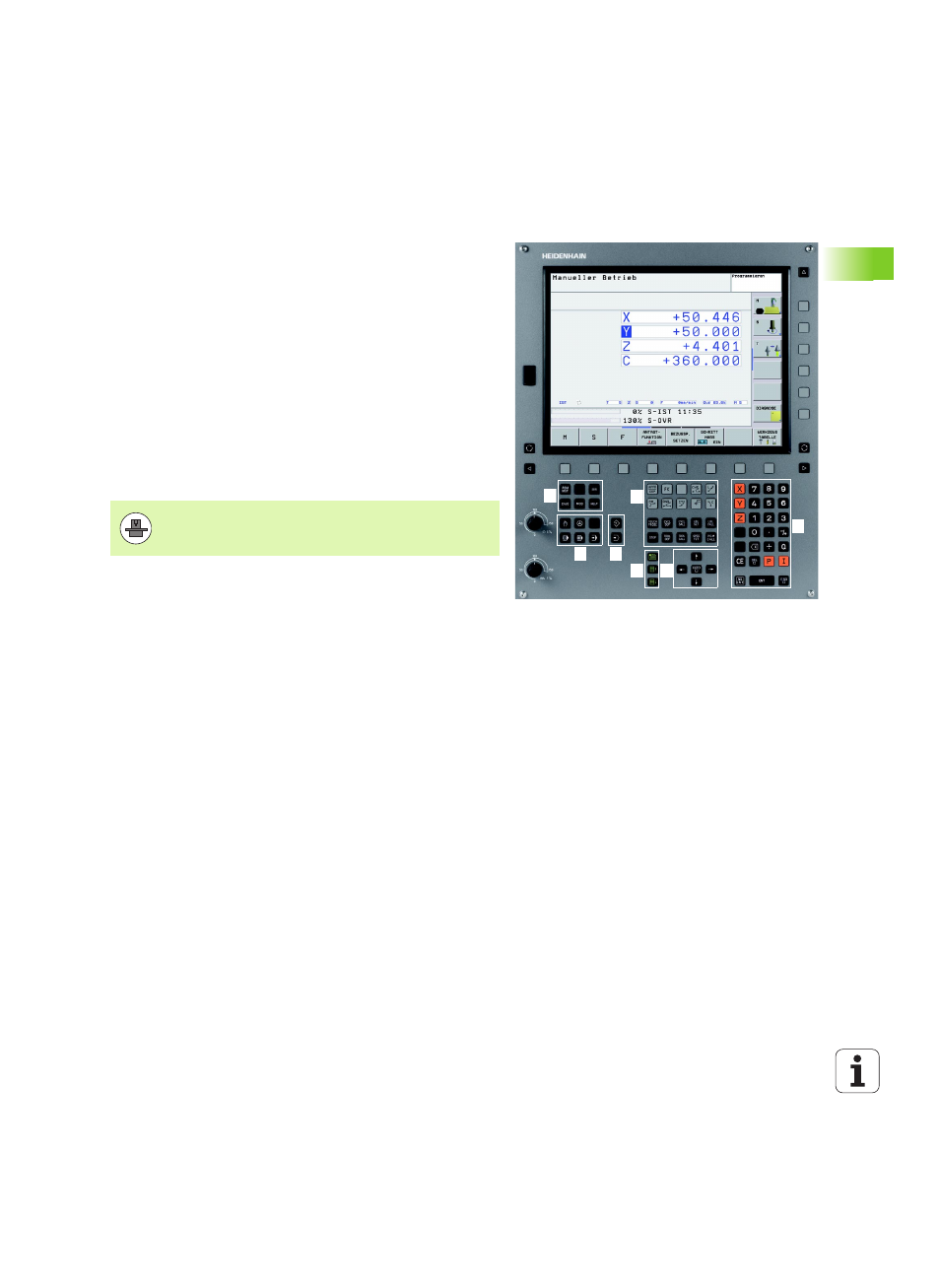
Operating panel
The TNC 620 is delivered with an integrated keyboard. The figure at
right shows the controls and displays of the keyboard:
The functions of the individual keys are described on the inside front
cover.
1
2
3
5
1
4
6
7
7
1
1
File manager
On-line calculator
MOD function
HELP function
2
Programming modes
3
Machine operating modes
4
Initiation of programming dialog
5
Arrow keys and GOTO jump command
6
Numerical input and axis selection
7
Navigation keys
Machine panel buttons, e.g. NC START or NC STOP, are
described in the manual for your machine tool.
Advertising