Watch television, Beo6 operation, Useful hints – Bang & Olufsen BeoVision 7-40/55 Getting Started User Manual
Page 10
Advertising
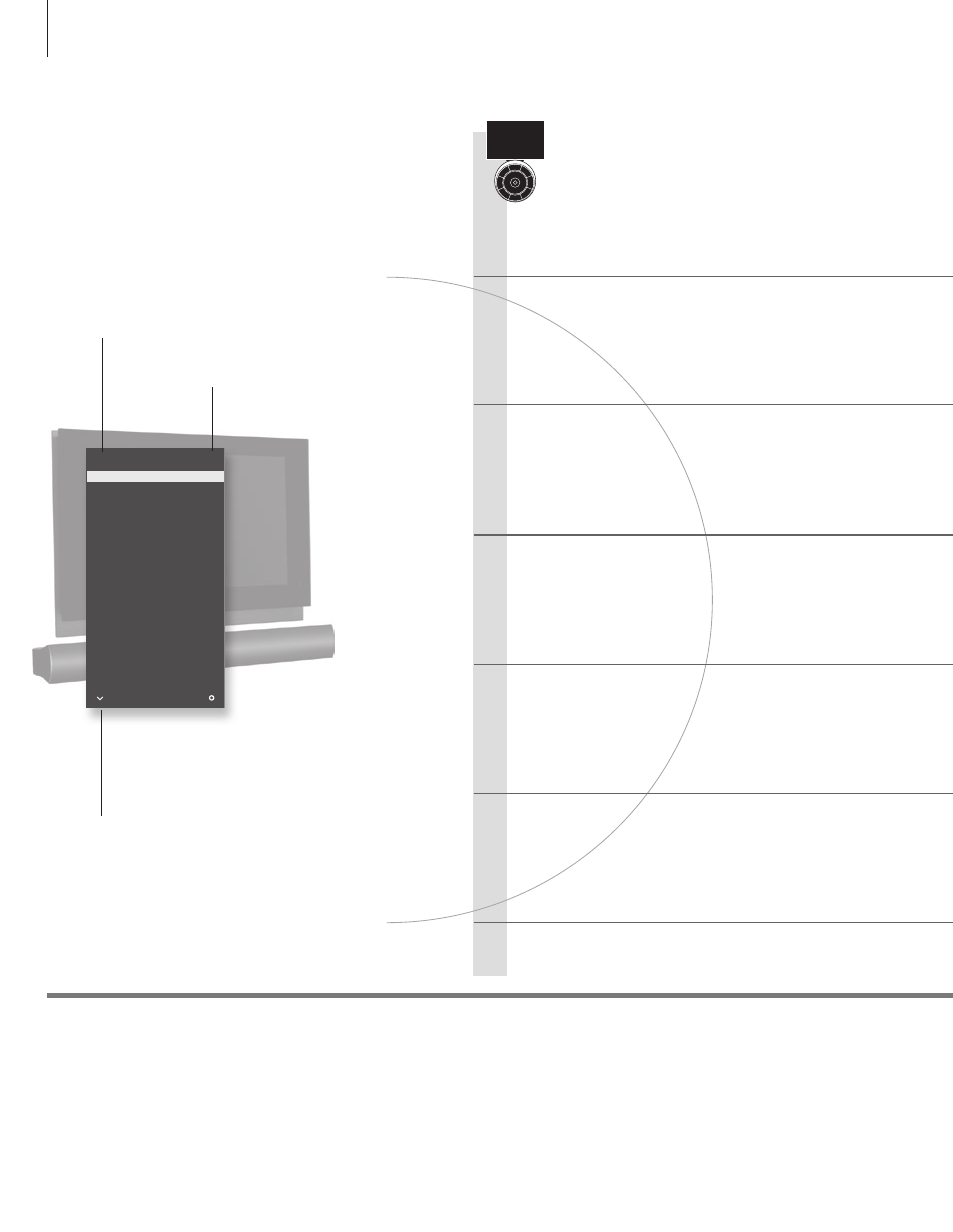
Watch television
Choose a TV channel by its number or switch to another
channel. Adjust the sound volume and turn the TV.
Activate the TV source to use these functions
Switch on the TV
Select a TV channel
Bring up a channel list
Adjust the volume
Turn the TV
Switch off the TV
Useful hints
If your television is equipped with a motorised stand, you can turn it
by means of the remote control
1
*TV positions Position 1 is the far left position and Position 9 is the far right. Position 5 is the centre position.
Beo6 operation
TV CHANNEL LIST
CNN
1
…
2
DISCOVER
3
CWNBC
4
BBCWORLD
5
…
6
…
7
…
8
SUPER CH
9
…
10
CRIME TV
11
CINEMA
12
…
13
MOVIE NW
14
…
15
…
16
…
17
…
18
more
select
10
Channel name
Channel number
Indicates that more channels are
available
Advertising
This manual is related to the following products: