Casio CW-L300 User Manual
Page 55
Advertising
54
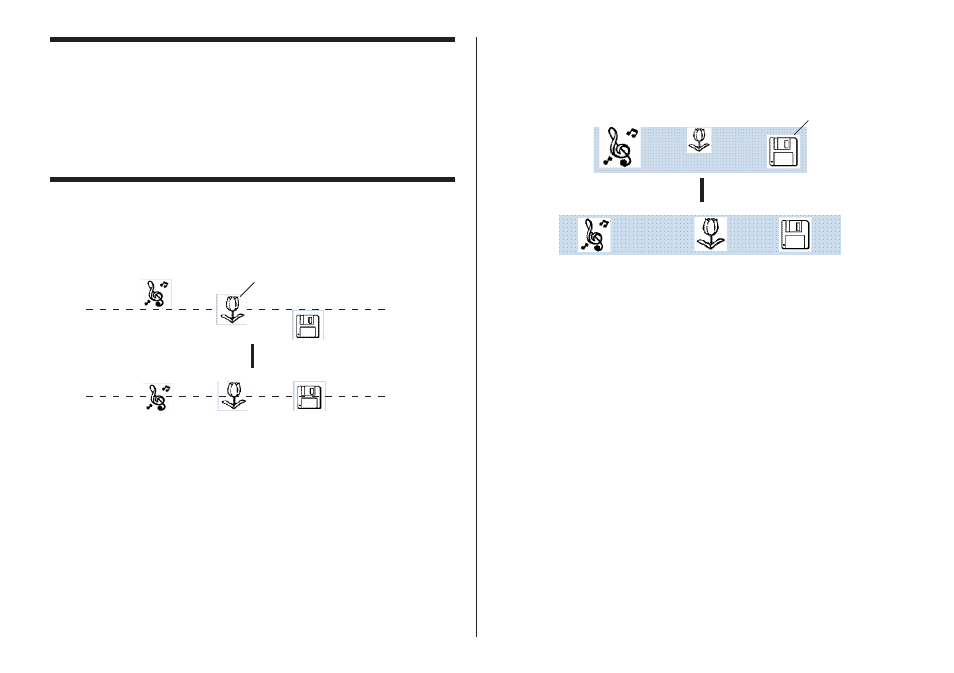
■ To make multiple fields the same size
You can resize multiple fields so they are the same size as a reference field
that you specify.
Example: Resizing fields by height and width
L
L
L
L
L
Reference field
Aligned fields
Aligning and Resizing Fields
(Free Design Template)
A selection of useful commands makes it possible to instantly position fields
on a label and to make multiple fields the same size (See page 46).
Note
You can use the following procedures for both text fields and image fields.
■ What is alignment?
The DISC TITLE PRINTER application lets you align multiple fields vertically
or horizontally in relation to a reference field that you specify.
Example: To center fields vertically
L
L
L
L
L
Reference field
Aligned fields
Advertising
This manual is related to the following products: