Step 4: setting the optimum position – Silvercrest STW 32 - 60 A1 User Manual
Page 35
GB
33
STW 32 - 60" A1
Step 4: Setting the optimum position
♦
The wall bracket has various setting options with which the TV set can be
aligned to the best position.
WARNING
►
Always carry out all movements carefully so that the cables are not damaged.
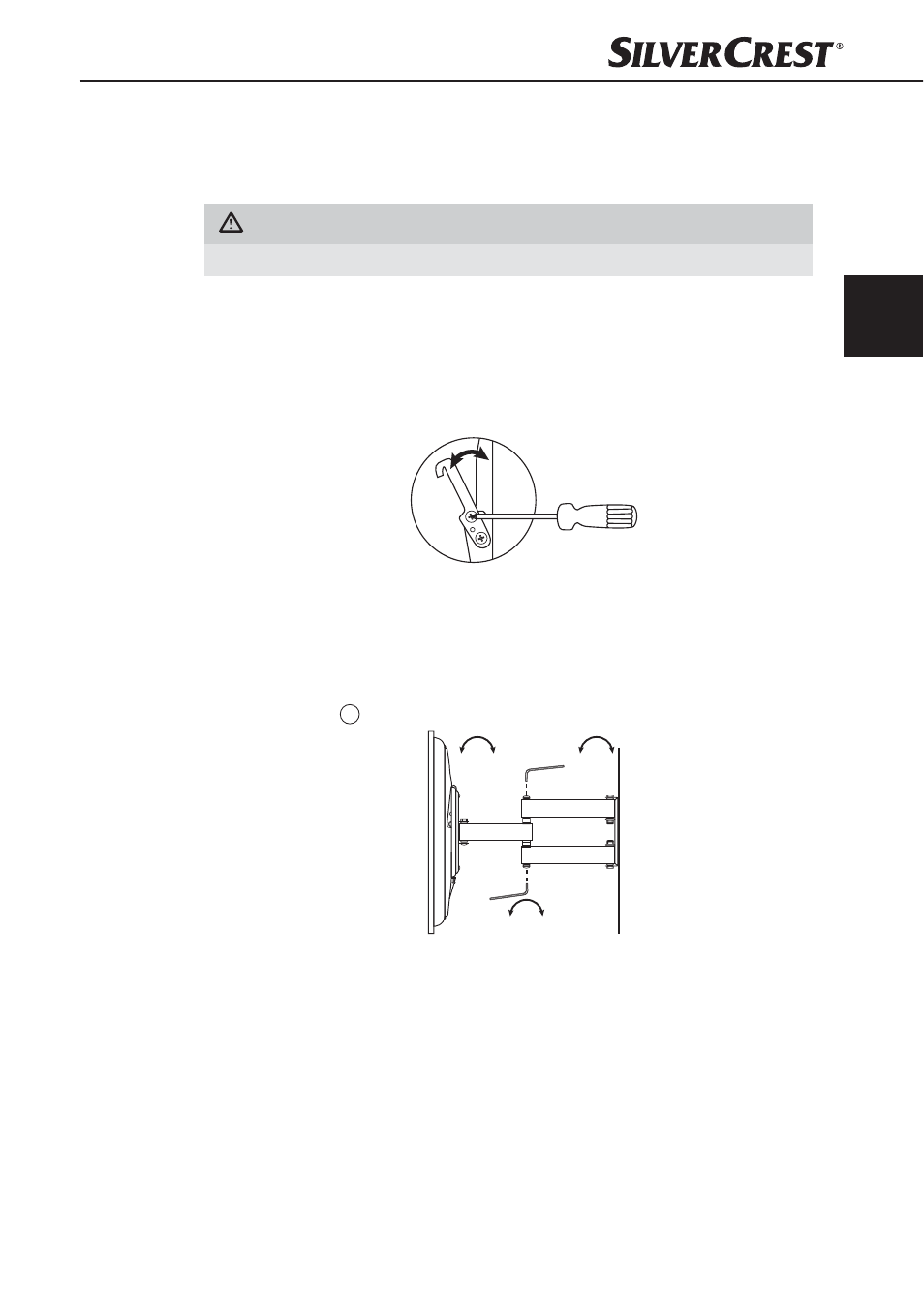
Vertical tilt angle
♦
The vertical tilt angle can be set between 0° and 12° (depending on the
TV set).
♦
Align the TV set as per your requirements and then tighten the screws on
the joint of the mounting rails using a Phillips screwdriver.
0-12°
Left/right pan and rotation
♦
You can pan and rotate your TV set on the wall bracket ± 90° to the left
or right.
♦
Set the required position and tighten the screws on the mounting arm using
an Allen key
I
.
±
90°
±
90°
±
90°
IB_106956_STW32-60A1_LB2.indb 33
04.12.14 09:52